NTAG Tips PN532
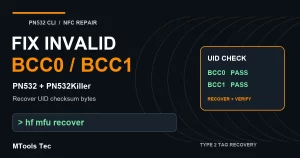
Fix Invalid BCC0 or BCC1 with PN532 CLI
UHF Reader Tag Clone
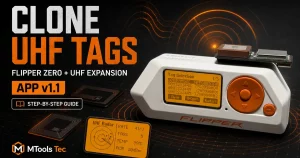
How to Clone a UHF Tag with Flipper Zero
UHF Reader Tag Clone

MTOOLS TEC SUPPORT
Find answers about orders, invoices, shipping and app activation.
Jump to a topic: Invoices · Orders · Shipping · App activation · Returns & support
Need an invoice for your purchase? Choose the option that matches your order.
Log in to your MTools Tec account, open Orders, select your order and download its invoice from your account dashboard.
Email [email protected] and include your order number to request an invoice.
You can find your order number in your order confirmation email.
If you ordered with a registered account, sign in to My Orders to view your order. If you checked out as a guest, refer to your confirmation email and use Track My Order with your order number and billing email address.
Check your spam or junk folder and confirm which email address you used at checkout. If you still cannot find it, email [email protected] with the email address used for your purchase and your order number, if available.
Contact [email protected] as soon as possible with your order number and the requested change. Whether a change is possible depends on the order’s processing and shipping status; please wait for confirmation from support.
Email [email protected] with your order number so we can help you obtain the invoice.
Physical products ship from our warehouse in Guangzhou, Guangdong, China. Available shipping methods and costs are shown at checkout for your destination.
Our Shipping Policy lists handling within 48 hours, with standard delivery typically taking 7–21 days and express delivery typically taking 3–7 days. These are estimates: carrier handling, flight availability, customs and local delivery can affect arrival times. Check the product page for any preorder or availability notice.
Look for the shipping confirmation email with your tracking information, or visit Track My Order and enter your order number and billing email address.
A shipping label may be created before the carrier’s first scan. Check the latest tracking information and allow time for carrier updates. If delivery is beyond the estimated timeframe or tracking shows a problem, email [email protected] with your order number and tracking number.
Our Shipping Policy states that standard and express shipping exclude taxes. Check the taxes shown at checkout and the terms for your shipment; destination customs or carrier charges may apply. If you have a question about charges on a specific order, contact support with your order number.
For the MTools Android app, copy and submit the code in the app’s activation screen. For MTools BLE on Android or iOS, sign in with your MTools Tec account in the app and link your purchase order. Follow the instructions supplied with your activation product.
Device limits depend on the app and the activation product you purchased. Check your product’s current license information and activation instructions. If you are moving to another device or are unsure which license applies, contact support with your order number, app name and platform.
Check your order email, including spam or junk folders, and your account’s order or license information if you have an account. If the details are missing, email [email protected] with your order number and the email address used at checkout.
Send your order number, app name, app version, Android or iOS version, and a screenshot of the error to [email protected]. Avoid posting activation codes or account passwords in public comments.
Contact [email protected] promptly with your order number, product name, a description of the issue and clear photos or a short video. See our Return Policy for conditions and time limits.
Read the Return Policy and contact support before sending anything back. Wait for return authorization and the correct return address. Do not use the sender address printed on your parcel as a return address.
Start with the instructions on your product page and our tutorials. For help choosing compatible hardware or troubleshooting, contact support with the product model, app or firmware version, and details of what you are trying to do.
Email [email protected]. Include your order number so we can find your purchase quickly. For technical questions, add your product model and a screenshot or short description of the issue.
 Home
 Reader



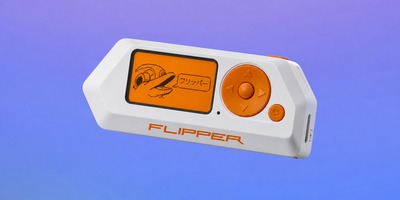
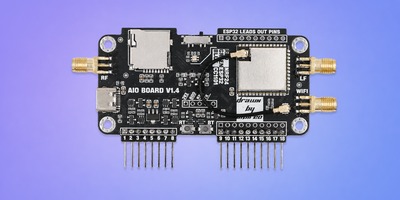
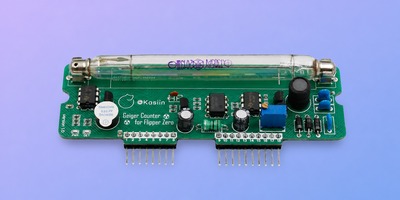
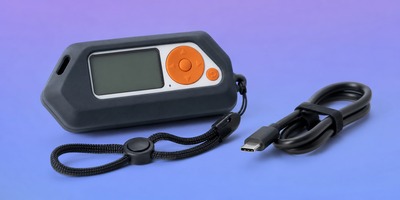
 Flipper
 Cardputer
 Software
 Windows
 PCSC Mifare Program
 Chameleon Ultra GUI
 iOS
 Android
 Web
 Magic Card
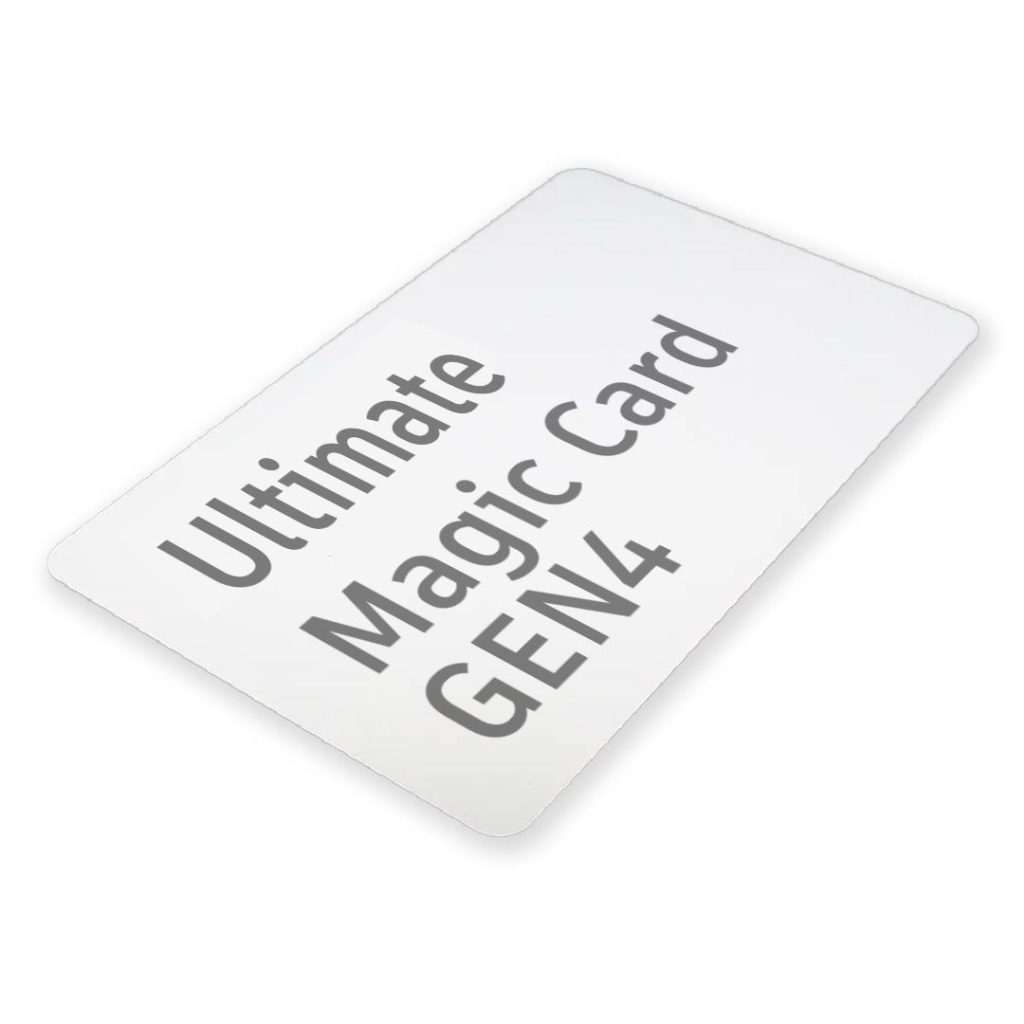
 Ultimate Magic Card
 4B UID S70 4K KeyFob
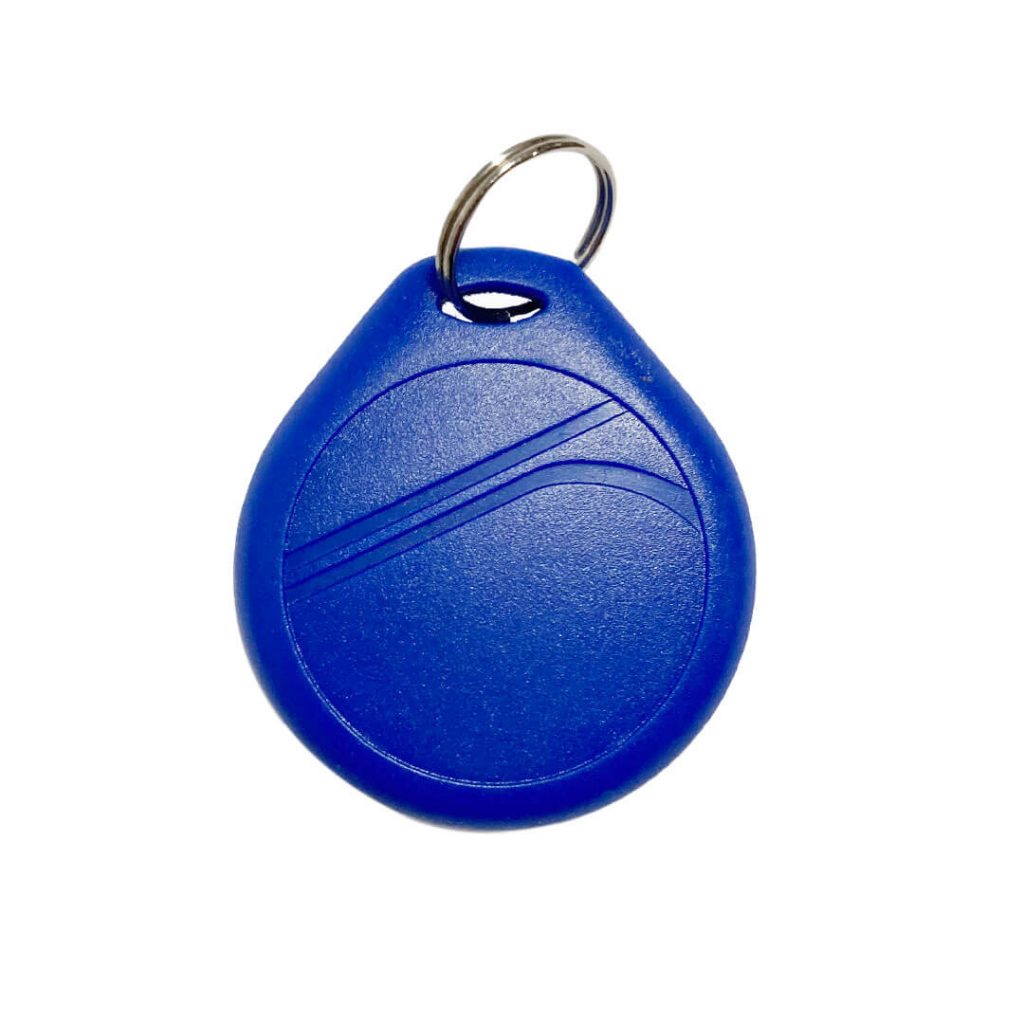
 6-in-1 KeyFob
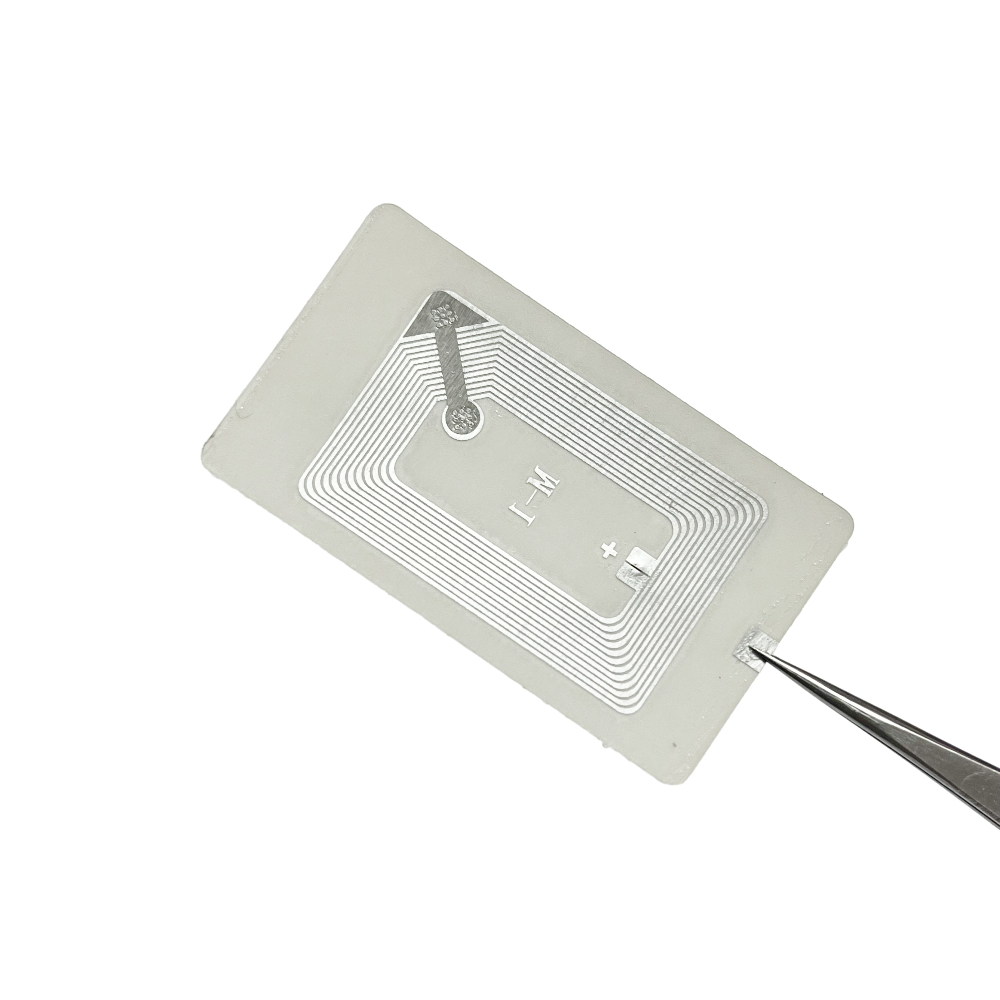
 NTAG 213 215 216
 ISO15693 TAG – 64B
 Gen2 ISO15693 Coin
 RFID Reader
 PN532 BLE
 PcrReader(IC+ID)
 PN532Killer
 GroveNFC
 Proxmark3 RDV4
 iCopy-XS
 UHF Reader
 NFCKill Pro
 125KHz T5577 Cloner
 RFID Emulator
 Chameleon Ultra SE
 Chameleon Mini 2022
 Pixl.js OLED
 RFID Detector (LF HF UHF)
 RF Detector (LF HF)
 Lora
 Meshtiny
 GAT562 Pro
 GAT562 30s Kit
 Wio Tracker L1P
 WiFi Deauthor
 WiFi Killer Pro
 Plugin
 店小秘 PayPal 物流同步
 Product Category Banner
 YMM Car Bulb Size
 Attributes Separator
 OpenAI Reviewer
 Code
 MTools Activation Code
 View All