NTAG Tips PN532
Fix Invalid BCC0 or BCC1 with PN532 CLI
UHF Reader Tag Clone
How to Clone a UHF Tag with Flipper Zero
UHF Reader Tag Clone


Original price was: $5.99.$4.79Current price is: $4.79.
Gen3 S70 4K magic card with a rewritable 4-byte UID (8 hexadecimal digits). Now supported by Flipper Zero with MTools.
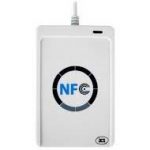
Also works with supported PN532 / PN532Killer, Proxmark3, ACR122U and iCopy-XS tools. Built-in phone NFC cannot directly change the UID.
GEN3 MAGIC CARD · S70 4K · 4-BYTE UID
A MIFARE Classic-compatible S70 4K magic card with a changeable 4-byte UID. Use Flipper Zero with MTools, PN532 / PN532Killer, or Proxmark3 for supported Gen3 workflows.
4-byte UID | S70 4K | Gen3 / APDU
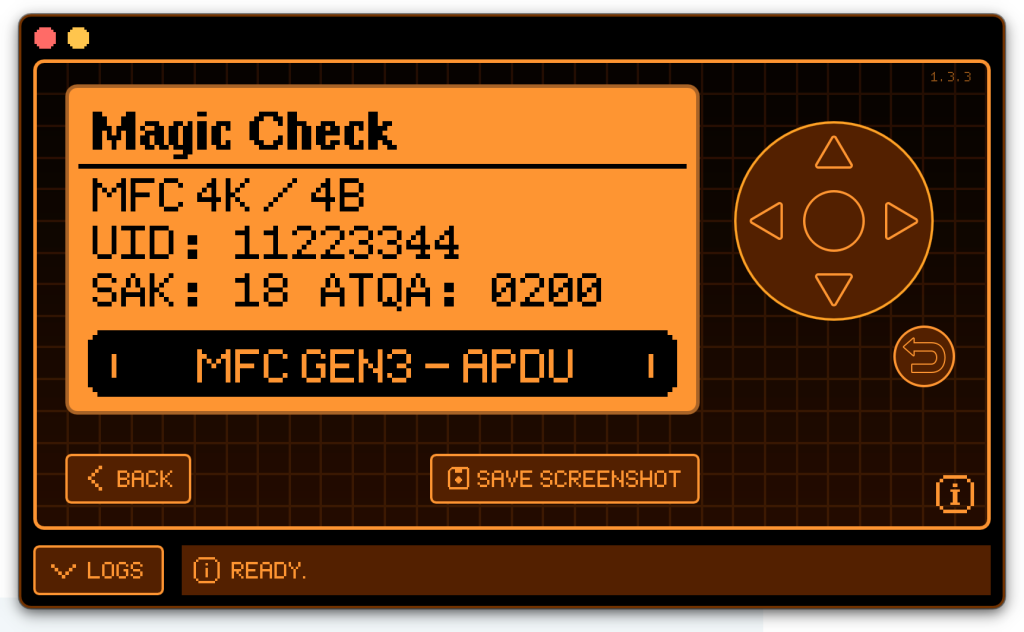
The supplied screenshots show this 4-byte model detected by MTools, plus UID changes with PN532Killer and Proxmark3.
Use a reader and software combination that supports Gen3 magic cards.

USB with PN532 CLI, or a compatible Bluetooth connection with MTools BLE.

Inspect the card and change its 4-byte UID with Gen3 commands.

HF card inspection and supported Gen3 UID operations.
Install MTools for Flipper Zero for supported Gen3 magic-card tools.
Use the MTools app for Flipper Zero with this 4-byte S70 4K card to access supported Gen3 magic-card functions.
The supplied Magic Check screenshot shows MFC 4K / 4B, UID 11223344, SAK 18, ATQA 0200 and MFC GEN3 – APDU detection.
This screen confirms identification and capability detection. After changing the UID, read the card again to verify the saved value.
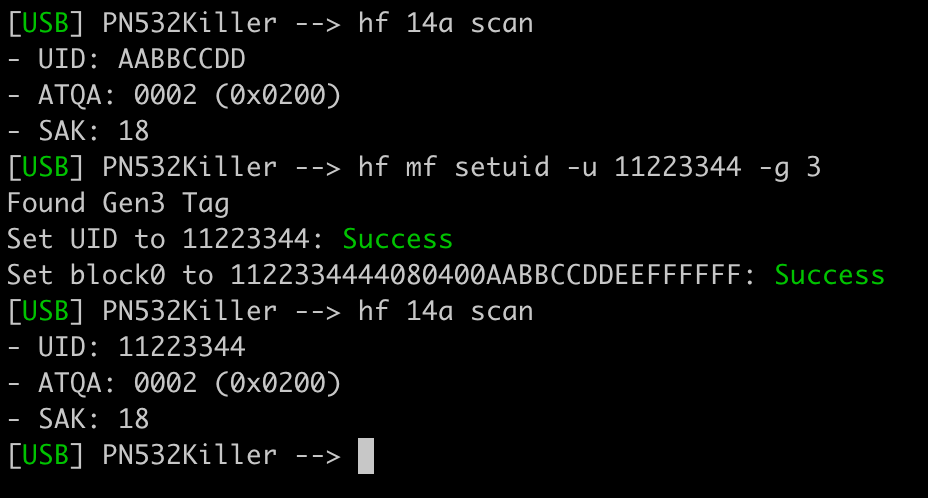
The supplied PN532 CLI session scans UID AABBCCDD, detects a Gen3 tag and successfully writes 11223344. A second scan confirms the new UID.
hf 14a scan
hf mf setuid -u 11223344 -g 3
hf 14a scan
The -g 3 option selects Gen3. A 4-byte UID contains 8 hexadecimal digits.
Use PN532 CLI with All-in-one PN532 or PN532Killer and compatible firmware.
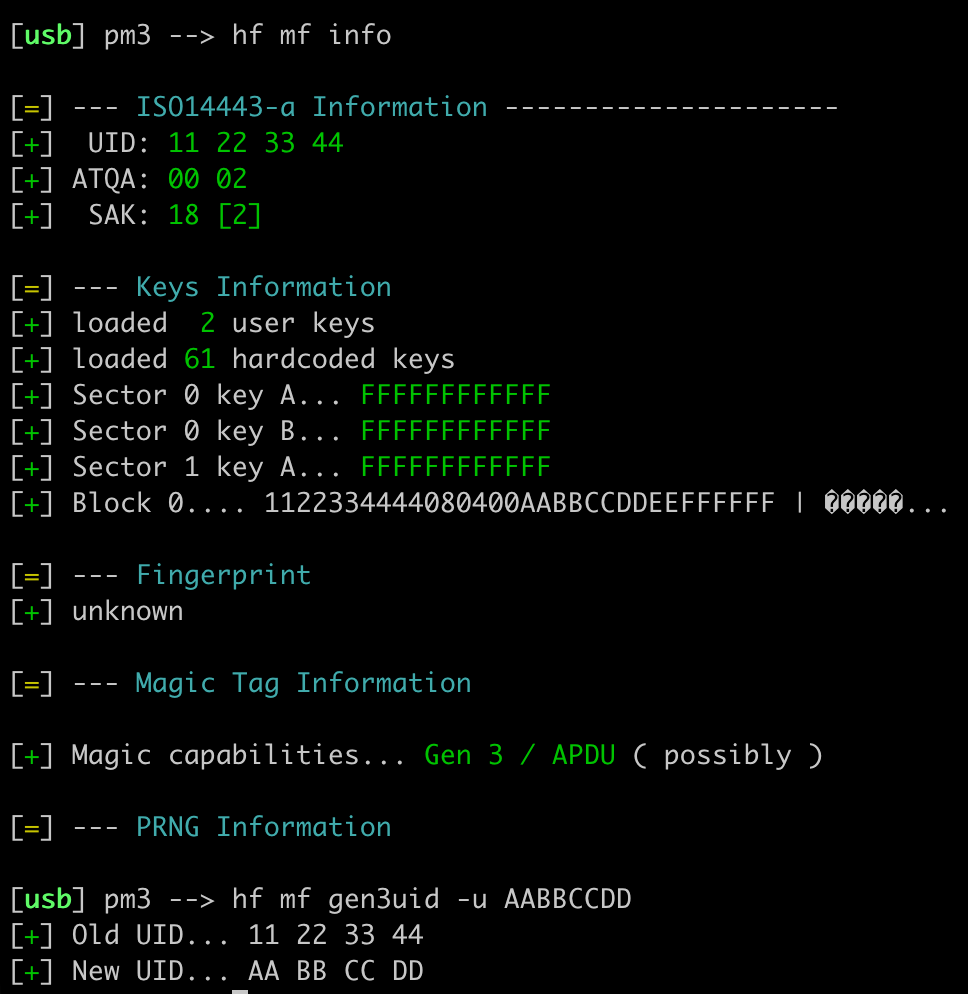
The supplied output shows UID 11 22 33 44, SAK 18 and Gen 3 / APDU (possibly) magic capabilities. The subsequent Gen3 UID command reports the new UID as AA BB CC DD.
hf mf info
hf mf gen3uid -u AABBCCDD
Use Proxmark3 X or Proxmark3 RDV4.01 with a compatible client and firmware. Read the card again after writing to confirm the result.
Use the UID Changer in MTools BLE with a supported external Bluetooth reader to change the UID of compatible Gen3 magic cards.
Supported devices:
Choose the Gen3 UID-changing function and enter the UID length required by your card. Read the card again after writing to verify the saved UID.
UID Changer is a paid feature of MTools BLE. Supported operations depend on the reader firmware and app version.
Download MTools BLE from the Play Store or App Store.
ACR122U can be used with PCSC_Mifare_Secure for Windows. iCopy-XS supports this card with compatible Gen3 tools.
11223344.Phone NFC: built-in Android and iOS NFC cannot directly change this UID. Mobile UID changes require a compatible external reader.
PCR532: can read and write card data, but cannot change this Gen3 UID.
Choose the right UID length: this is the 4-byte S70 4K model. For a 7-byte UID, see the 7-byte S70 4K card. Reader compatibility also depends on card data and application requirements.
Trademark notice: MIFARE®, MIFARE Classic®, MIFARE Ultralight®, and MIFARE DESFire® are registered trademarks of NXP B.V. This compatible product is not manufactured, sponsored, endorsed, or authorized by NXP B.V. Trademark references are used solely to identify product compatibility.
| Weight | 0.1 kg |
|---|
| UID Changeable | Yes (Backdoor Command) |
|---|---|
| Working Temperature | -20°C-70°C |
| Protocol | |
| UID Length | |
| Memory | |
| Device Support | ACR122U, iCopy-XS, PN532, Proxmark3 X, Chameleon Ultra, Proxmark3 RDV4 |
| Android App | |
|---|---|
| iOS App |
| Weight | 0.1 kg |
|---|---|
| UID Changeable | Yes (Backdoor Command) |
| Working Temperature | -20°C-70°C |
| Protocol | |
| UID Length | |
| Memory | |
| Android App | |
| iOS App | |
| Device Support | ACR122U, iCopy-XS, PN532, Proxmark3 X, Chameleon Ultra, Proxmark3 RDV4 |
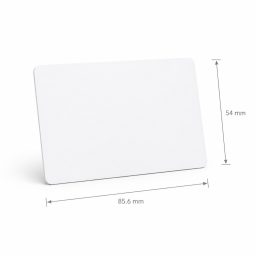
 4-Byte UID Changeable 4K S70 Magic Card (MIFARE® Compatible)
Hi Artur,
The S70 magic card does not support changing the ATS, the Gen4 Ultimate Magic card supports that.
The virtual products are delivered by email in time when order with only virtual products.
We offer both standard and expedited shipping options for our customers. The delivery times may vary depending on the shipping address.
Yes, once your order has been dispatched, we will send you a shipping confirmation email with your tracking number. You can use this number to track your shipment’s progress.
The delivery time varies depending on your location and the chosen shipping option. Typically, it takes about 5-10 business days for standard shipping and 2-5 business days for expedited shipping.
Shipping is usually available to all parts of the world. However, restrictions may apply to certain countries or regions due to international laws or shipping carrier limitations.
If you haven’t received your order within the expected delivery timeframe, please contact our customer support team. We will help to track your shipment and provide updates.
If your order arrives damaged, please contact our customer support immediately. We will initiate the return process and take necessary steps to rectify the situation.
Depending on the status of your order, it may be possible to change the shipping address before the package dispatched oversea. Please contact our customer support as soon as possible to request changes.

White Card
White Card


 Home
 Reader







 Flipper
 Cardputer


 Software
 Windows
 PCSC Mifare Program
 Chameleon Ultra GUI
 iOS
 Android
 Web
 Magic Card
 Ultimate Magic Card
 4B UID S70 4K KeyFob
 6-in-1 KeyFob
 NTAG 213 215 216
 ISO15693 TAG – 64B
 Gen2 ISO15693 Coin
 RFID Reader
 PN532 BLE
 PcrReader(IC+ID)
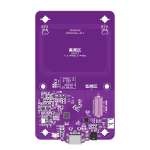 PN532Killer
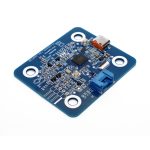 GroveNFC
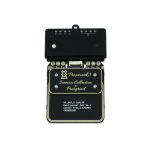 Proxmark3 RDV4
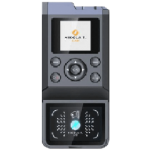 iCopy-XS
 UHF Reader
 NFCKill Pro
 125KHz T5577 Cloner
 RFID Emulator
 Chameleon Ultra SE
 Chameleon Mini 2022
 Pixl.js OLED
 RFID Detector (LF HF UHF)
 RF Detector (LF HF)
 Lora
 Meshtiny
 GAT562 Pro
 GAT562 30s Kit
 Wio Tracker L1P
 WiFi Deauthor
 WiFi Killer Pro
 Plugin
 店小秘 PayPal 物流同步
 Product Category Banner
 YMM Car Bulb Size
 Attributes Separator
 OpenAI Reviewer
 Code
 MTools Activation Code
 View All
Reviews
There are no reviews yet