UHF Reader Tag Clone
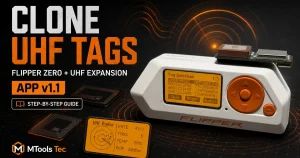
How to Clone a UHF Tag with Flipper Zero
UHF Reader Tag Clone

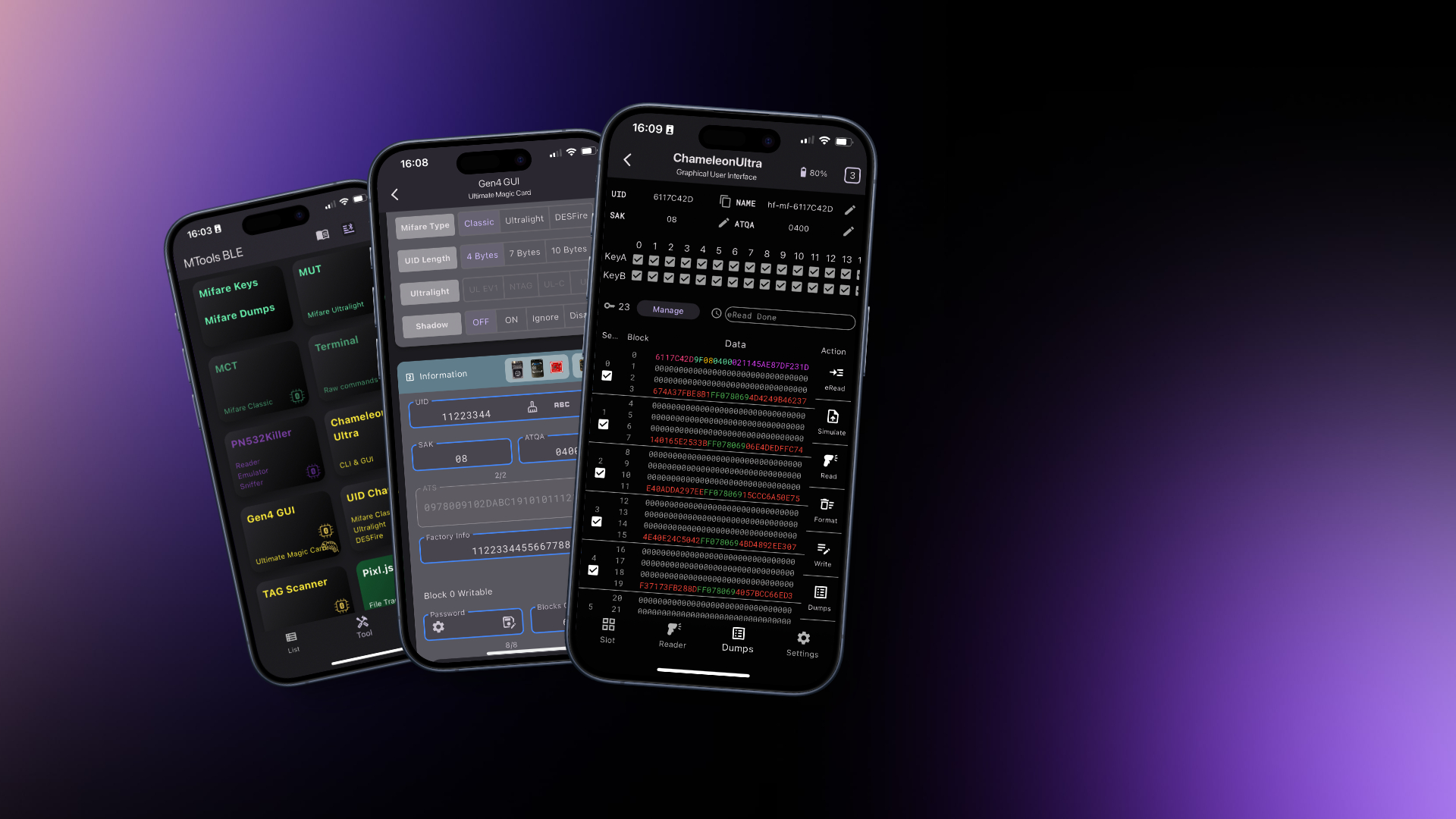
MTools BLE connects supported RFID hardware to iPhone, iPad and Android.
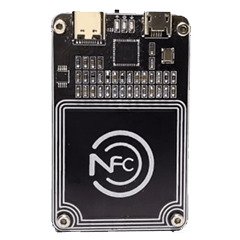
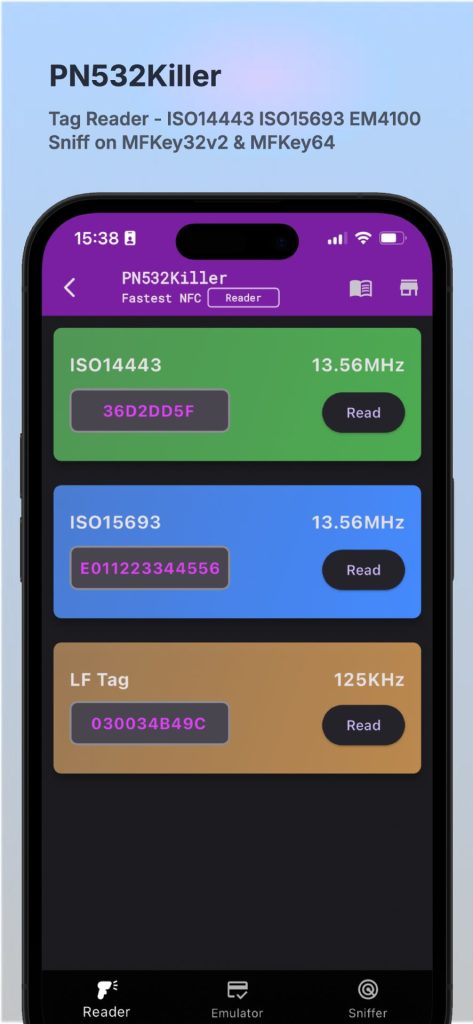
MTools BLE supports PN532 and PN532Killer with BLE extension for ISO14443A Tag operations. Also it can run MFKey32v2 and MFKey64 with PN532Killer under sniff mode.

MTools BLE includes HEX utilities such as XOR and a BCC calculator, with structured sector highlighting for easier reading and analysis.
A user-friendly interface for managing slots and uploading dumps to Chameleon Ultra without complex command-line steps.
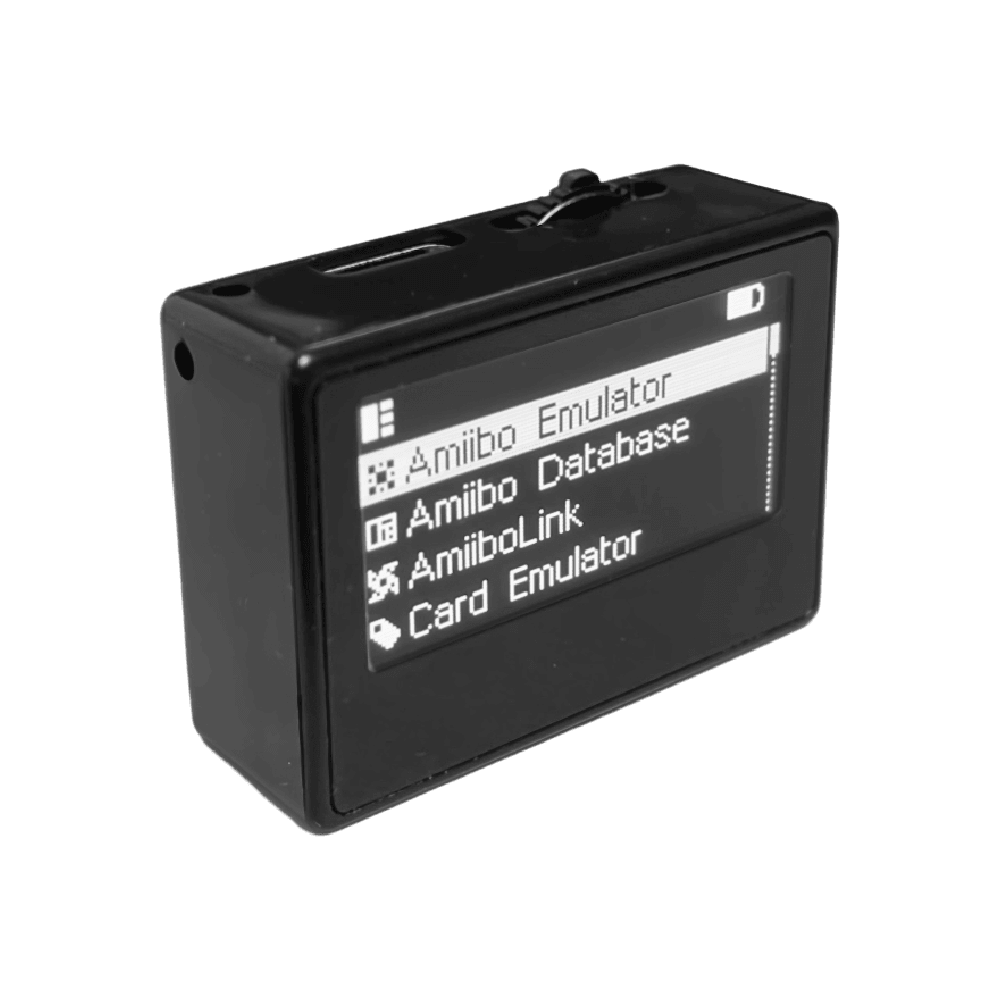
One-click firmware update tool for Pixl.js OLED and LCD. Bluetooth file manager and dump manager to slot manager.
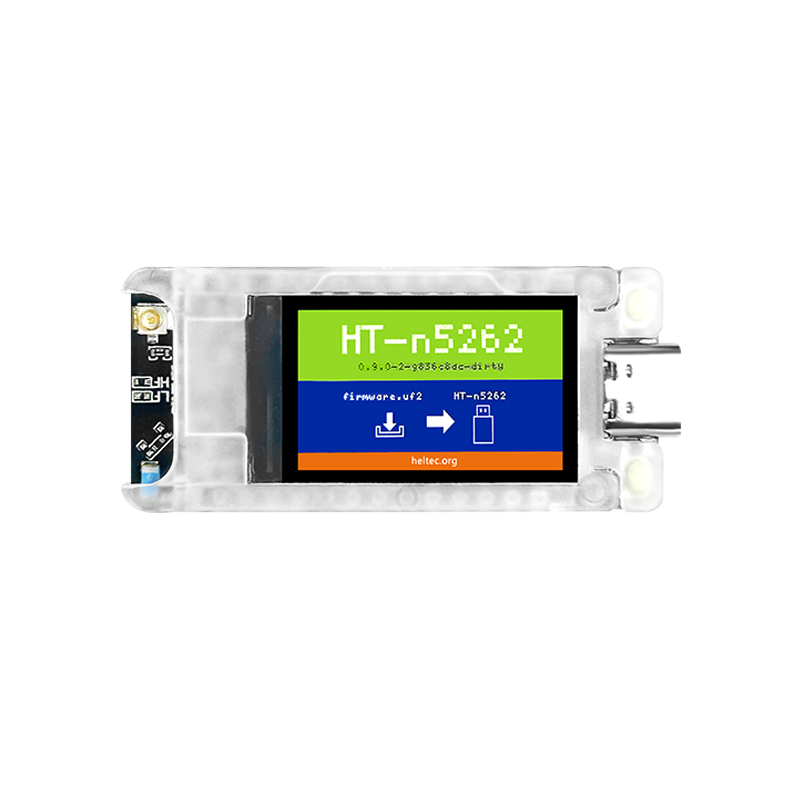
Super easy device firmware update on nRF52840 Meshtastic devices by several clicks.
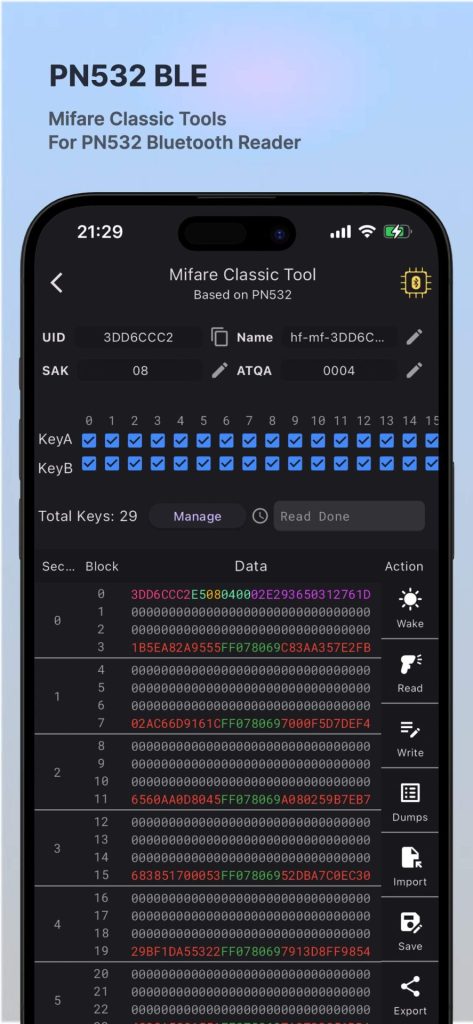


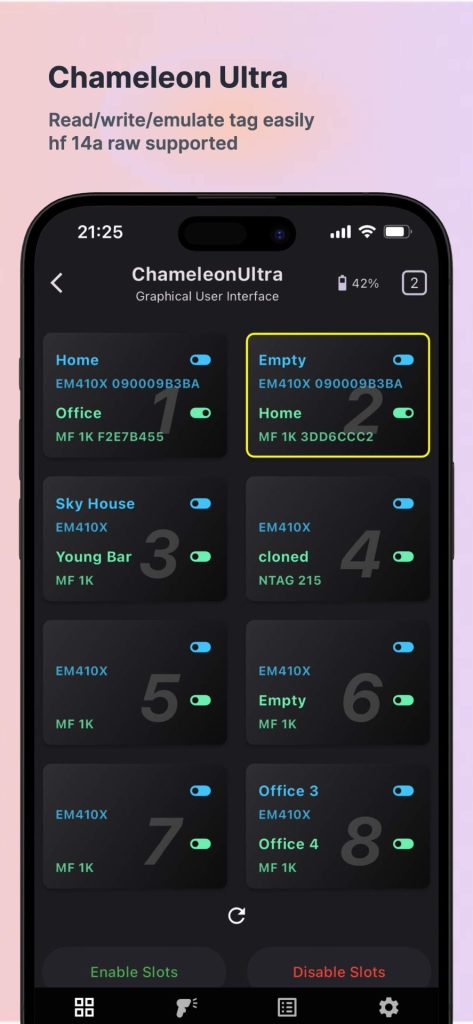
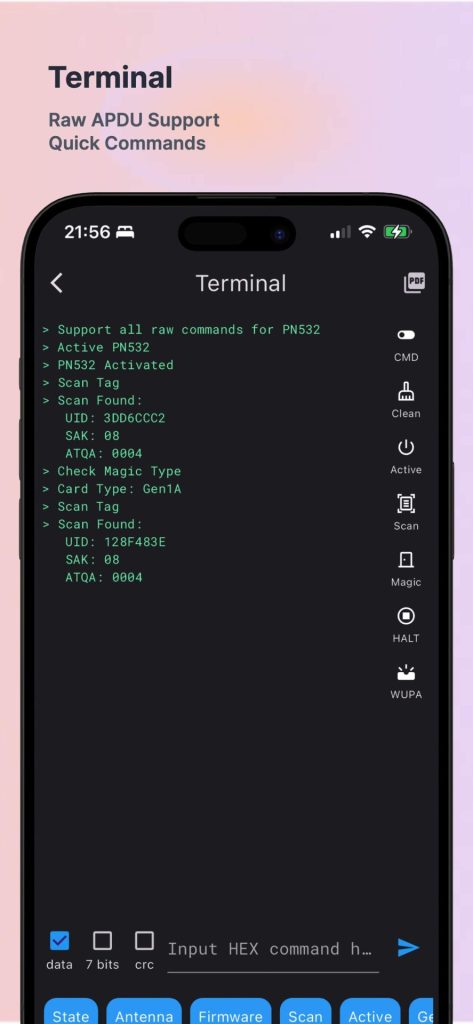
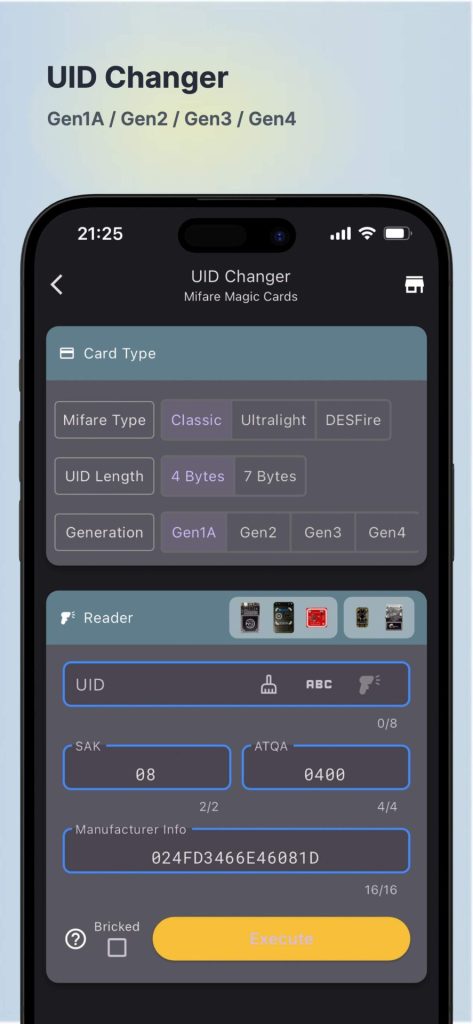
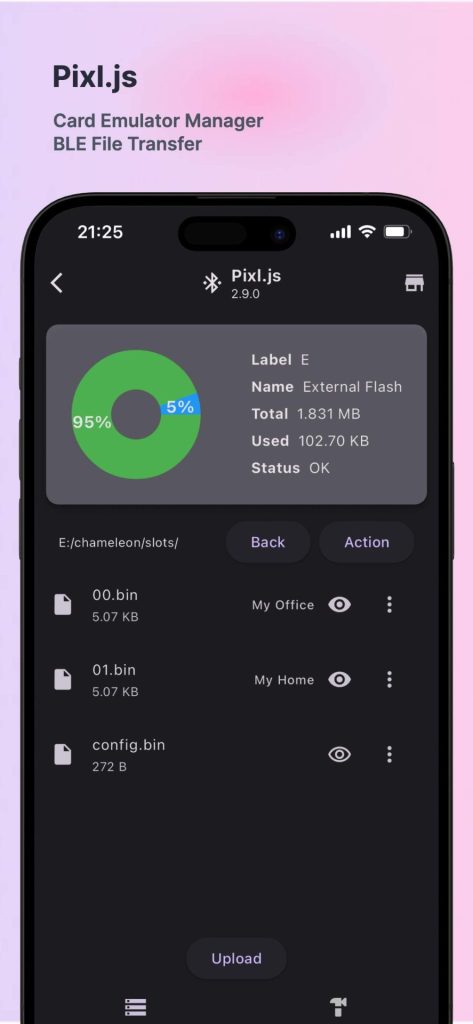
Manage Mifare Classic keys on public section, private section and history tags.
Import or export MIFARE Classic dumps in BIN, MFD and MCT formats, and save authorized keys for faster analysis.
Read, write and format Mifare Classic tags with PN532 BLE or Chameleon Ultra devices.
Read and write Mifare Ultralight tags with inner NFC on both Android and iOS.
Easy to send APDU with automatic CRC calculation, available for PN532/PN532Killer.
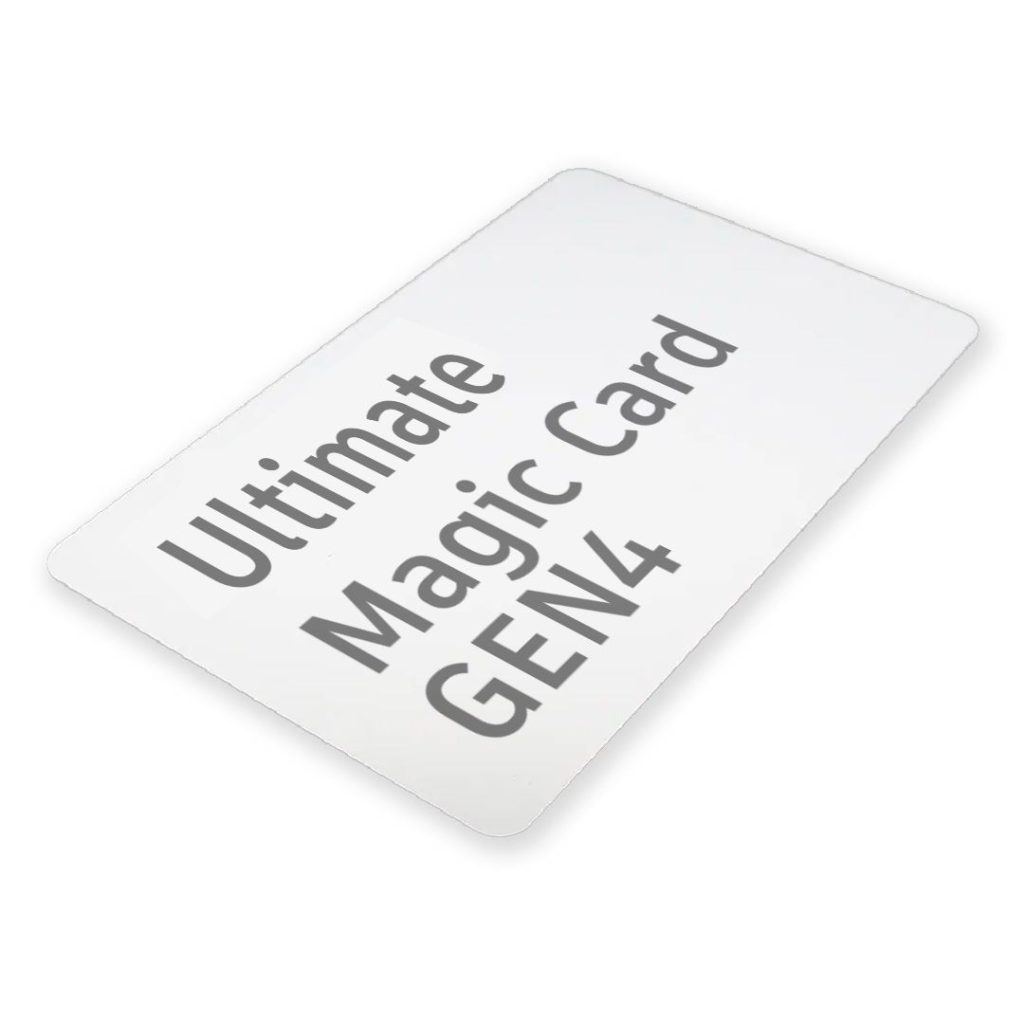
Configure an Ultimate Magic Card with PN532 or Chameleon Ultra through a guided interface.
Change the UID of Magic Tags on different magic types on 13.56MHz tags.
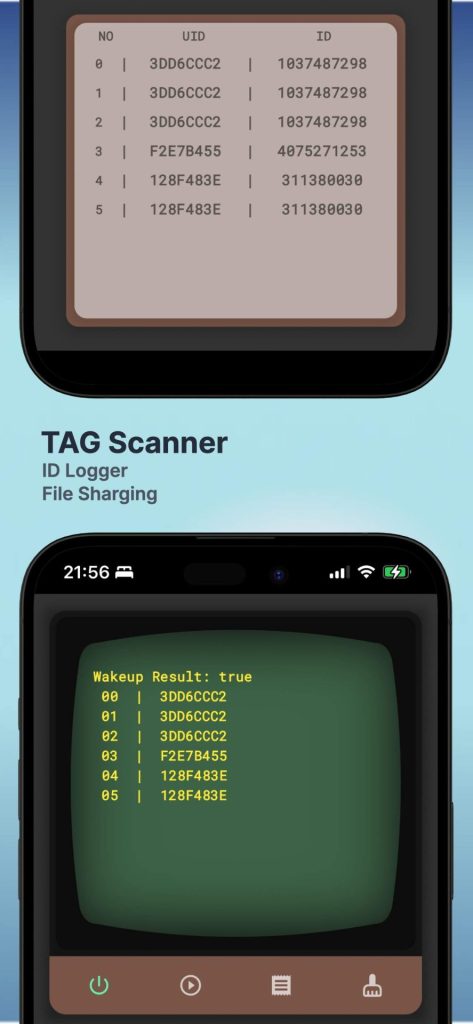
Quick search and share LF and HF tag id for RFID identification.
The original MCT app is an Android application. For iPhone and iPad, use MTools BLE with supported Bluetooth hardware. Available functions depend on the reader, tag type and keys.
Phone NFC hardware and operating-system APIs do not expose every low-level MIFARE Classic operation. A compatible reader provides a consistent connection for reading dumps, managing keys and working with supported research cards.
MTools BLE supports workflows for devices including PN532 BLE, PN532Killer and Chameleon Ultra. Check the feature list and firmware requirements before purchasing.
Follow the step-by-step MIFARE Classic Tool tutorial for sector mapping, dumps, keys and access conditions.
Contact us any time if you have any questions about how to use MTools BLE App or any suggestion to improve the app.
We’re available on WhatsApp Business, Email, Facebook and Telegram.

 Home
Home Reader






 Flipper
 Cardputer
 Software
 Windows
 PCSC Mifare Program
 Chameleon Ultra GUI
 iOS
iOS Android
 Web
Web Magic Card
 Ultimate Magic Card
 4B UID S70 4K KeyFob
 6-in-1 KeyFob
 NTAG 213 215 216
 ISO15693 TAG – 64B
 Gen2 ISO15693 Coin
 RFID Reader
 PN532 BLE
 PcrReader(IC+ID)
 PN532Killer
 GroveNFC
 Proxmark3 RDV4
 iCopy-XS
 UHF Reader
 NFCKill Pro
 125KHz T5577 Cloner
 RFID Emulator
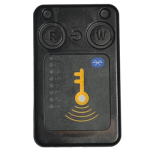 Chameleon Ultra SE
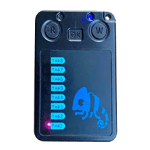 Chameleon Mini 2022
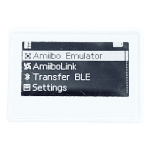 Pixl.js OLED
 RFID Detector (LF HF UHF)
 RF Detector (LF HF)
 Lora
Lora Meshtiny
 GAT562 Pro
 GAT562 30s Kit
 Wio Tracker L1P
 WiFi Deauthor
 WiFi Killer Pro
 Plugin
 店小秘 PayPal 物流同步
 Product Category Banner
 YMM Car Bulb Size
 Attributes Separator
 OpenAI Reviewer
 Code
Code MTools Activation Code
 View All