UHF Reader Tag Clone
How to Clone a UHF Tag with Flipper Zero
UHF Reader Tag Clone
How to Duplicate a UHF Tag on Cardputer ADV

Meshtastic Tips

Connect, update and configure authorized test slots with the right mobile or desktop app.

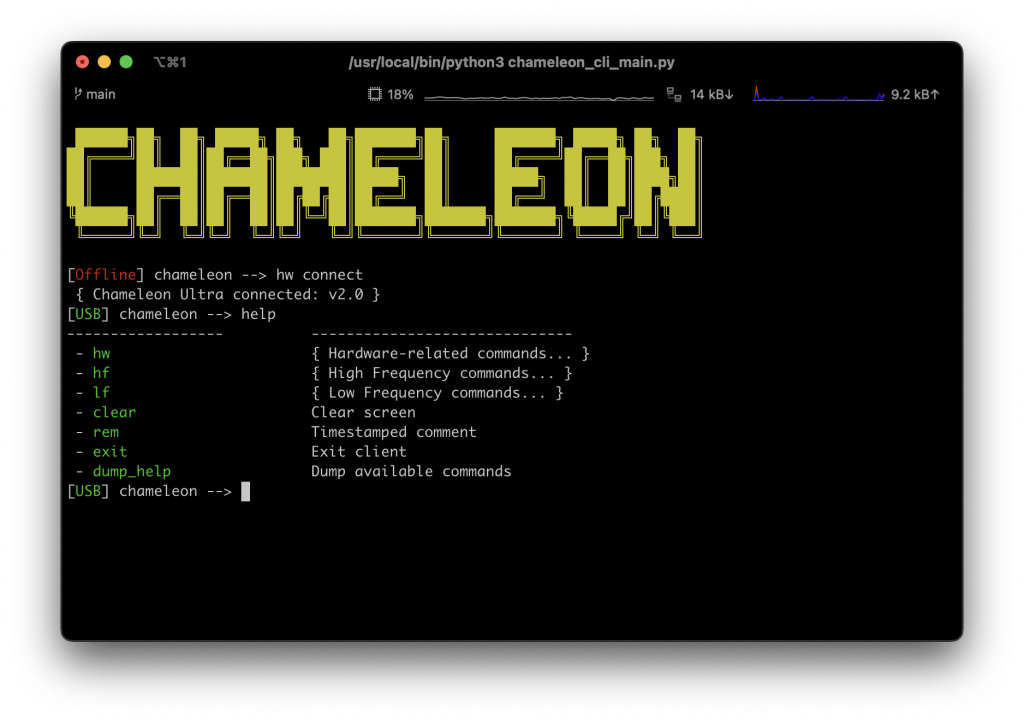

When it comes to RFID tools, the Chameleon Ultra and Proxmark3 are two of the most popular devices on [...]
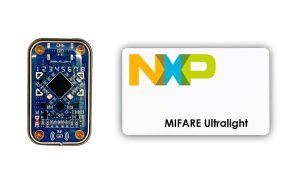
Cloning Mifare Ultralight tags to ChameleonUltra is a straightforward process that can be accomplished using [...]
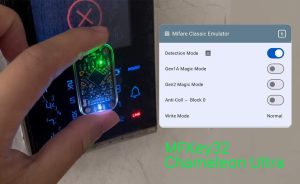
What’s mfkey32? MFKey32 is a technique used against Mifare Classic cards to retrieve sector data [...]
8 Comments
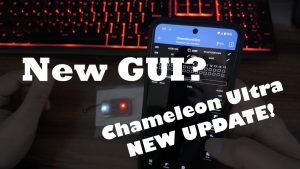
In the Christmas of 2023, the new version of MTools BLE released with the Magic [...]
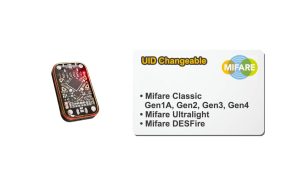
A new wave of tech innovation was ushered in with the introduction of the Chameleon [...]
2 Comments
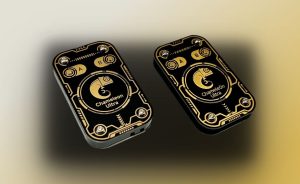
Brand Owner The ChameleonUltra Repository was open-sourced by RRG – RFID Research Group. And they [...]
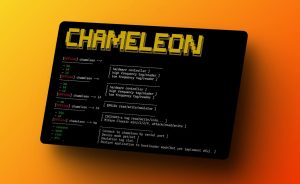
Here’s a latest video made by Iceman to show how to download, compile and run [...]
Chameleon Ultra can work with compatible T5577 tags. A blank or incorrectly configured tag may not be detected until valid supported data is written with authorized tools.
Use MTools BLE or the official CLI only for tags you own or are authorized to configure.
Verify that the tag protocol is supported, update the firmware and test tag placement around the LF antenna area. If multiple known-compatible tags fail, contact support with the hardware version, firmware version and test results.
Yes, for authorized cards with compatible protocols and available keys. Use the MIFARE Classic dump tool in MTools BLE and save the original dump before making changes.
Confirm that Bluetooth is enabled, close other apps connected to the device, wake Chameleon Ultra, and retry from the supported client app. If pairing still fails, restart both devices and verify that the app and firmware versions are compatible.
Back up slot data, use the update method documented for the current firmware, keep the USB or Bluetooth connection stable, and do not interrupt power during the update. If the device remains in update mode, follow the official recovery instructions.
MTools BLE and CU GUI provide supported mobile workflows. Choose the app based on the protocol and feature you need, and see the MIFARE Classic guide for iOS and Android for compatibility details.
 Home
Home Reader




 Flipper
 Cardputer
 Software
 Windows
 PCSC Mifare Program
 Chameleon Ultra GUI
 iOS
iOS Android
 Web
Web
 Magic Card
 Ultimate Magic Card
 4B UID S70 4K KeyFob
 6-in-1 KeyFob
 NTAG 213 215 216
 ISO15693 TAG – 64B
 Gen2 ISO15693 Coin
 RFID Reader
 PN532 BLE
 PcrReader(IC+ID)
 PN532Killer
 GroveNFC
 Proxmark3 RDV4
 iCopy-XS
 UHF Reader
 NFCKill Pro
 125KHz T5577 Cloner
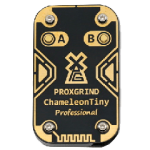 RFID Emulator
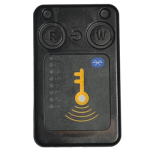 Chameleon Ultra SE
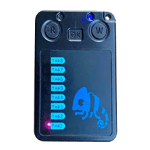 Chameleon Mini 2022
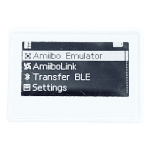 Pixl.js OLED
 RFID Detector (LF HF UHF)
 RF Detector (LF HF)
 Lora
Lora Meshtiny
 GAT562 Pro
 GAT562 30s Kit
 Wio Tracker L1P
 WiFi Deauthor
 WiFi Killer Pro
 Plugin
 店小秘 PayPal 物流同步
 Product Category Banner
 YMM Car Bulb Size
 Attributes Separator
 OpenAI Reviewer
 Code
Code MTools Activation Code
 View All