UHF Reader Tag Clone
How to Clone a UHF Tag with Flipper Zero
UHF Reader Tag Clone

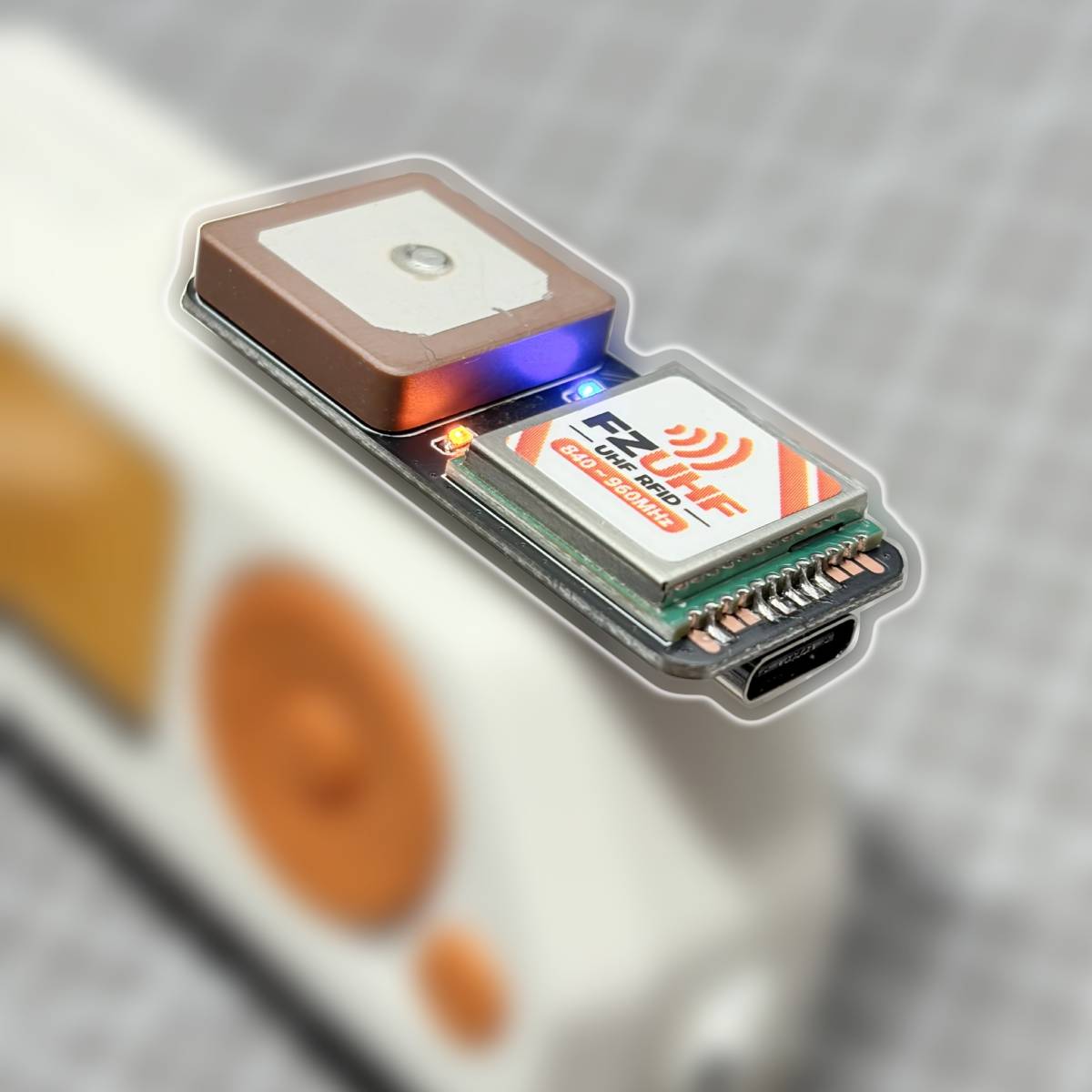
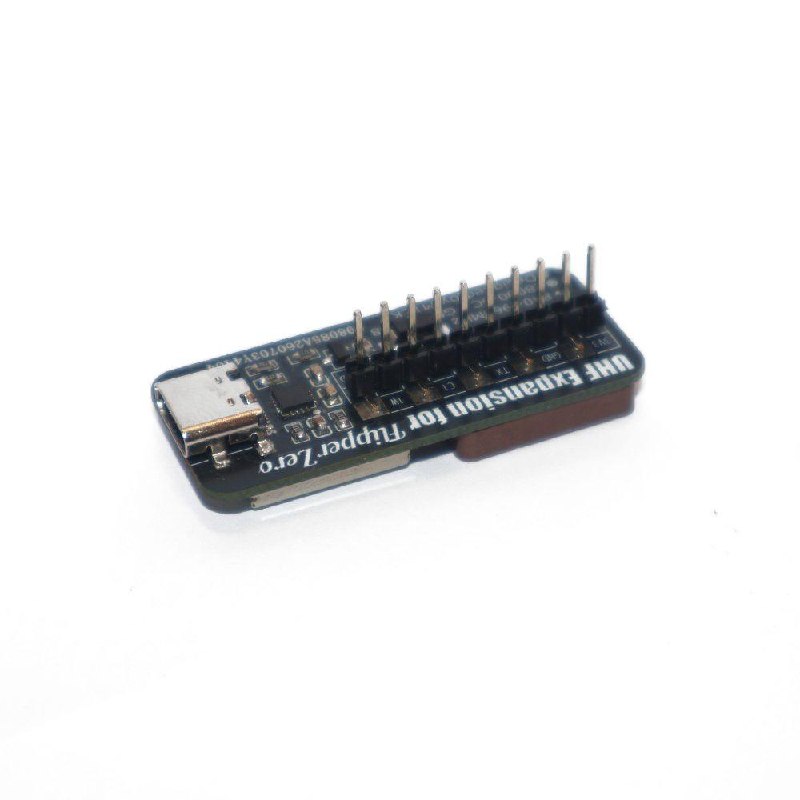
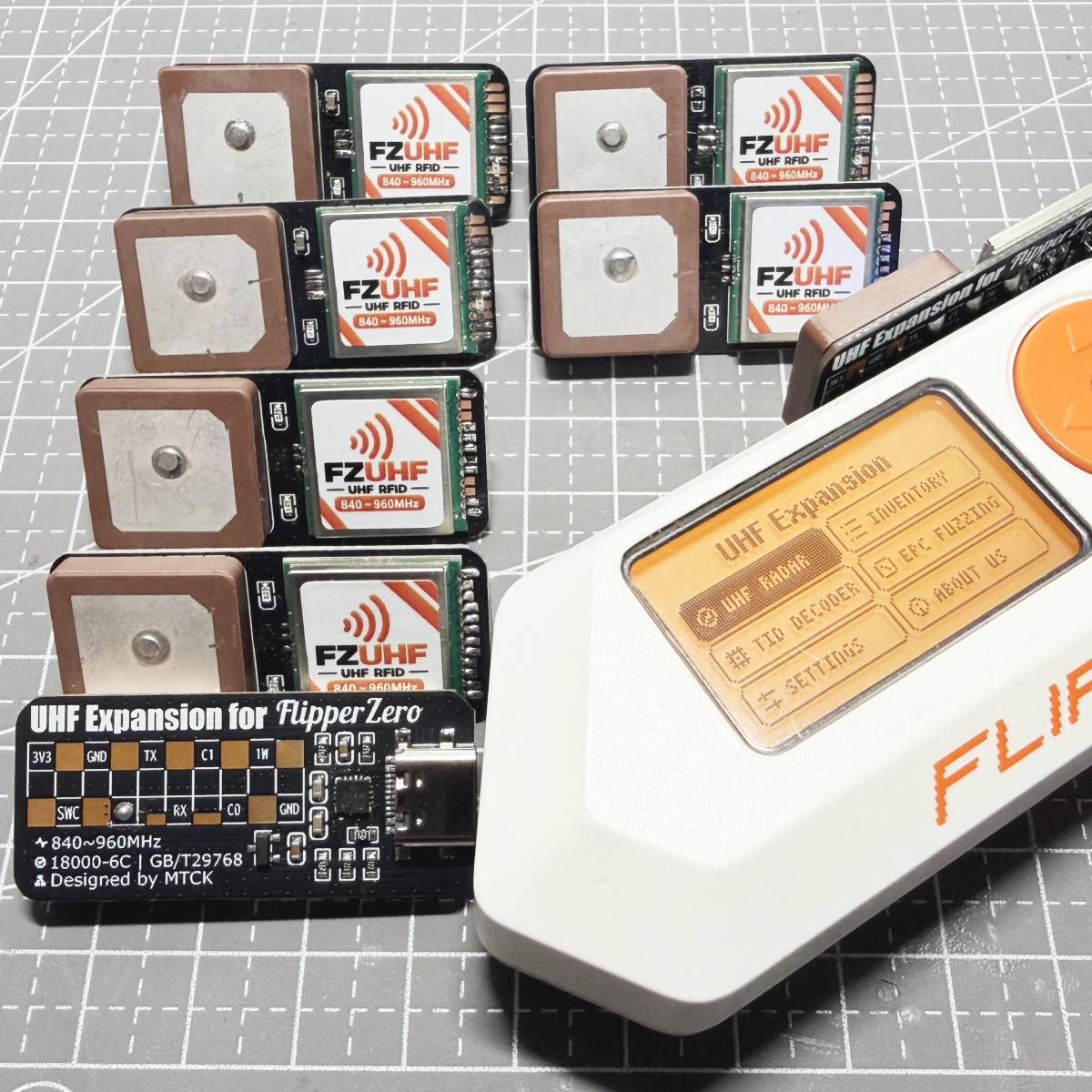

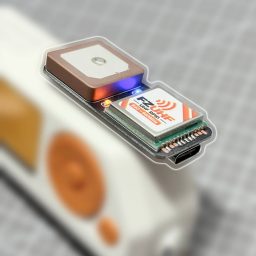
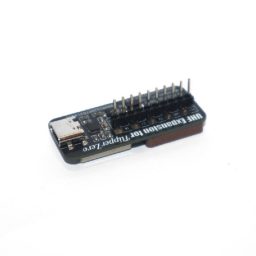
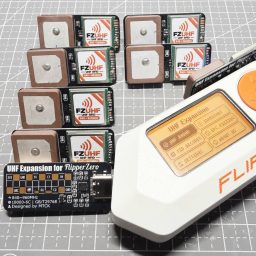
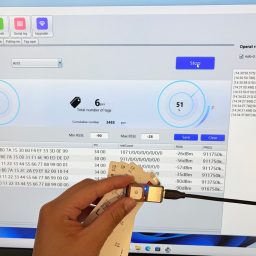
Original price was: $49.99.$39.99Current price is: $39.99.
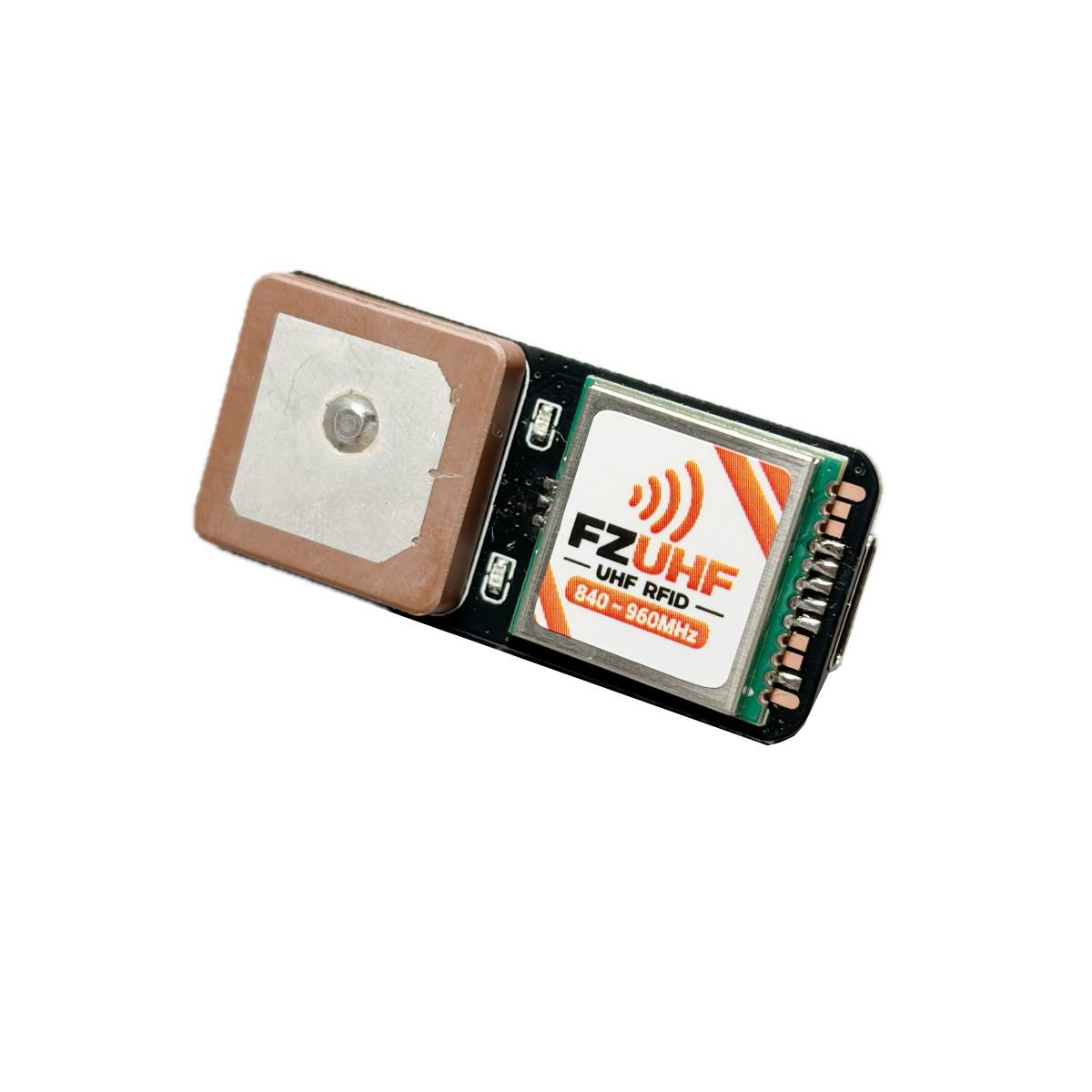
Add portable UHF RFID inventory scanning to your Flipper Zero. Connect through the 8-pin GPIO header to scan ISO 18000-6C / EPC Gen2 tags, view EPC, RSSI and PC data, and export records to CSV.
10+ in stock
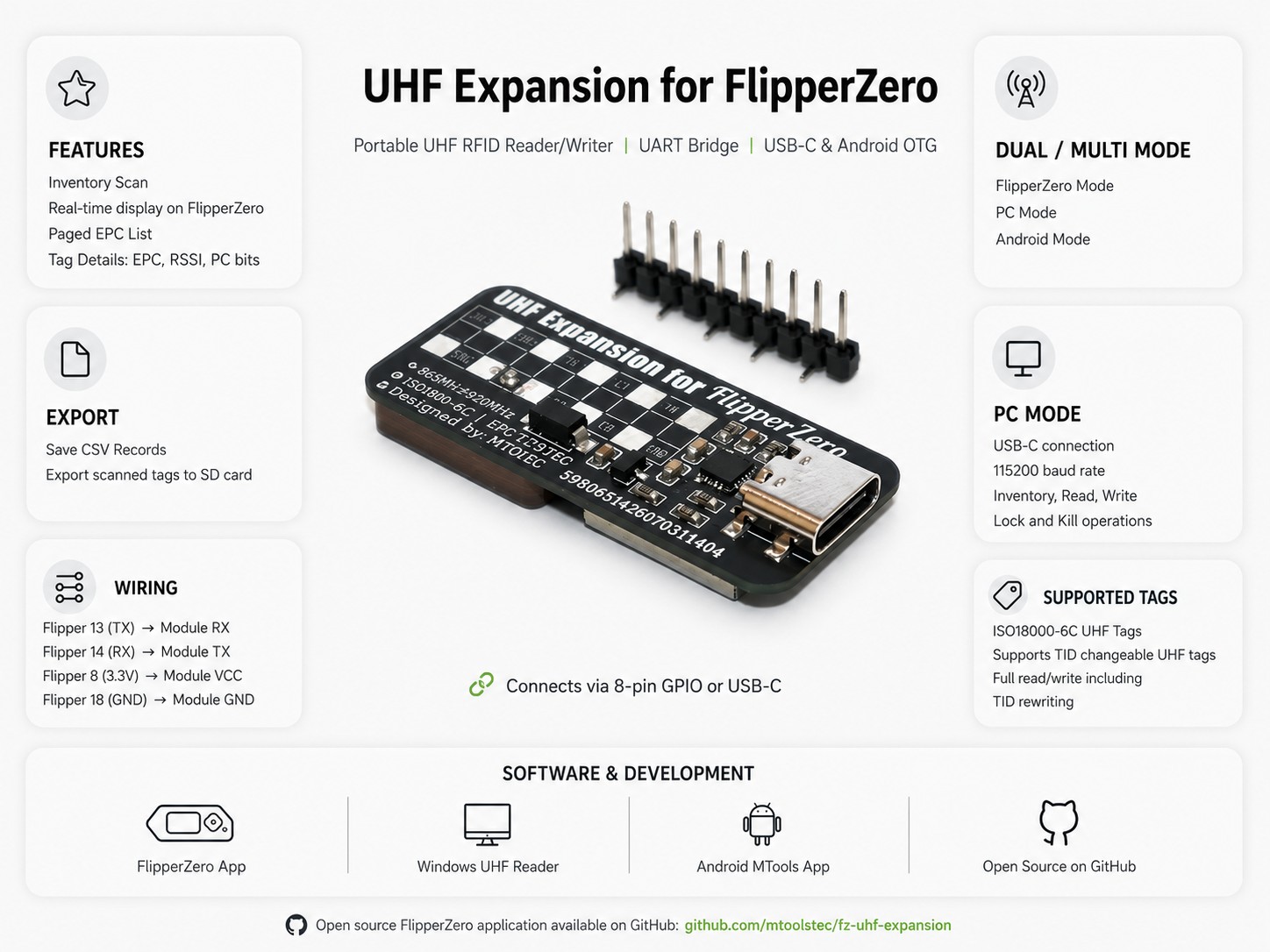
Use the lightweight Flipper app for mobile inventory, then switch to USB-C or Android OTG when you need deeper UHF tag operations.
FLIPPER ZERO
Scan nearby tags, browse a paged EPC list, inspect tag details and export captured records to CSV on the Flipper SD card.
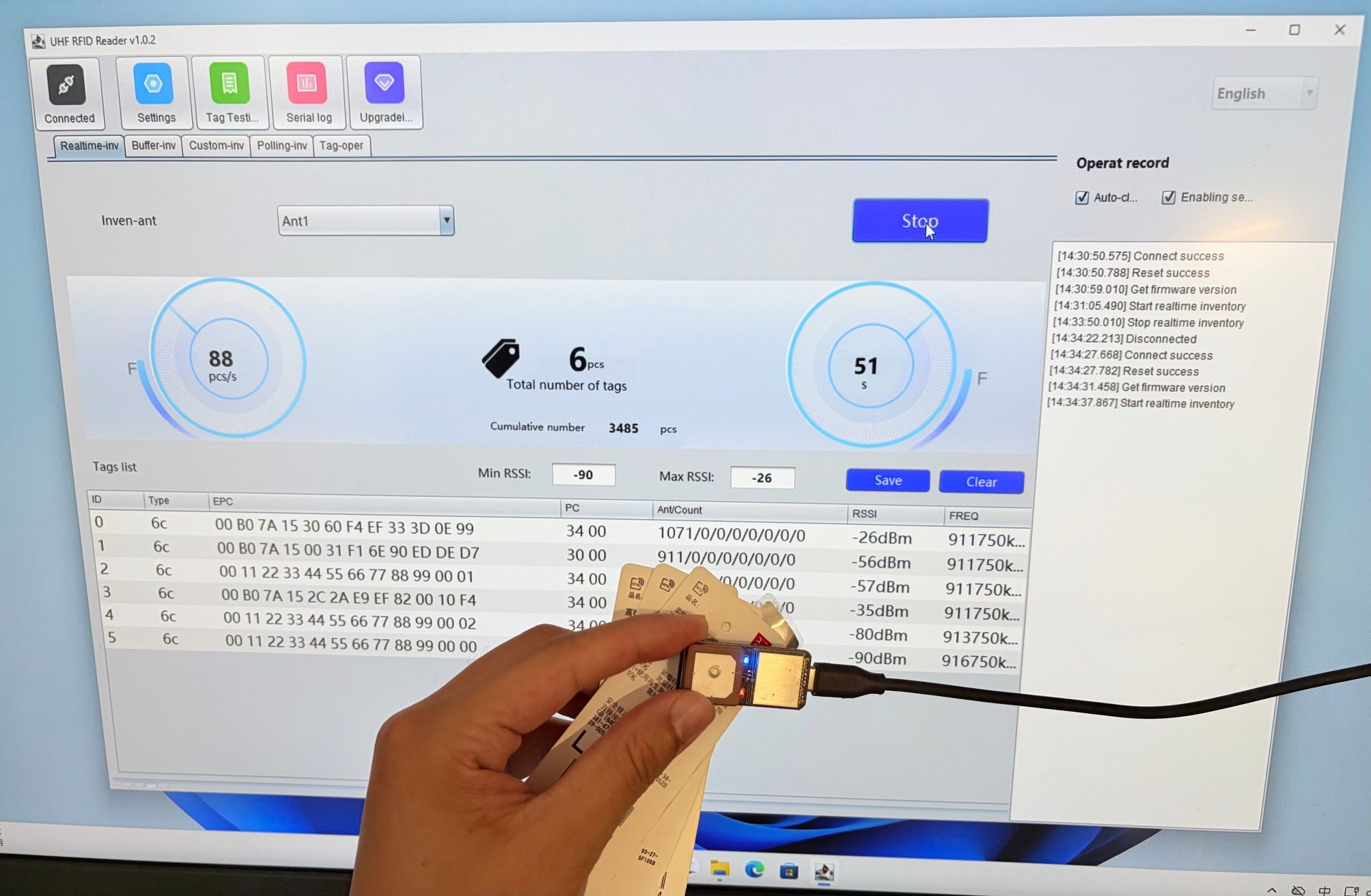
WINDOWS PC
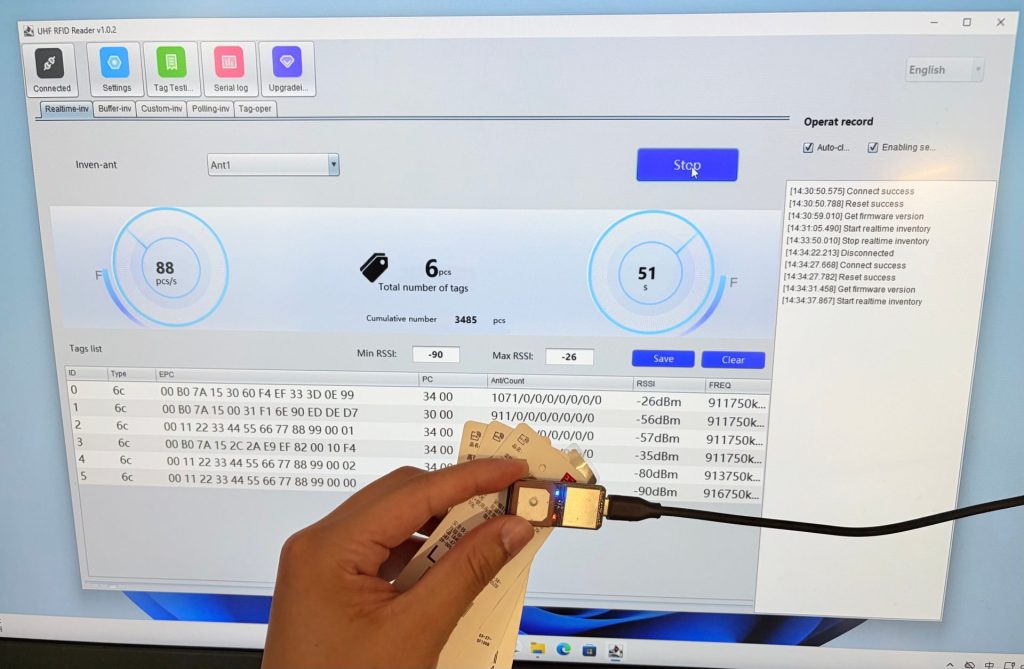
Connect by USB-C for inventory, memory-bank read/write, lock and kill operations through the dedicated Windows software.
ANDROID
Connect the expansion to a supported Android device over USB OTG and operate it with the MTools app.
OPEN-SOURCE FLIPPER APPLICATION
The companion app presents the complete inventory workflow on the Flipper Zero screen—from live tag count to individual EPC details.

01 · Main Menu

02 · UHF Radar

03 · UHF Inventory

04 · TID Decoder

05 · EPC Fuzzing

05 · Tag Control
A purpose-built interface keeps the most useful UHF information available without carrying a laptop.
Start and stop scanning from the Flipper Zero and watch the detected tag count update in real time.
Move through a paged EPC list, select an entry and inspect its full EPC instead of relying on a truncated preview.
View EPC, RSSI and PC (Protocol Control) bits for each captured tag directly on the Flipper display.
Export inventory records as a CSV file for later review, documentation or processing on another device.
HARDWARE UART · 115200 BAUD
The open-source application uses the Flipper Zero hardware UART on pins 13 and 14. The module is powered from the 3.3V and GND pins.
Important: Disconnect power before changing wiring. Confirm every pin before powering the module; reversed power or crossed connections may damage the hardware.
| Flipper Zero pin | UHF Expansion |
|---|---|
| 13 (TX) | RX |
| 14 (RX) | TX |
| 8 (3.3V) | VCC |
| 18 (GND) | GND |
The application source is public and can be built with the official Flipper Zero build tool.
01
Download the open-source application from the MTools Tec GitHub repository.
02
Run ufbt build in the project directory to create the application package.
03
Use ufbt launch, or copy the FAP to SD Card/apps/GPIO and open it from Apps → GPIO.
git clone https://github.com/mtoolstec/fz-uhf-expansion.git
cd fz-uhf-expansion
ufbt build
ufbt launch
WINDOWS READER / WRITER
Use the Windows program for real-time UHF inventory and supported EPC Gen2 / ISO 18000-6C read, write, lock and kill operations.
With compatible TID-changeable tags, supported PC or Android workflows can access additional memory operations, including TID rewriting.
Windows Program & Manual
Mode distinction: The Flipper Zero application is designed for portable inventory and record export. Use PC or Android mode for full reader/writer operations.
Review the app source, installation guide, UART protocol notes and future updates in the official MTools Tec repository.
| Pin Header | Soldered, Unsoldered |
||
|---|---|---|---|
| Air Interface Protocols | EPCglobal UHF Class 1 Gen 2 / ISO 18000-6C / GB/T 29768-2013 |
||
| Expansion Interface | Flipper Zero 8-pin GPIO |
||
| Communication Interface | TTL UART, USB-C |
||
| Baud Rate | 115200bps (default, configurable) |
||
| Operating Voltage | 3.3V |
||
| Supported Host Devices | Android Device, Flipper Zero, Windows PC |
||
| Open Source | Flipper app open source |
||
| Pin Header | Soldered, Unsoldered |
Air Interface Protocols | EPCglobal UHF Class 1 Gen 2 / ISO 18000-6C / GB/T 29768-2013 |
| Expansion Interface | Flipper Zero 8-pin GPIO |
Communication Interface | TTL UART, USB-C |
| Baud Rate | 115200bps (default, configurable) |
Operating Voltage | 3.3V |
| Supported Host Devices | Android Device, Flipper Zero, Windows PC |
Open Source | Flipper app open source |
| Working Frequency | |
|---|---|
| Working Frequency |
| Pin Header | Soldered, Unsoldered |
|---|---|
| Working Frequency | |
| Air Interface Protocols | EPCglobal UHF Class 1 Gen 2 / ISO 18000-6C / GB/T 29768-2013 |
| Expansion Interface | Flipper Zero 8-pin GPIO |
| Communication Interface | TTL UART, USB-C |
| Baud Rate | 115200bps (default, configurable) |
| Operating Voltage | 3.3V |
| Supported Host Devices | Android Device, Flipper Zero, Windows PC |
| Android App | |
| Windows Program | UHF Reader/Writer Software |
| Open Source | Flipper app open source |
 UHF Expansion for FlipperZero
The virtual products are delivered by email in time when order with only virtual products.
We offer both standard and expedited shipping options for our customers. The delivery times may vary depending on the shipping address.
Yes, once your order has been dispatched, we will send you a shipping confirmation email with your tracking number. You can use this number to track your shipment’s progress.
The delivery time varies depending on your location and the chosen shipping option. Typically, it takes about 5-10 business days for standard shipping and 2-5 business days for expedited shipping.
Shipping is usually available to all parts of the world. However, restrictions may apply to certain countries or regions due to international laws or shipping carrier limitations.
If you haven’t received your order within the expected delivery timeframe, please contact our customer support team. We will help to track your shipment and provide updates.
If your order arrives damaged, please contact our customer support immediately. We will initiate the return process and take necessary steps to rectify the situation.
Depending on the status of your order, it may be possible to change the shipping address before the package dispatched oversea. Please contact our customer support as soon as possible to request changes.
RFID Reader
RFID Reader
RFID Reader

10+ in stock
 Home
Home Reader







 Flipper
 Cardputer


 Software
 Windows
 PCSC Mifare Program
 Chameleon Ultra GUI
 iOS
iOS Android
 Web
Web
 Magic Card
 Ultimate Magic Card
 4B UID S70 4K KeyFob
 6-in-1 KeyFob
 NTAG 213 215 216
 ISO15693 TAG – 64B
 Gen2 ISO15693 Coin
 RFID Reader
 PN532 BLE
 PcrReader(IC+ID)
 PN532Killer
 GroveNFC
 Proxmark3 RDV4
 iCopy-XS
 UHF Reader
 NFCKill Pro
 125KHz T5577 Cloner
 RFID Emulator
 Chameleon Ultra SE
 Chameleon Mini 2022
 Pixl.js OLED
 RFID Detector (LF HF UHF)
 RF Detector (LF HF)
 Lora
Lora Meshtiny
 GAT562 Pro
 GAT562 30s Kit
 Wio Tracker L1P
 WiFi Deauthor
 WiFi Killer Pro
 Plugin
 店小秘 PayPal 物流同步
 Product Category Banner
 YMM Car Bulb Size
 Attributes Separator
 OpenAI Reviewer
 Code
Code MTools Activation Code
 View All
Reviews
There are no reviews yet