UHF Reader Tag Clone
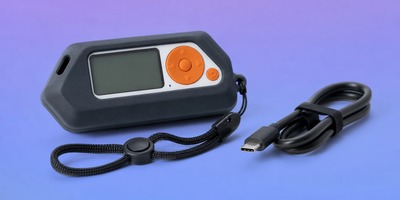
How to Clone a UHF Tag with Flipper Zero
UHF Reader Tag Clone
How to Duplicate a UHF Tag on Cardputer ADV
Meshtastic Tips

Download the MTools Tec UHF Reader Windows Program and user manual. Supports compatible UHF readers and expansions for EPC Gen2 inventory, read, write, lock and kill operations.
Windows software for MTools Tec UHF readers and expansions. Inventory EPC Gen2 tags, inspect tag data, and perform supported read, write, lock and kill operations from a Windows PC.
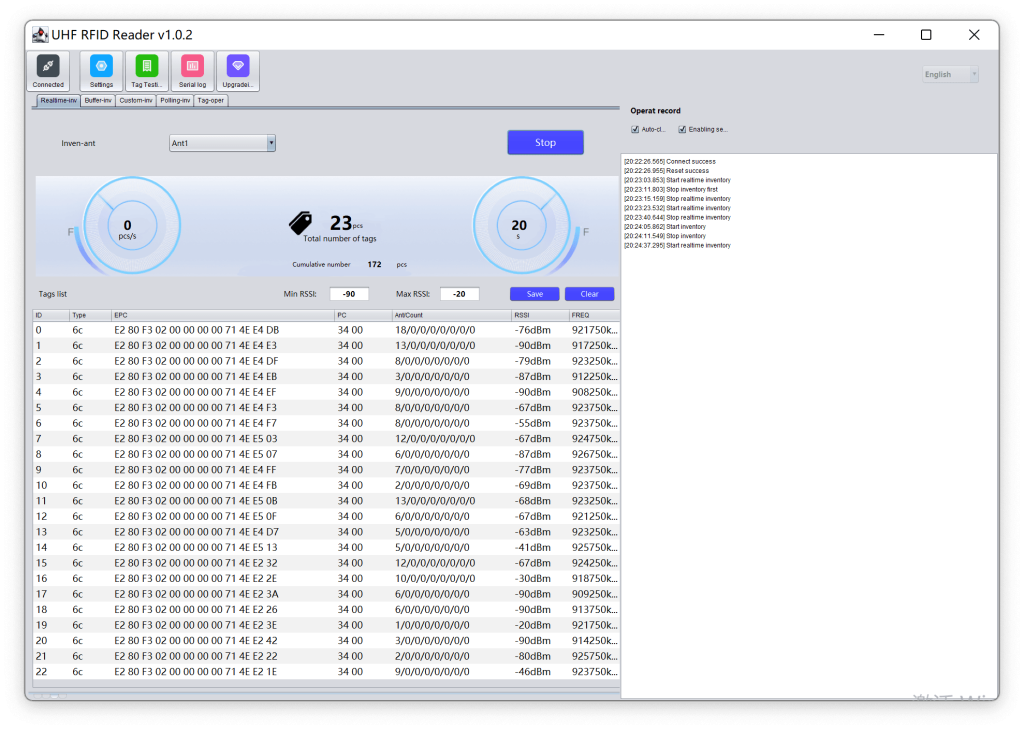
The UHF Reader Windows Program provides a desktop interface for EPCglobal Class 1 Gen 2 / ISO 18000-6C tags. Available operations depend on the connected reader and the capabilities of the selected tag.

Scan nearby UHF tags and review EPC, TID, User memory and RSSI information.

Access supported EPC, TID, Reserved and User memory banks on compatible tags.

Perform supported protection operations and work with compatible TID-changeable tags when TID rewriting is required.
This compatibility list will be updated as additional MTools Tec UHF products become supported.
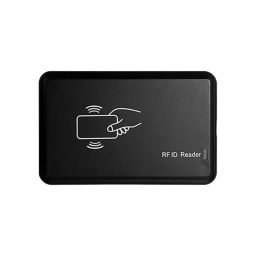
Connect the reader to the Windows PC using its Micro-USB to USB-A cable. The reader uses a CH340 USB serial interface. Select the correct serial port in the program before starting inventory or tag operations.
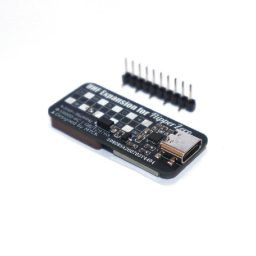
View ProductFor Windows operation, connect the expansion directly to the PC through USB-C. Use the Windows program for inventory and supported read, write, lock and kill operations. Flipper Zero mode remains focused on portable inventory and CSV export.
View ProductDownload the latest package from MTools Tec. Review the PDF instructions before connecting hardware or modifying tag memory. Always confirm passwords and target memory banks before write, lock or kill operations.
The current supported products are UHF Reader – Support Changing TID and UHF Expansion for Flipper Zero. New supported products will be added to this page.
No. TID rewriting requires a compatible TID-changeable ISO 18000-6C tag. Standard factory-locked TID memory cannot be rewritten.
The program supports real-time inventory and supported memory read, write, lock and kill operations. Available features depend on the connected reader and tag.
Use the User Manual PDF button on this page for connection and operation instructions.
 Home
Home Reader




 Flipper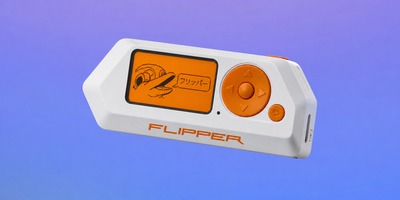
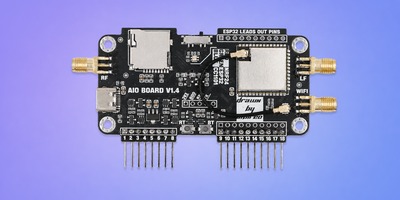
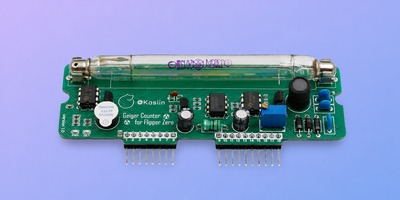
 Cardputer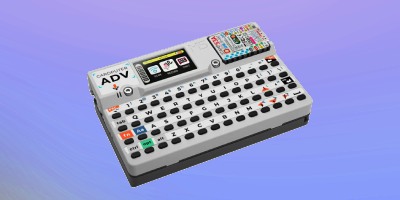
 Software
 Windows
 PCSC Mifare Program
 Chameleon Ultra GUI
 iOS
iOS Android
 Web
Web
 Magic Card
 Ultimate Magic Card
 4B UID S70 4K KeyFob
 6-in-1 KeyFob
 NTAG 213 215 216
 ISO15693 TAG – 64B
 Gen2 ISO15693 Coin
 RFID Reader
 PN532 BLE
 PcrReader(IC+ID)
 PN532Killer
 GroveNFC
 Proxmark3 RDV4
 iCopy-XS
 UHF Reader
 NFCKill Pro
 125KHz T5577 Cloner
 RFID Emulator
 Chameleon Ultra SE
 Chameleon Mini 2022
 Pixl.js OLED
 RFID Detector (LF HF UHF)
 RF Detector (LF HF)
 Lora
Lora Meshtiny
 GAT562 Pro
 GAT562 30s Kit
 Wio Tracker L1P
 WiFi Deauthor
 WiFi Killer Pro
 Plugin
 店小秘 PayPal 物流同步
 Product Category Banner
 YMM Car Bulb Size
 Attributes Separator
 OpenAI Reviewer
 Code
Code MTools Activation Code
 View All