
 Home
Home Reader




 Flipper
 Cardputer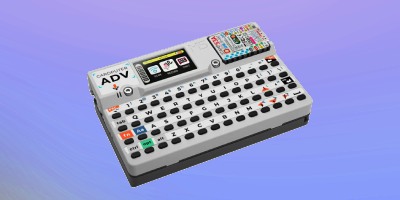
 Software
 Windows
 PCSC Mifare Program
 Chameleon Ultra GUI
 iOS
iOS Android
 Web
WebUHF Reader, Tag Clone
How to Duplicate a UHF Tag on Cardputer ADV
Aug
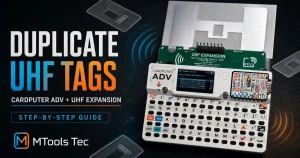
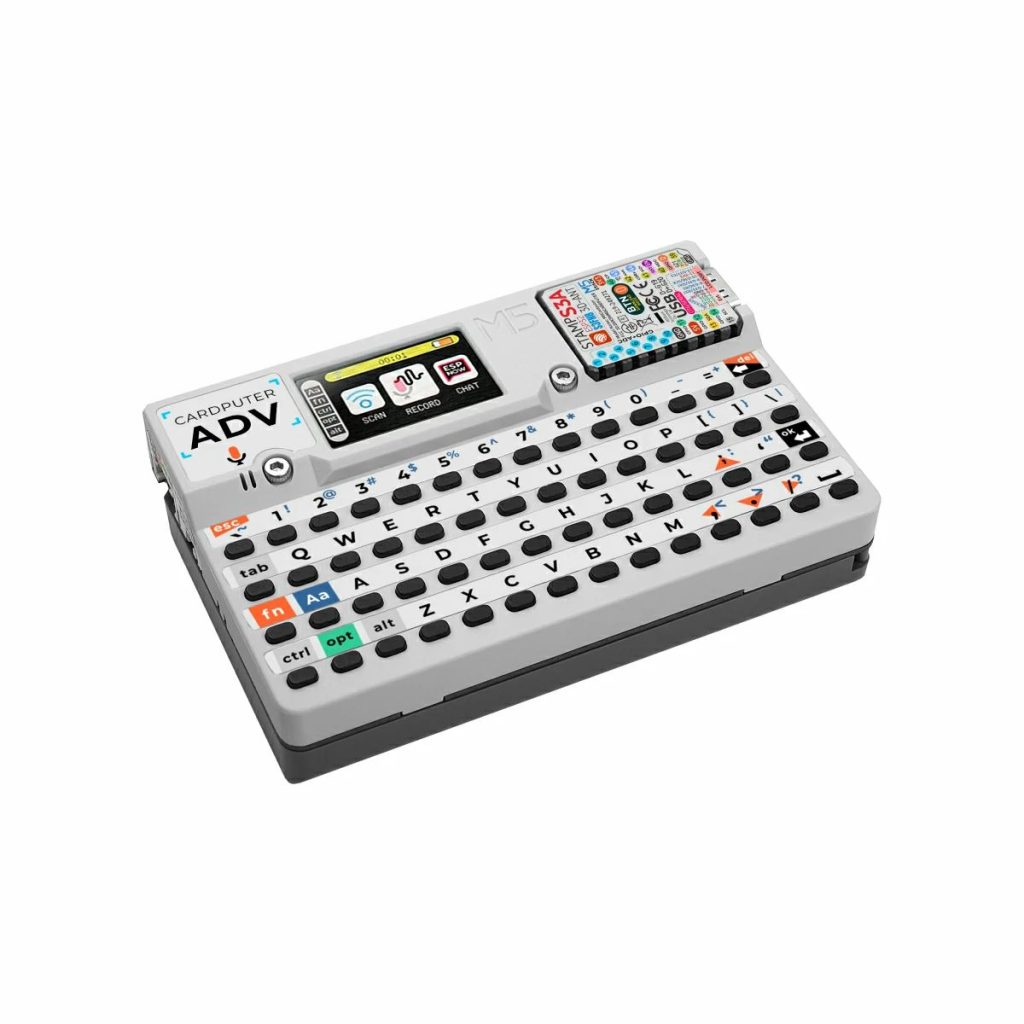
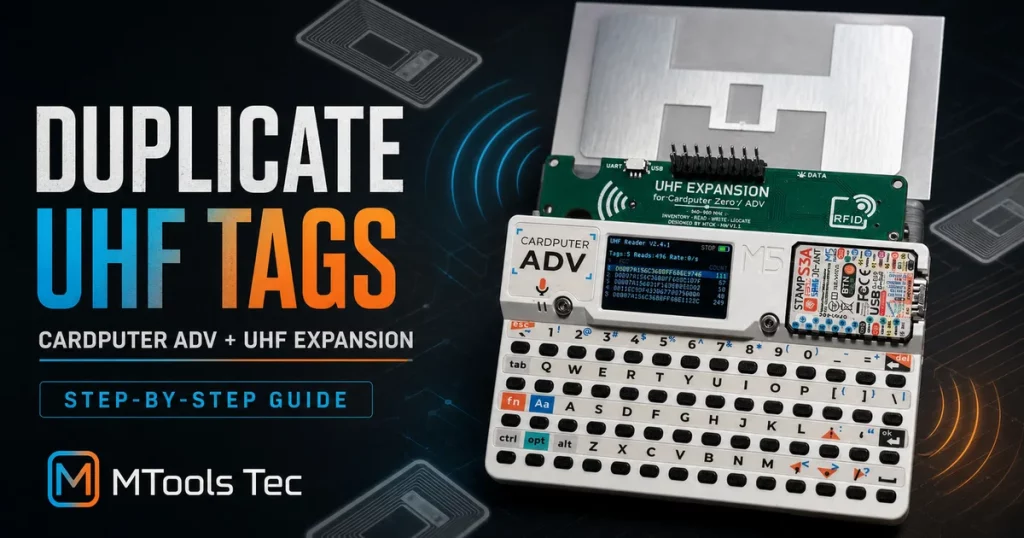
Need to copy the writable data from one UHF RFID tag to another without carrying a laptop? With a Cardputer ADV, the UHF Expansion for Cardputer Zero / ADV, and the dedicated firmware, you can inventory nearby tags, inspect their memory banks, and write compatible data to a new tag from a pocket-size setup.
Use this workflow only with tags and systems you own or are authorized to test. Duplicating an identifier does not necessarily reproduce every behavior of the original tag, and access-control, payment, vehicle, logistics, or asset-tracking systems may have additional security and legal restrictions.
What you need
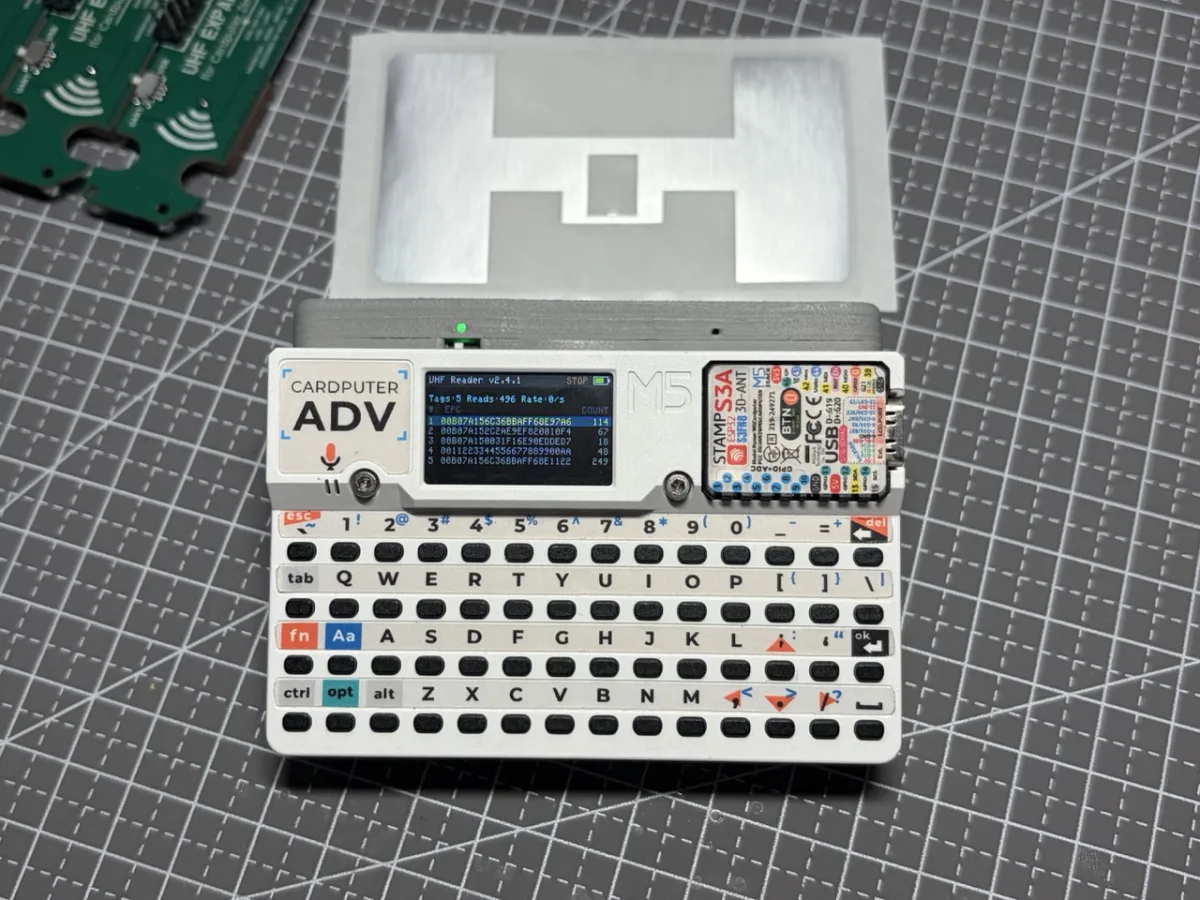
- A Cardputer ADV
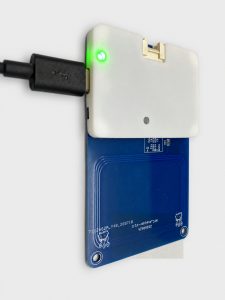
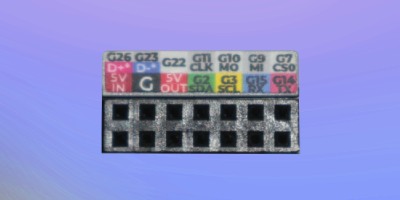
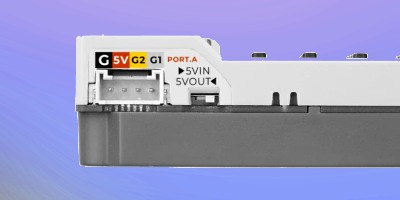
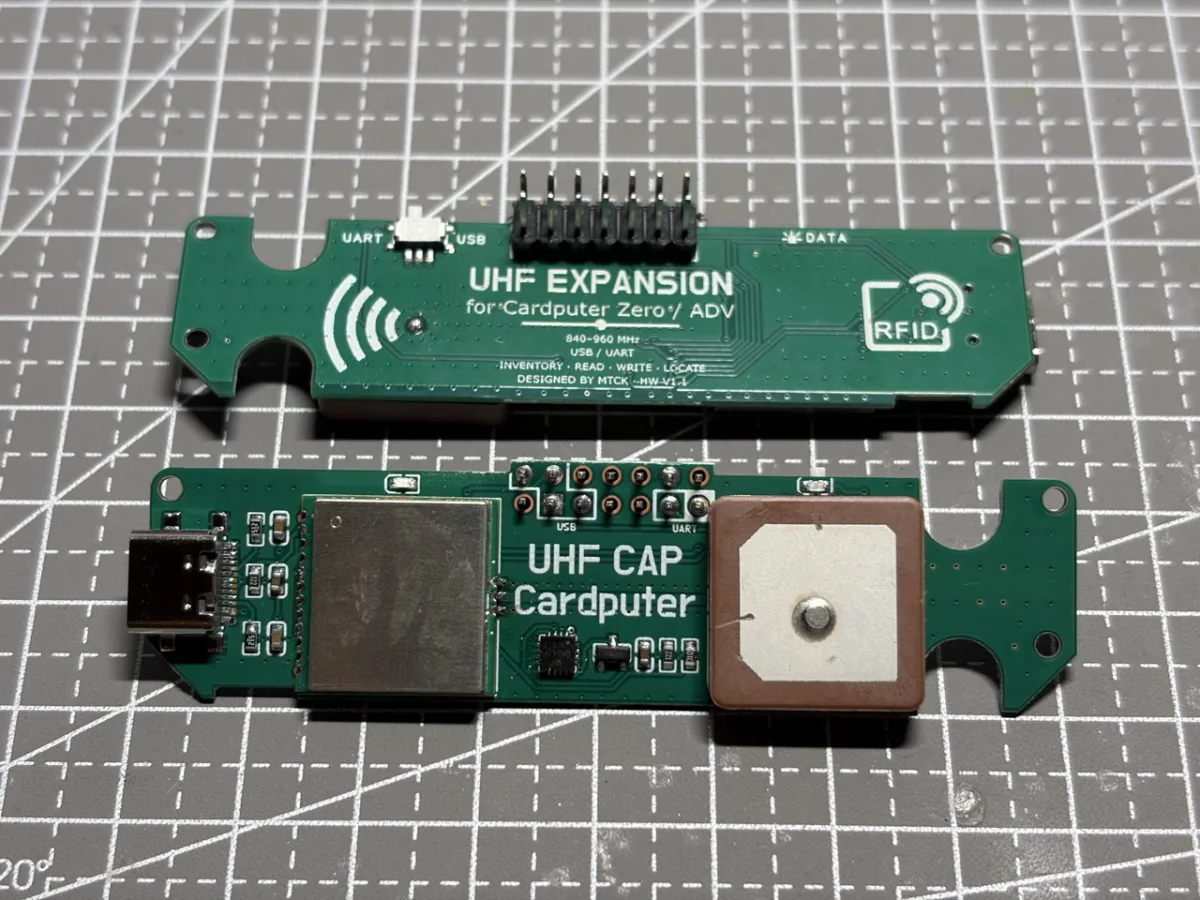
- UHF Expansion for Cardputer Zero / ADV (UHF CAP)
- The UHF Expansion for Cardputer ADV firmware in M5Burner
- A source tag you are authorized to copy and a compatible destination tag
How to duplicate a UHF tag on Cardputer ADV
1. Flash the firmware
Open the firmware page in M5Burner, connect the Cardputer ADV by USB, and flash the firmware before attaching the reader. Let the flashing process complete, then power the Cardputer off.
2. Connect the UHF CAP in UART mode
Fit the UHF CAP securely to the Cardputer ADV. Slide the selector switch to the left-hand UART position, then start the Cardputer. UART mode is essential for communication between the app and the expansion.
3. Inventory and select the source tag
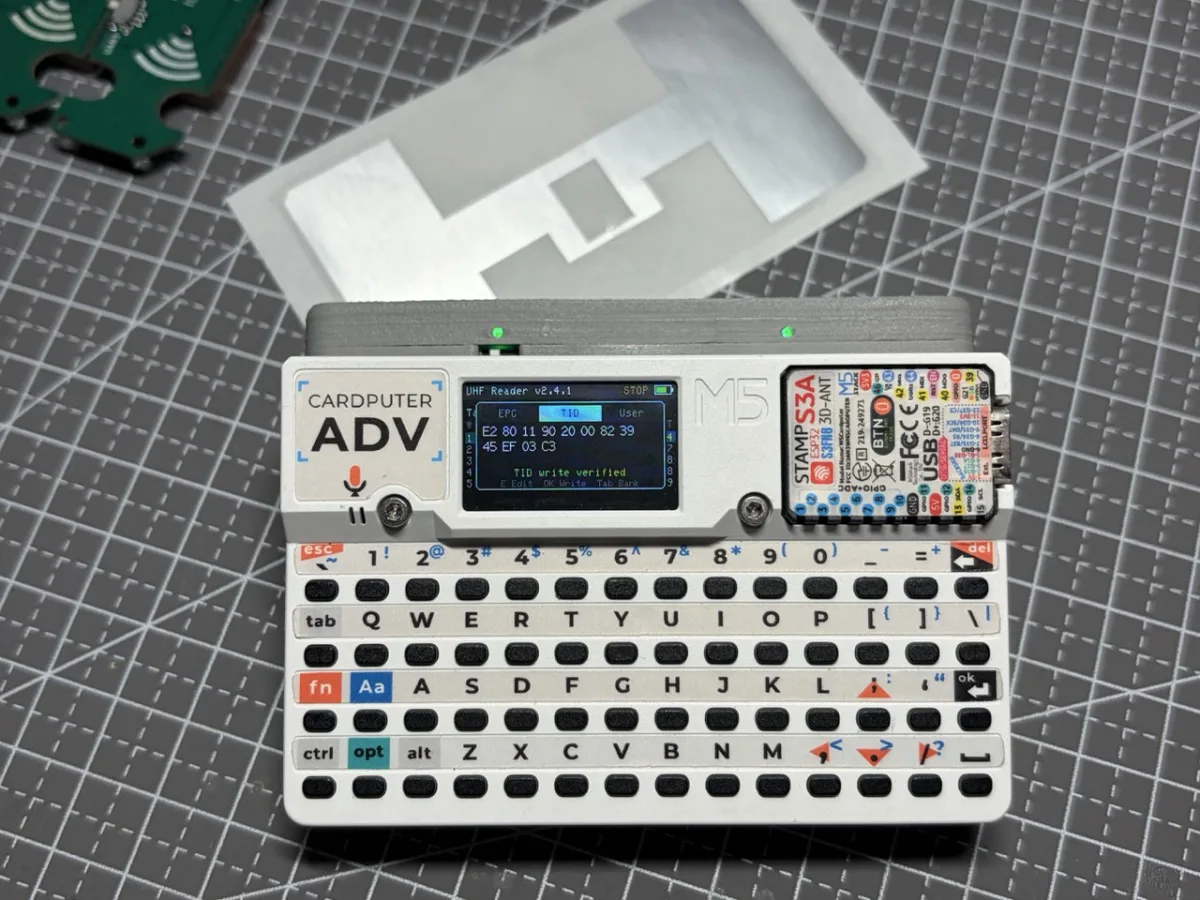
Press OK to start inventory. Nearby UHF tags appear in the list. If several tags are present, press the Down key to highlight the tag you want to inspect. For the cleanest workflow, keep only the intended source tag in the reader’s field whenever possible.
4. Review EPC, TID, and User Data
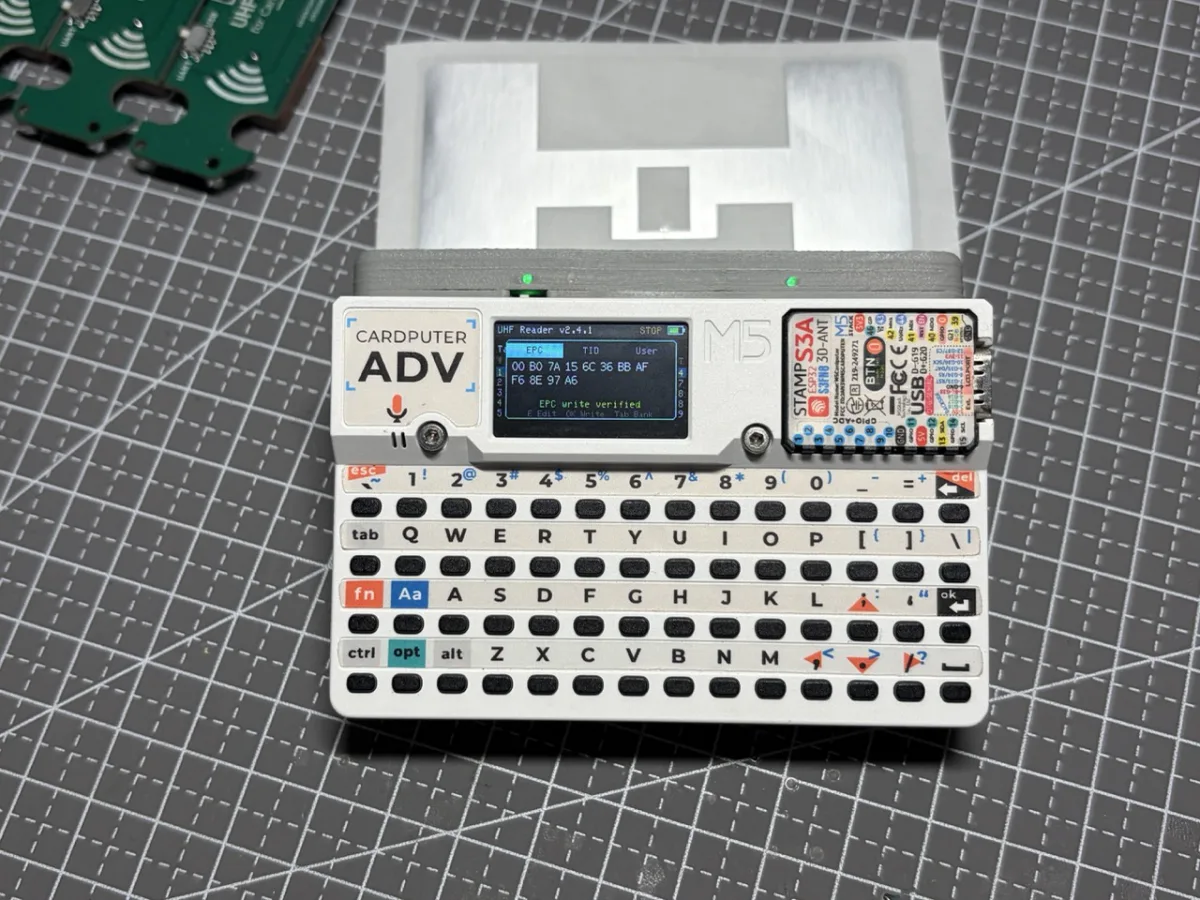
Press OK on the selected tag to open its memory view. Use the Left and Right keys to switch among EPC, TID, and User. Confirm the value and destination bank before writing.
5. Write to the destination tag
Bring the new compatible tag into the read field and remove other tags to avoid selecting the wrong target. On the bank you want to copy, press OK to start the write operation. Wait for the verification message before moving the tag. Repeat for another bank only when the destination tag supports writing to that bank.
EPC vs. TID vs. User Memory
| Memory bank | What it is for | Can it be changed? |
|---|---|---|
| EPC | The Electronic Product Code is the identifier most UHF inventory readers report. Applications commonly use it as the lookup key for an item or asset. | Often writable on standard EPC Gen2 tags, but it may be permanently or password locked. |
| TID | The Tag Identifier describes the chip or manufacturer-assigned tag identity. Systems may use it to distinguish physical chips even when two tags share an EPC. | Normally factory programmed and read-only. Only specially designed TID-changeable tags allow it to be rewritten. |
| User Memory | Optional application storage for custom bytes such as internal references, configuration data, or small records. Capacity varies by chip. | Writable when the chip provides User Memory and the bank is not locked; some tags have none. |
The fourth EPC Gen2 memory bank, Reserved, normally stores access and kill passwords. It is intentionally not part of this basic copying workflow. Memory size, password state, and lock bits differ between chips, so a successful EPC write does not guarantee that TID or User Memory can also be copied.
Why a write may fail
- The bank is locked: some tags ship with locked memory, and others may have been locked by an earlier system.
- The tag does not support that bank: standard tags generally have a fixed TID, while User Memory may be absent or smaller than the source value.
- More than one tag is in range: isolate the destination tag before writing.
- The tag is poorly coupled to the antenna: move it closer and adjust its orientation, especially near metal or liquid.
- The data length is incompatible: the destination bank must have enough capacity for the value being written.
Need writable EPC, TID, and User Data?
For experiments that require more than an EPC change, use hardware specifically designed for writable TID workflows. MTools Tec offers the TID Changeable UHF Tag Kit with Reader and the TID Changeable UHF Magic Card. On supported variants, EPC, TID, and User Memory can all be written, subject to capacity and lock configuration.
For a compact field setup, pair those compatible tags with the UHF Expansion for Cardputer Zero / ADV. The result is a portable UHF RFID inventory, inspection, and authorized duplication workflow that fits in your hand.
Quick FAQ
Can Cardputer ADV copy every UHF RFID tag?
No. Compatibility depends on the tag protocol, memory layout, lock state, passwords, and chip capabilities. The UHF Expansion is intended for compatible EPC Gen2 / ISO 18000-6C tags.
Can I change the TID on a normal UHF tag?
Usually not. A normal tag’s TID is factory programmed and read-only. You need a purpose-built TID-changeable UHF tag or magic card.
Why can I read a tag but not write its EPC?
The EPC bank may be locked or password protected, the RF coupling may be too weak for writing, or another tag may be competing in the read field. Isolate the target, improve positioning, and verify its lock state and credentials.

 Magic Card
 Ultimate Magic Card
 4B UID S70 4K KeyFob
 6-in-1 KeyFob
 NTAG 213 215 216
 ISO15693 TAG – 64B
 Gen2 ISO15693 Coin
 RFID Reader
 PN532 BLE
 PcrReader(IC+ID)
 PN532Killer
 GroveNFC
 Proxmark3 RDV4
 iCopy-XS
 UHF Reader
 NFCKill Pro
 125KHz T5577 Cloner
 RFID Emulator
 Chameleon Ultra SE
 Chameleon Mini 2022
 Pixl.js OLED
 RFID Detector (LF HF UHF)
 RF Detector (LF HF)
 Lora
Lora Meshtiny
 GAT562 Pro
 GAT562 30s Kit
 Wio Tracker L1P
 WiFi Deauthor
 WiFi Killer Pro
 Plugin
 店小秘 PayPal 物流同步
 Product Category Banner
 YMM Car Bulb Size
 Attributes Separator
 OpenAI Reviewer
 Code
Code MTools Activation Code
 View All