 Home
Home Reader






 Flipper
 Cardputer
 Software
 Windows
 PCSC Mifare Program
 Chameleon Ultra GUI
 iOS
iOS Android
 Web
WebLive identity badge
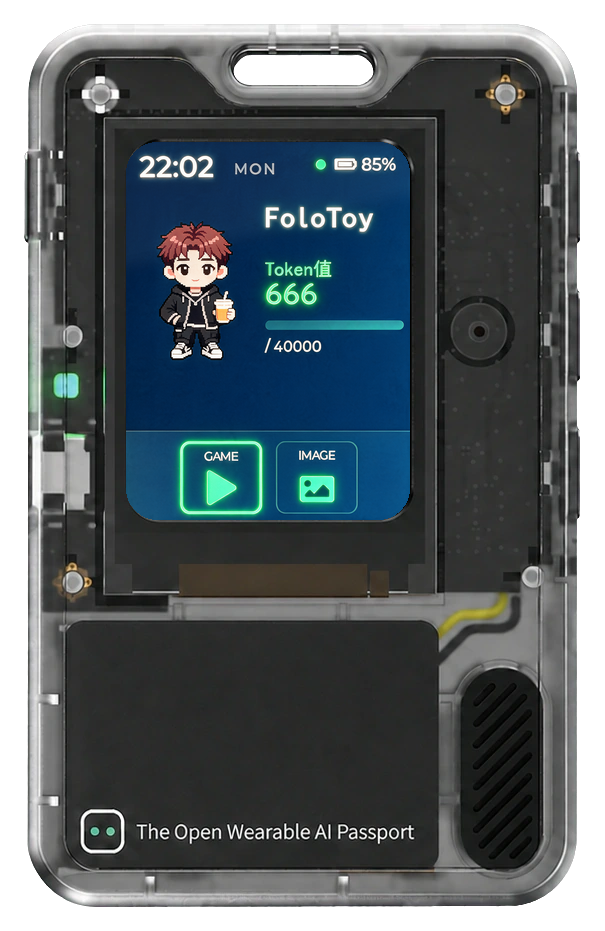
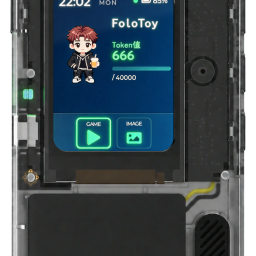
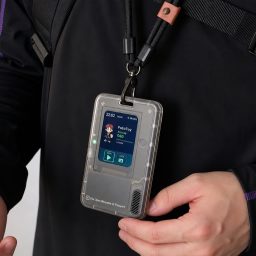
Use the official AI Passport app to sync your name, avatar, short introduction, and a full-screen image over local Bluetooth. A built-in mini game is included in the factory experience.

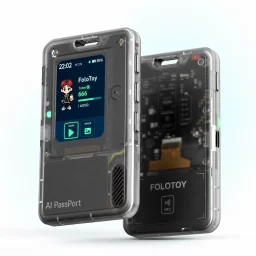
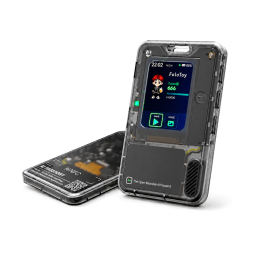

Original price was: $49.99.$39.99Current price is: $39.99.
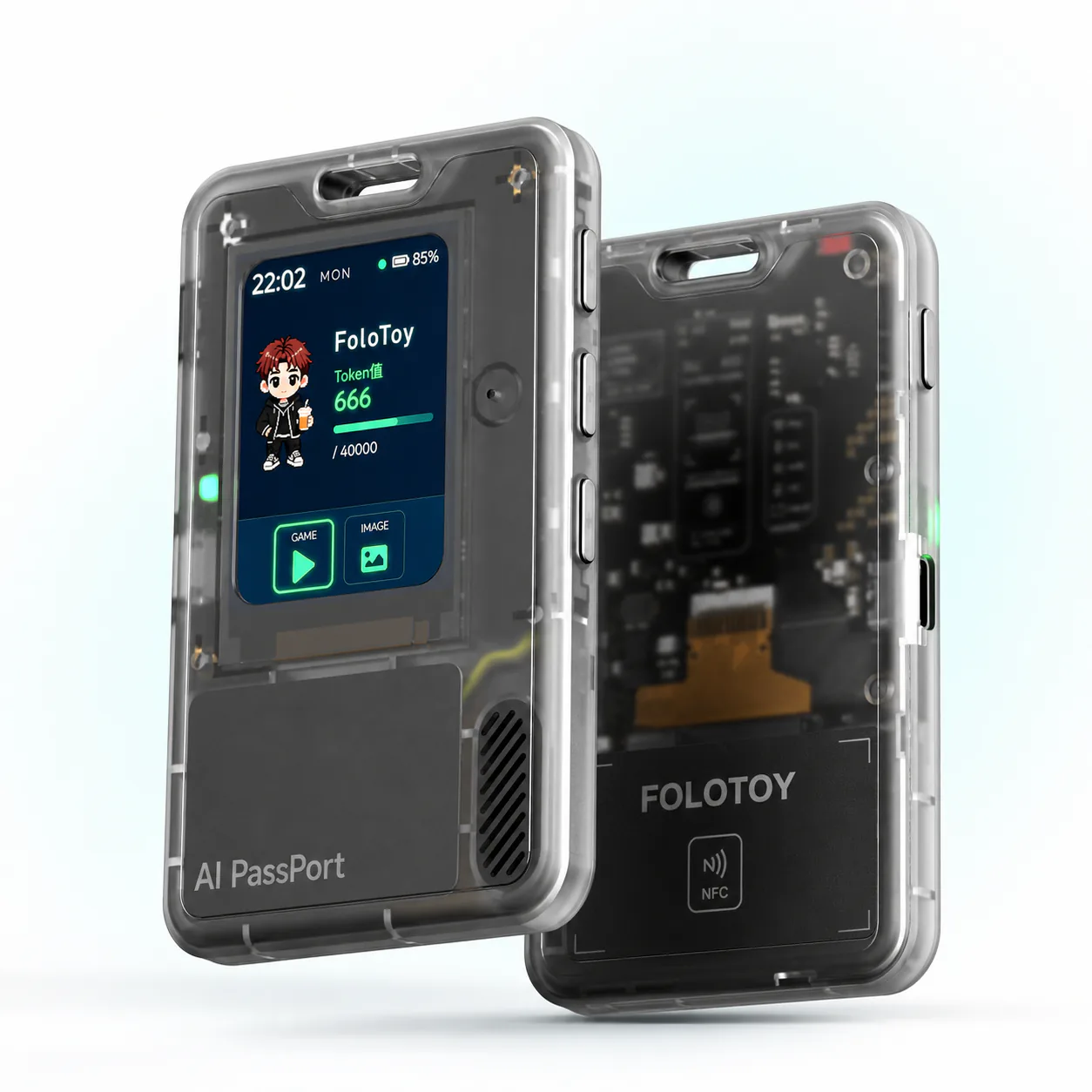
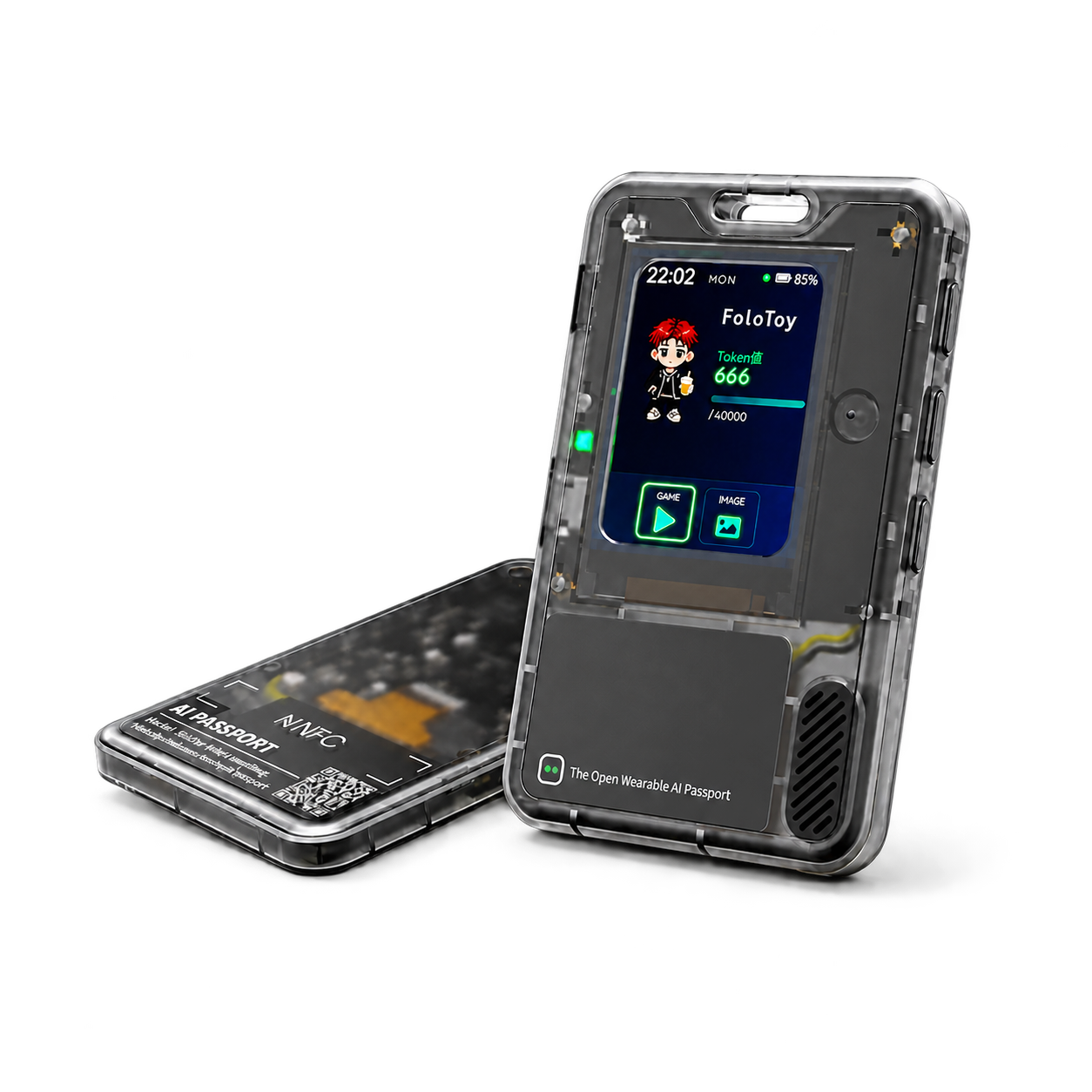
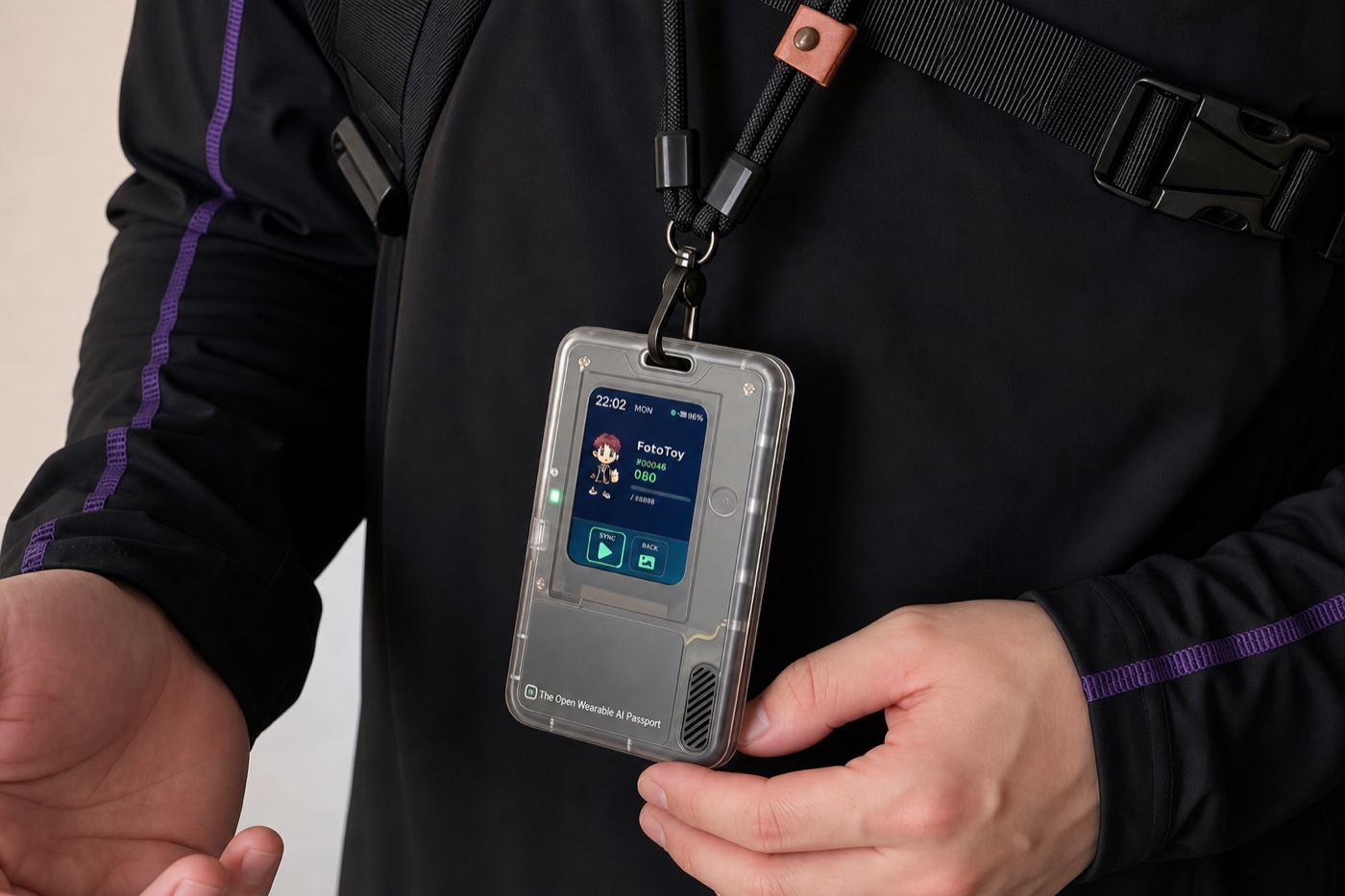
Wear it. Play it. Build on it. TRAE AI Card is the FoloToy AI Passport: an open, wearable AI device that works as a customizable identity badge, a pocket game platform, and a hardware canvas for AI-assisted development.
Open wearable AI hardware by FoloToy.
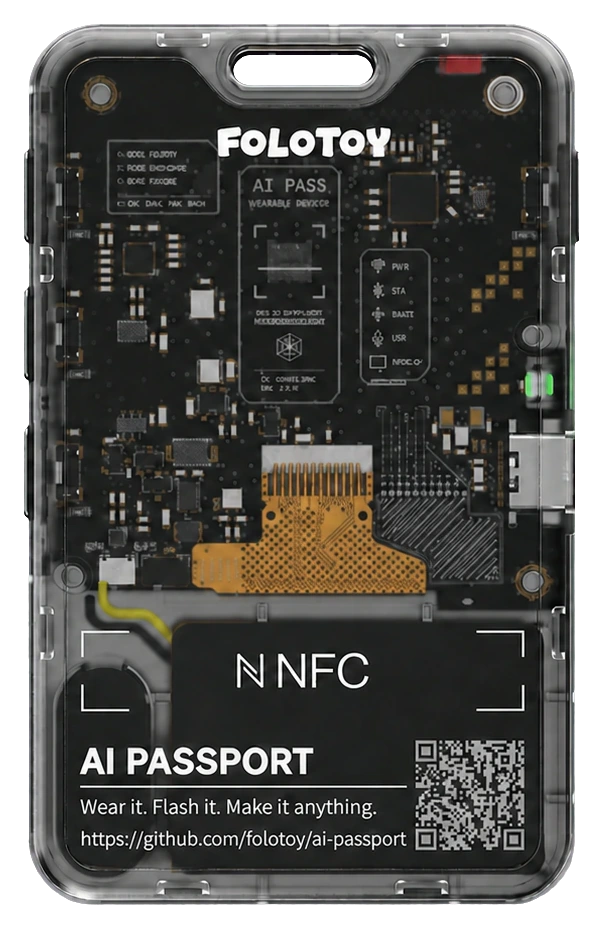
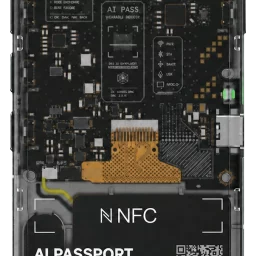
More than a static badge, TRAE AI Card can show your identity, run official plays, and become a custom device built with an AI coding agent. Its transparent shell keeps the screen, board, NFC, microphone, speaker, and battery visible by design.
Start with the factory identity badge, install an official mini game, or create firmware of your own.
Use the official AI Passport app to sync your name, avatar, short introduction, and a full-screen image over local Bluetooth. A built-in mini game is included in the factory experience.
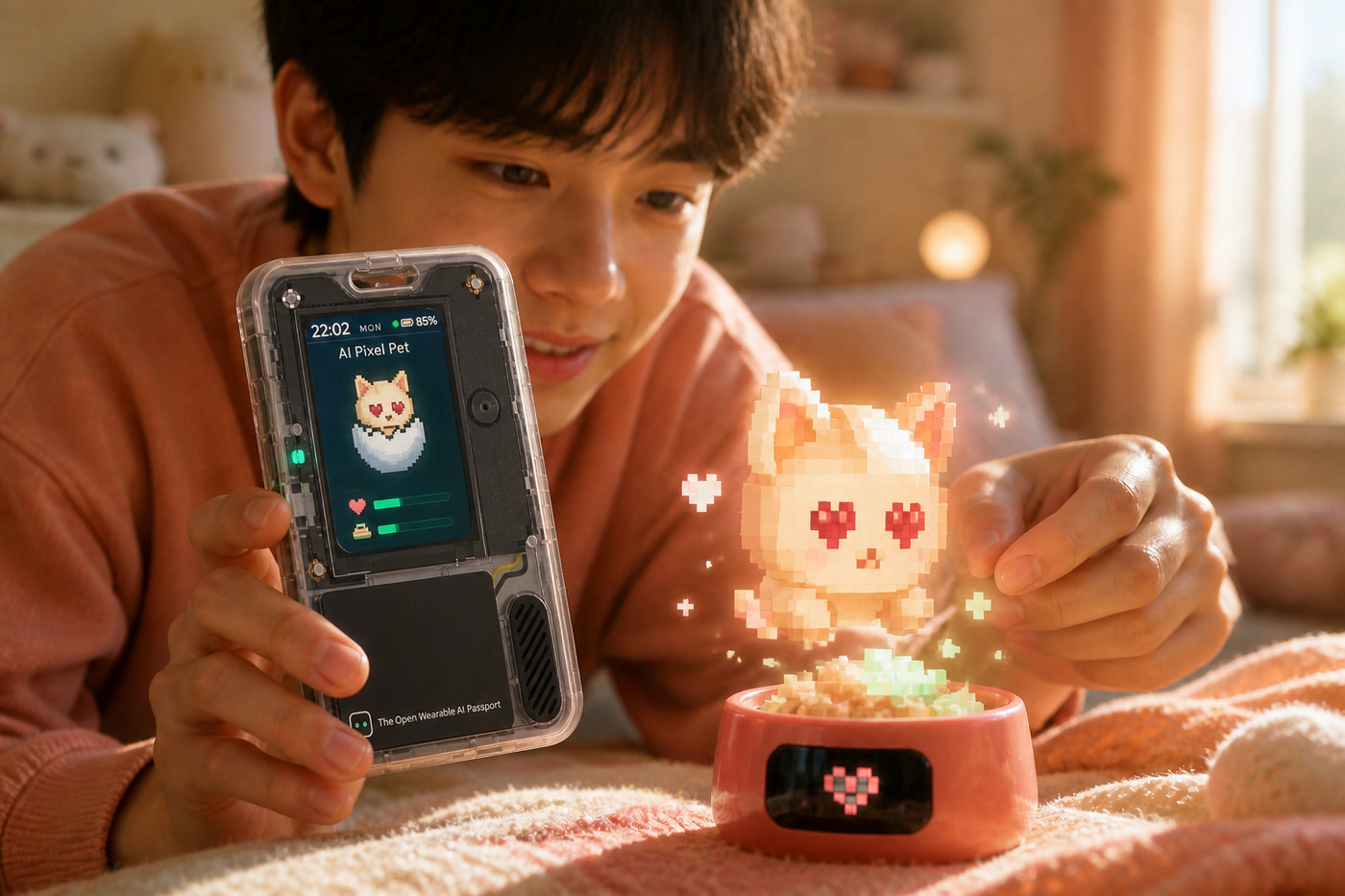
Choose from official games and interactive experiences, then install one with the browser-based flasher. Examples include Pixel Pet, Pocket Pomodoro, Rock Paper Scissors, and more.
Describe your idea to TRAE, Codex, Claude Code, or another coding agent. Build, flash, test, and iterate on the real device using FoloToy’s open development resources.
The visible internal structure is part of the product language—and an invitation to understand the hardware you are programming.
| Processor platform | ESP32-C3 |
|---|---|
| Display | ST7789P3, 240 × 320 portrait RGB565 |
| Input | Three physical buttons: UP, DOWN, and OK |
| Audio | Integrated microphone capture and speaker playback |
| Wireless | Local Bluetooth profile sync; 2.4 GHz Wi-Fi and Bluetooth LE capability is firmware-dependent |
| NFC | Integrated NFC hardware area; behavior depends on installed firmware |
| Storage | 8 MB Flash |
| Battery | 500 mAh integrated battery with battery-level monitoring |
| USB | USB-C for power, flashing, and native USB Serial/JTAG development |
| Size / weight | 60 × 95 × 8.5 mm / 50 g |
| Firmware | Open FoloToy AI Passport development baseline; MIT-licensed repository |
Developer note: hardware capabilities and available plays depend on the installed firmware. Features outside the official baseline should be validated on the physical device before production use.
Open the official project, describe the app you want, let an AI coding agent implement and build it, then install and validate it on your TRAE AI Card.
| Weight | 0.05 kg | ||
|---|---|---|---|
| Dimensions | 9.5 × 6 × 0.85 cm | ||
| Weight | 0.05 kg | Dimensions | 9.5 × 6 × 0.85 cm |
| Processor | ESP32-C3 |
||
|---|---|---|---|
| Display | ST7789P3 · 240 × 320 portrait RGB565 |
||
| Input | UP / DOWN / OK buttons |
||
| Connectivity | Bluetooth profile sync, 2.4 GHz Wi-Fi / BLE hardware capability (firmware-dependent) |
||
| Audio | Integrated microphone and speaker |
||
| NFC | Integrated NFC hardware (firmware-dependent) |
||
| Battery | 500 mAh |
||
| Flash | 8 MB |
||
| Size | 60 × 95 × 8.5 mm |
||
| Weight | 50 g |
||
| Processor | ESP32-C3 |
Display | ST7789P3 · 240 × 320 portrait RGB565 |
| Input | UP / DOWN / OK buttons |
Connectivity | Bluetooth profile sync, 2.4 GHz Wi-Fi / BLE hardware capability (firmware-dependent) |
| Audio | Integrated microphone and speaker |
NFC | Integrated NFC hardware (firmware-dependent) |
| Battery | 500 mAh |
Flash | 8 MB |
| Size | 60 × 95 × 8.5 mm |
Weight | 50 g |
| Weight | 0.05 kg |
|---|---|
| Dimensions | 9.5 × 6 × 0.85 cm |
| Processor | ESP32-C3 |
| Display | ST7789P3 · 240 × 320 portrait RGB565 |
| Input | UP / DOWN / OK buttons |
| Connectivity | Bluetooth profile sync, 2.4 GHz Wi-Fi / BLE hardware capability (firmware-dependent) |
| Audio | Integrated microphone and speaker |
| NFC | Integrated NFC hardware (firmware-dependent) |
| Battery | 500 mAh |
| Flash | 8 MB |
| Size | 60 × 95 × 8.5 mm |
| Weight | 50 g |
 TRAE AI Card – FoloToy AI Passport DIY Kit
The virtual products are delivered by email in time when order with only virtual products.
We offer both standard and expedited shipping options for our customers. The delivery times may vary depending on the shipping address.
Yes, once your order has been dispatched, we will send you a shipping confirmation email with your tracking number. You can use this number to track your shipment’s progress.
The delivery time varies depending on your location and the chosen shipping option. Typically, it takes about 5-10 business days for standard shipping and 2-5 business days for expedited shipping.
Shipping is usually available to all parts of the world. However, restrictions may apply to certain countries or regions due to international laws or shipping carrier limitations.
If you haven’t received your order within the expected delivery timeframe, please contact our customer support team. We will help to track your shipment and provide updates.
If your order arrives damaged, please contact our customer support immediately. We will initiate the return process and take necessary steps to rectify the situation.
Depending on the status of your order, it may be possible to change the shipping address before the package dispatched oversea. Please contact our customer support as soon as possible to request changes.
Lora Node
E-Ink Displays


 Magic Card
 Ultimate Magic Card
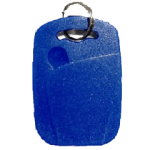 4B UID S70 4K KeyFob
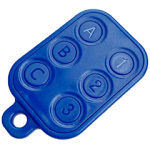 6-in-1 KeyFob
 NTAG 213 215 216
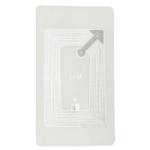 ISO15693 TAG – 64B
 Gen2 ISO15693 Coin
 RFID Reader
 PN532 BLE
 PcrReader(IC+ID)
 PN532Killer
 GroveNFC
 Proxmark3 RDV4
 iCopy-XS
 UHF Reader
 NFCKill Pro
 125KHz T5577 Cloner
 RFID Emulator
 Chameleon Ultra SE
 Chameleon Mini 2022
 Pixl.js OLED
 RFID Detector (LF HF UHF)
 RF Detector (LF HF)
 Lora
Lora Meshtiny
 GAT562 Pro
 GAT562 30s Kit
 Wio Tracker L1P
 WiFi Deauthor
 WiFi Killer Pro
 Plugin
 店小秘 PayPal 物流同步
 Product Category Banner
 YMM Car Bulb Size
 Attributes Separator
 OpenAI Reviewer
 Code
Code MTools Activation Code
 View All
Reviews
There are no reviews yet