

 Home
Home Reader






 Flipper
 Cardputer

 Software
 Windows
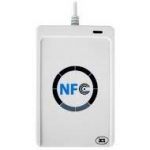 PCSC Mifare Program
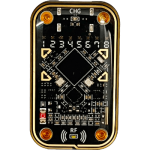 Chameleon Ultra GUI
 iOS
iOS Android
 Web
WebTips
The Ultimate Guide to USCUID-UL Magic Cards: Configure, Disable, and Re-Enable DirectWrite
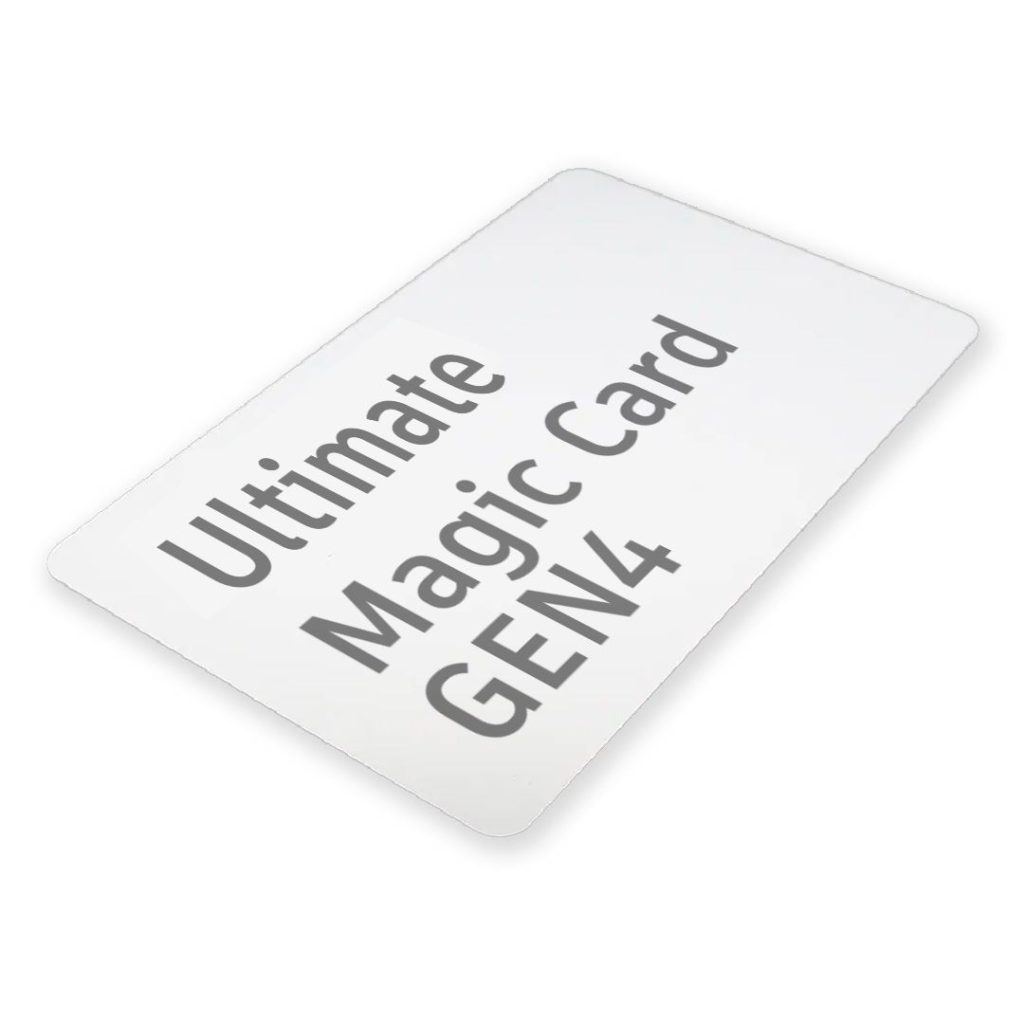
USCUID-UL magic cards can emulate multiple MIFARE Ultralight and NTAG chip identities by changing a hidden 16‑byte configuration block. A single card can be configured as NTAG213, NTAG215, NTAG216, UL11, UL21, or UL-C using Proxmark3 raw commands.
The configuration block also controls DirectWrite (CUID) behavior through a byte in Block 1. Setting it to 0A enables direct UID rewriting; setting it to 00 disables it for stealthier operation. Disabled DirectWrite can be re‑enabled with magic wakeup commands. Physical memory remains fixed regardless of the logical identity, so operations beyond actual capacity will fail.
If you work in RFID testing, red teaming, or access-control research, USCUID-UL magic cards are among the most flexible tags you can carry. A single card can emulate multiple identities in the MIFARE Ultralight and NTAG families, including NTAG213, NTAG215, NTAG216, UL11, UL21, and UL-C, by changing a hidden 16-byte configuration block.

What You Will Learn
- How to configure USCUID-UL tags to emulate different chip identities
- How to disable DirectWrite (CUID) for stealthier behavior on strict readers
- How to re-enable DirectWrite using Proxmark3 magic wakeup commands
Important Capacity Limitation
You can change the tag identity, but you cannot expand the physical memory of the card. For example, if the card physically has NTAG213-level memory (144 bytes) and you configure it as NTAG216 (888 bytes), many readers will identify it as NTAG216, but read/write operations beyond the actual physical capacity will fail.
How the Configuration Block Works
USCUID-UL behavior is controlled through the hidden configuration area accessed with the E2 backdoor command.
The DirectWrite (CUID) behavior is controlled by one byte in Block 1:
0A= DirectWrite enabled (CUID mode)00= DirectWrite disabled (normal or stealth mode)
Setting this byte to 00 does not permanently lock or brick the card. It only disables standard UID rewriting through normal write commands. You can re-enable it through Proxmark3 magic wakeup flow.
Part 1: Configure Card Identity (DirectWrite Enabled)
Use these command groups when preparing a card or changing identity while keeping DirectWrite active.
Config as NTAG216
hf 14a raw -sck E200850000A0; hf 14a raw -ck E20100000AAA; hf 14a raw -ck E20200040402; hf 14a raw -c E20301001303Config as NTAG215
hf 14a raw -sck E200850000A0; hf 14a raw -ck E20100000A5A; hf 14a raw -ck E20200040402; hf 14a raw -c E20301001103Config as NTAG213
hf 14a raw -sck E200850085A0; hf 14a raw -ck E20100000AA5; hf 14a raw -ck E20200040402; hf 14a raw -c E20301000F03Config as MIFARE Ultralight EV1 (UL11)
hf 14a raw -sck E200850000A0; hf 14a raw -ck E20100000AC3; hf 14a raw -ck E20200040301; hf 14a raw -c E20301000B03Config as MIFARE Ultralight EV1 (UL21)
hf 14a raw -sck E200850000A0; hf 14a raw -ck E20100000A3C; hf 14a raw -ck E20200040301; hf 14a raw -c E20301000E03Config as MIFARE Ultralight C (UL-C)
hf 14a raw -sck E200850000A0; hf 14a raw -ck E2010A000A00; hf 14a raw -ck E20200000000; hf 14a raw -c E20300000000Part 2: Disable DirectWrite (Stealth Mode)
After setting your UID, you may want to disable DirectWrite to reduce detection by anti-cloning filters. These command sets switch the control byte to 00.
Disable DirectWrite on NTAG216
hf 14a raw -sck E200850000A0; hf 14a raw -ck E201000000AA; hf 14a raw -ck E20200040402; hf 14a raw -c E20301001303Disable DirectWrite on NTAG215
hf 14a raw -sck E200850000A0; hf 14a raw -ck E2010000005A; hf 14a raw -ck E20200040402; hf 14a raw -c E20301001103Disable DirectWrite on NTAG213
hf 14a raw -sck E200850085A0; hf 14a raw -ck E201000000A5; hf 14a raw -ck E20200040402; hf 14a raw -c E20301000F03Disable DirectWrite on UL11
hf 14a raw -sck E200850000A0; hf 14a raw -ck E201000000C3; hf 14a raw -ck E20200040301; hf 14a raw -c E20301000B03Disable DirectWrite on UL21
hf 14a raw -sck E200850000A0; hf 14a raw -ck E2010000003C; hf 14a raw -ck E20200040301; hf 14a raw -c E20301000E03Disable DirectWrite on UL-C
hf 14a raw -sck E200850000A0; hf 14a raw -ck E2010A000000; hf 14a raw -ck E20200000000; hf 14a raw -c E20300000000Part 3: Re-Enable DirectWrite (Restore CUID)
If DirectWrite is disabled, normal write commands cannot change UID data. Use Proxmark3 magic wakeup commands first, then apply the matching configuration sequence.
Enable DirectWrite on NTAG216
hf 14a raw -a -k -b 7 40; hf 14a raw -k 43; hf 14a raw -sck E200850000A0; hf 14a raw -ck E20100000AAA; hf 14a raw -ck E20200040402; hf 14a raw -c E20301001303Enable DirectWrite on NTAG215
hf 14a raw -a -k -b 7 40; hf 14a raw -k 43; hf 14a raw -sck E200850000A0; hf 14a raw -ck E20100000A5A; hf 14a raw -ck E20200040402; hf 14a raw -c E20301001103Enable DirectWrite on NTAG213
hf 14a raw -a -k -b 7 40; hf 14a raw -k 43; hf 14a raw -sck E200850085A0; hf 14a raw -ck E20100000AA5; hf 14a raw -ck E20200040402; hf 14a raw -c E20301000F03Enable DirectWrite on UL11
hf 14a raw -a -k -b 7 40; hf 14a raw -k 43; hf 14a raw -sck E200850000A0; hf 14a raw -ck E20100000AC3; hf 14a raw -ck E20200040301; hf 14a raw -c E20301000B03Enable DirectWrite on UL21
hf 14a raw -a -k -b 7 40; hf 14a raw -k 43; hf 14a raw -sck E200850000A0; hf 14a raw -ck E20100000A3C; hf 14a raw -ck E20200040301; hf 14a raw -c E20301000E03Enable DirectWrite on UL-C
hf 14a raw -a -k -b 7 40; hf 14a raw -k 43; hf 14a raw -sck E200850000A0; hf 14a raw -ck E2010A000A00; hf 14a raw -ck E20200000000; hf 14a raw -c E20300000000Best Practices Before Deployment
- Always verify physical memory limits before delivering configured cards.
- Test read and write behavior on at least two reader models.
- Keep a known-good backup profile for each tag family you use.
- Document whether DirectWrite is enabled or disabled before handoff.
Final Thoughts
With correct configuration control, USCUID-UL cards provide strong flexibility for professional RFID workflows. If you need reliable tags, tools, and testing hardware, browse the full collection at MTools Tec.

 Magic Card
 Ultimate Magic Card
 4B UID S70 4K KeyFob
 6-in-1 KeyFob
 NTAG 213 215 216
 ISO15693 TAG – 64B
 Gen2 ISO15693 Coin
 RFID Reader
 PN532 BLE
 PcrReader(IC+ID)
 PN532Killer
 GroveNFC
 Proxmark3 RDV4
 iCopy-XS
 UHF Reader
 NFCKill Pro
 125KHz T5577 Cloner
 RFID Emulator
 Chameleon Ultra SE
 Chameleon Mini 2022
 Pixl.js OLED
 RFID Detector (LF HF UHF)
 RF Detector (LF HF)
 Lora
Lora Meshtiny
 GAT562 Pro
 GAT562 30s Kit
 Wio Tracker L1P
 WiFi Deauthor
 WiFi Killer Pro
 Plugin
 店小秘 PayPal 物流同步
 Product Category Banner
 YMM Car Bulb Size
 Attributes Separator
 OpenAI Reviewer
 Code
Code MTools Activation Code
 View All