UHF Reader Tag Clone
How to Clone a UHF Tag with Flipper Zero
UHF Reader Tag Clone
How to Duplicate a UHF Tag on Cardputer ADV


Meshtastic Tips

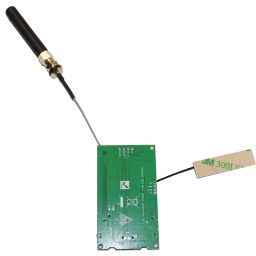
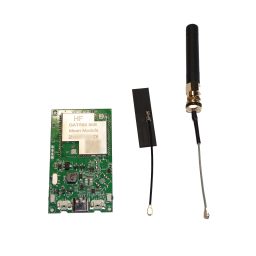
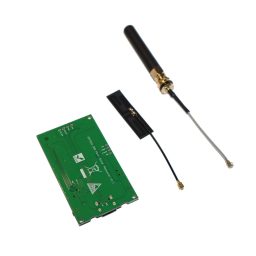
Price range: $39.99 through $46.99
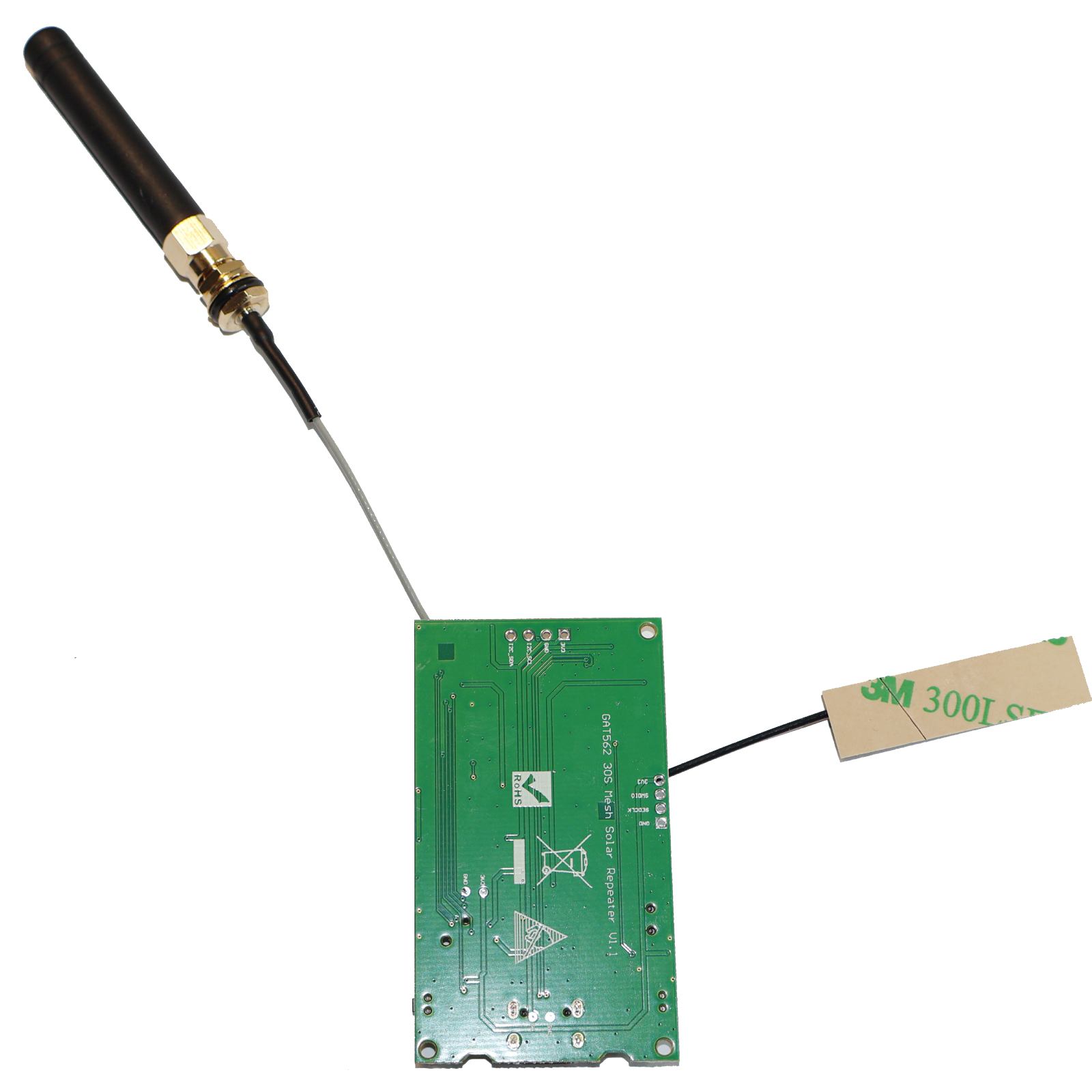
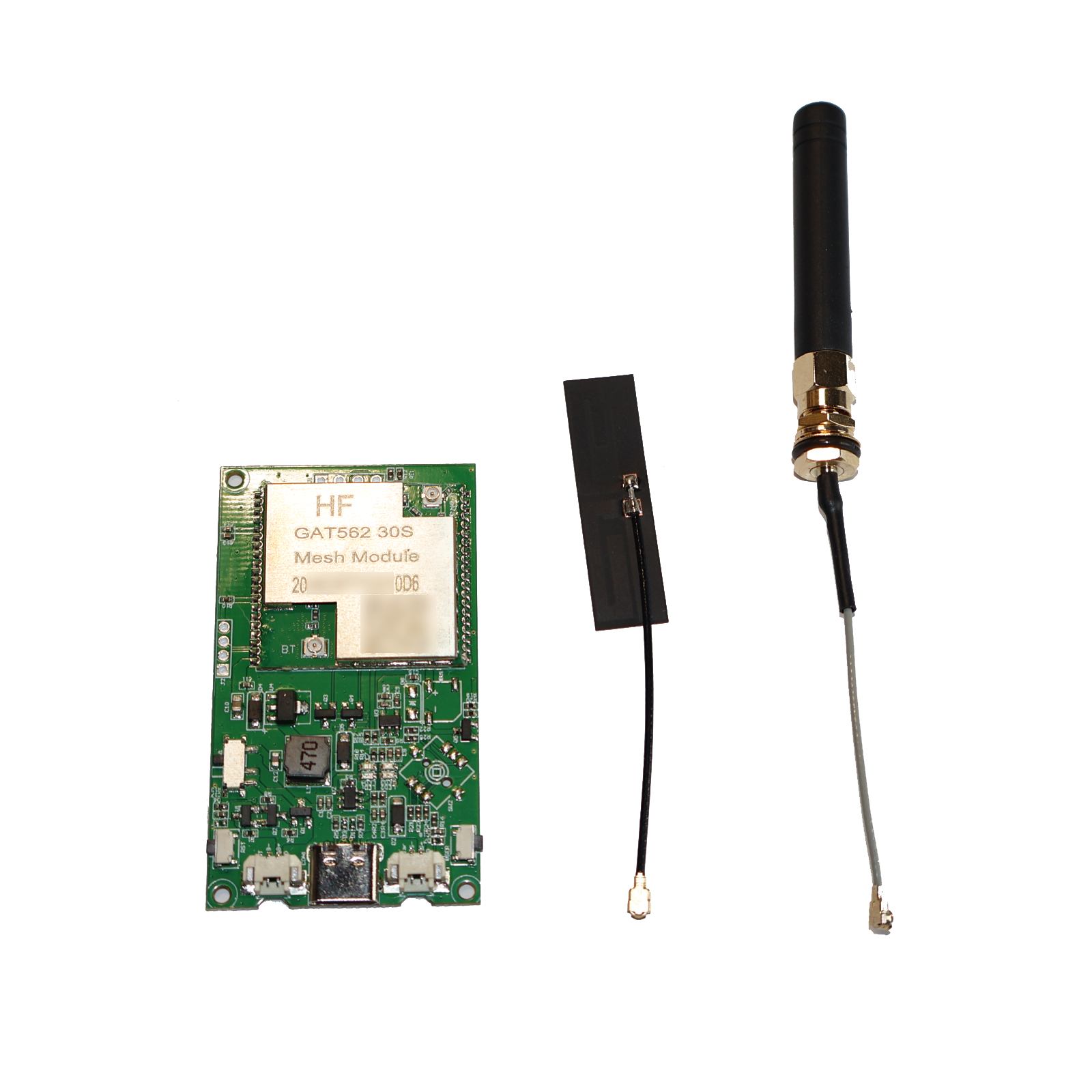
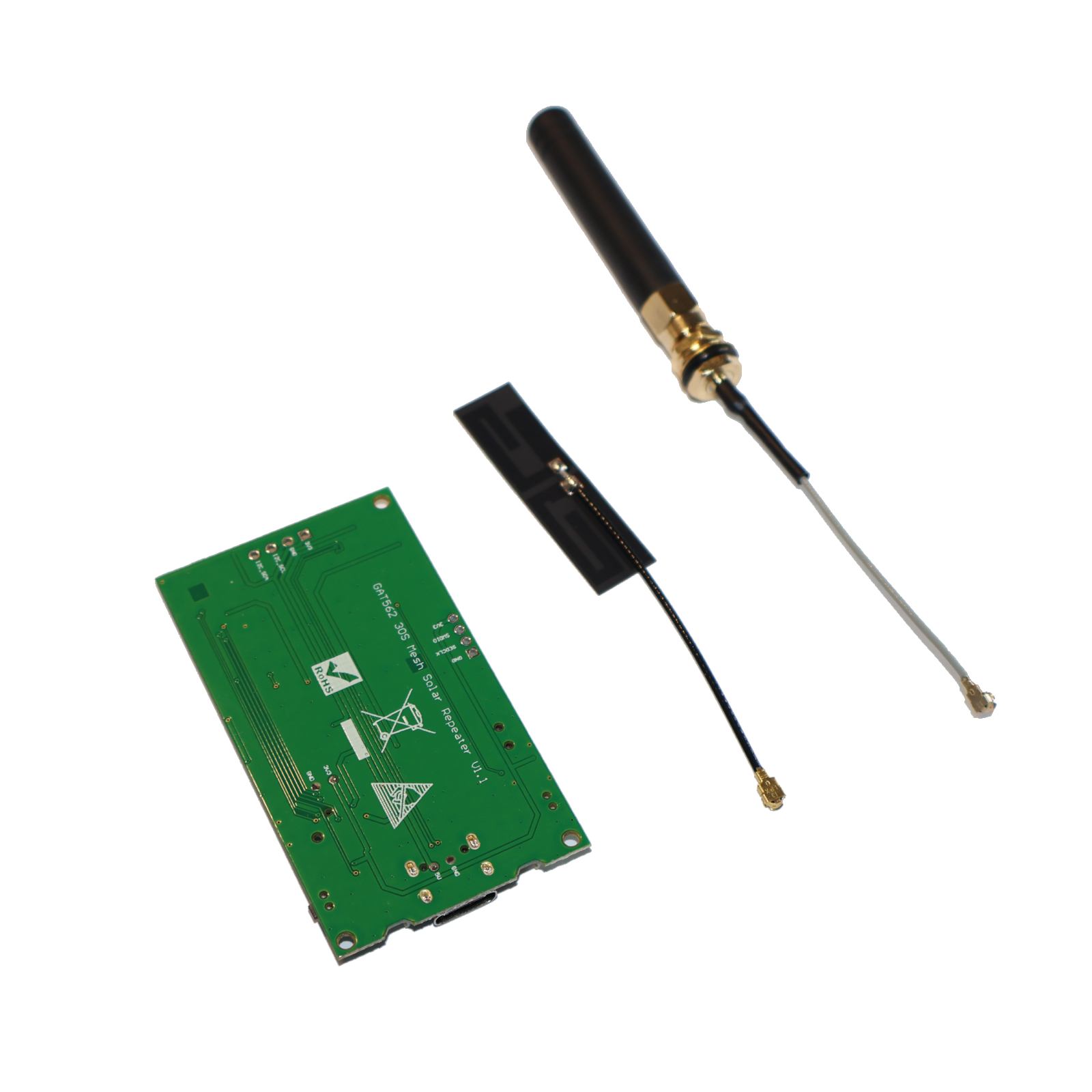
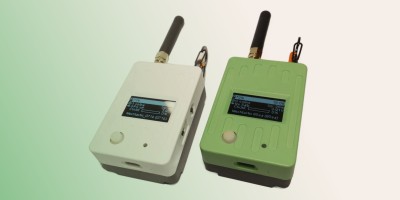
GAT562 30s Mesh Solar Repeater – 30dBm: A high-power 30dBm output for robust, long-range wireless coverage in outdoor and off-grid areas.
New version comes with Filter, please choose the frequency accordingly.
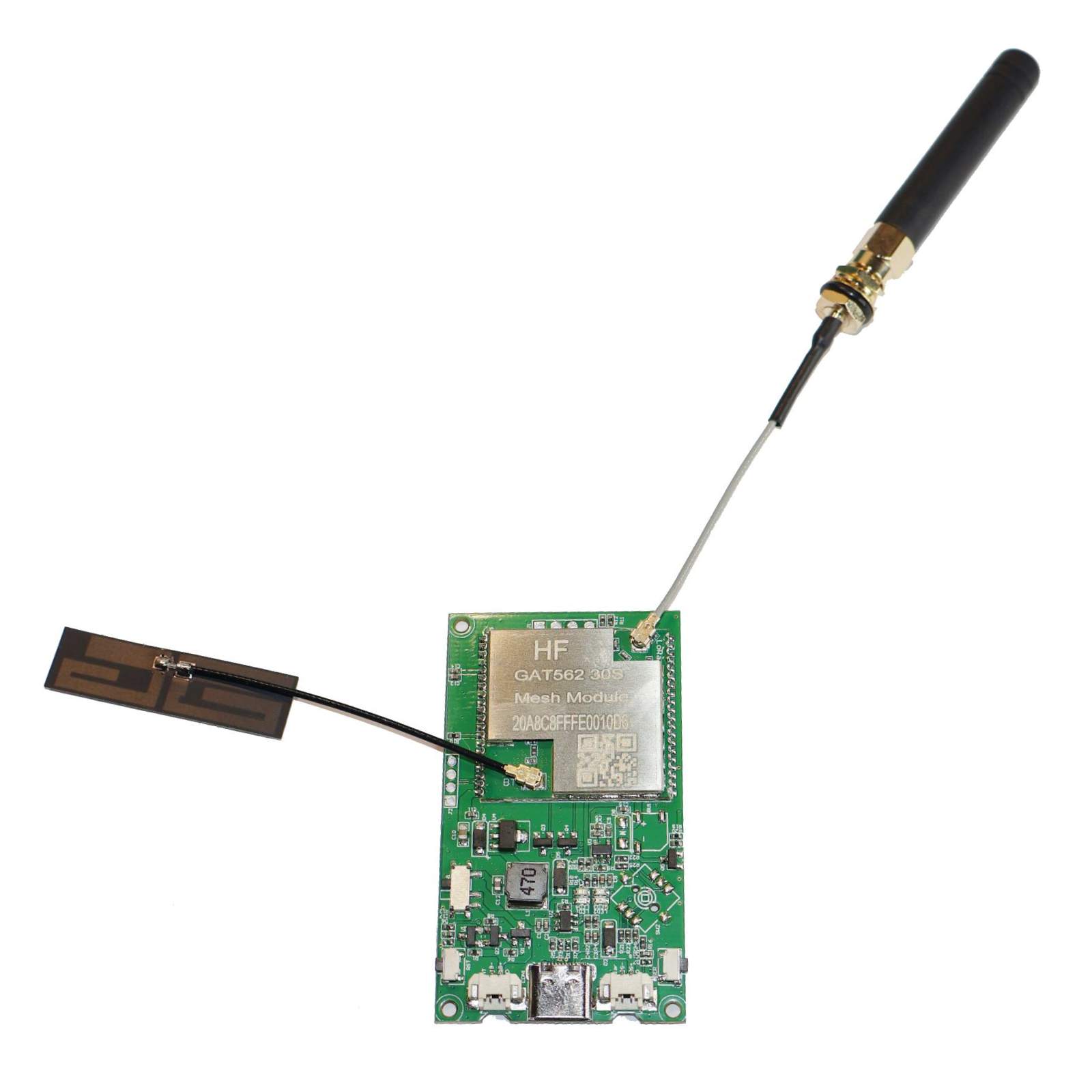
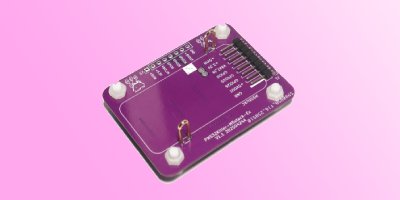
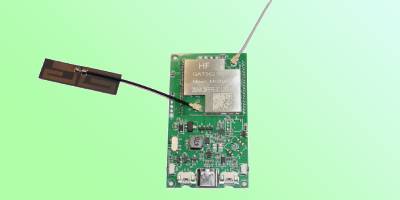
GAT562 30s Mesh Solar Repeater is based on customized PCB and GAT562 30s Module.
GTA562 30s Lora Node Module is a module based on the nRF52840 and SX1262, supporting both Bluetooth and LoRa communication modes.
Battery Input(Left): 3.7V – 4.2V
Solar Power Input(Right): 4.5V – 5.5V
Meshtiny vs 30s DIY Kit vs GAT562 30s
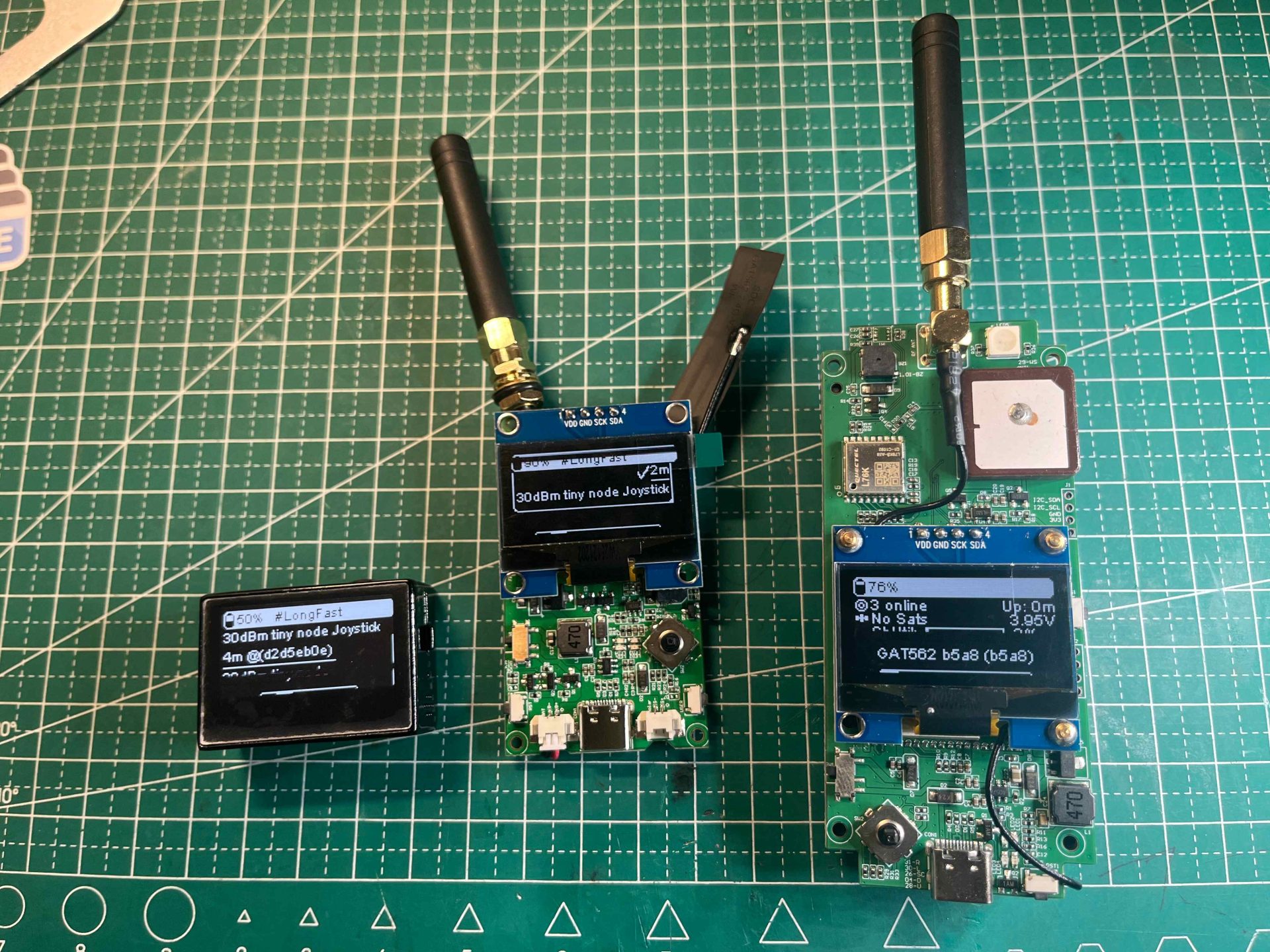
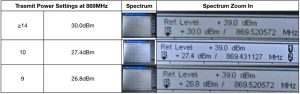
Related Guide: GAT562 30s TX Power Settings & Actual Output Power at 869 MHz — Complete Reference
Link: https://makerworld.com.cn/zh/models/2421467-gat562-podwai-ke
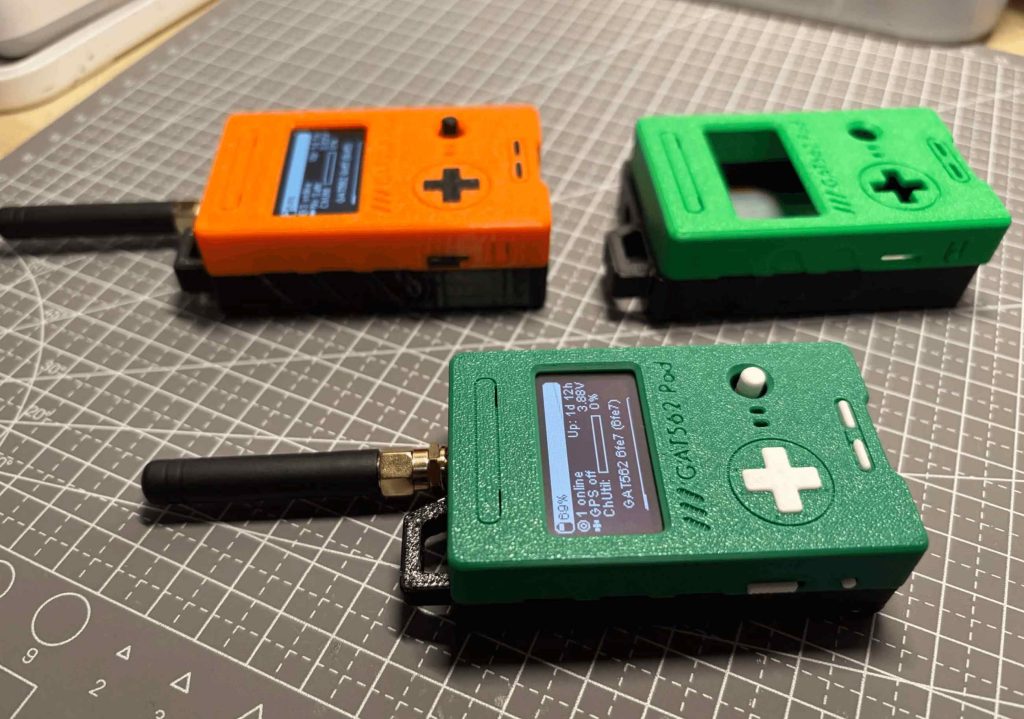
Step File Download Link: https://dl.mtoolstec.com/gat562/gat562-30s-mesh-pod.step
The GAT562 30s Solar Repeater supports MeshCore firmware. Follow the steps below to flash and configure it as a MeshCore Repeater.
GAT562_Mesh_EVB_Pro_repeater-vX.X.X-xxxxxxx.uf2.uf2 file onto the USB drive. The device will flash and reboot automatically.Tip: You can also use the MeshCore Web Flasher for a browser-based flashing experience.
For more information, visit the MeshCore official website.
Flash the latest firmware to your GAT562 30s device directly in Chrome/Edge — no software install required.
| Weight | 0.002 kg | ||
|---|---|---|---|
| Dimensions | 3 × 6 × 0.3 cm | ||
| Weight | 0.002 kg | Dimensions | 3 × 6 × 0.3 cm |
| Working Frequency | |||
|---|---|---|---|
| MCU | nRF52840 |
||
| Type | 30s Board, 30s DIY Kit |
||
| Working Frequency | MCU | nRF52840 |
|
| Type | 30s Board, 30s DIY Kit |
| Working Temperature | -40°C to 85°C |
|---|---|
| Working Temperature | -40°C to 85°C |
| Weight | 0.002 kg |
|---|---|
| Dimensions | 3 × 6 × 0.3 cm |
| Working Frequency | |
| MCU | nRF52840 |
| Working Temperature | -40°C to 85°C |
| Type | 30s Board, 30s DIY Kit |
Customer photos and videos
 GAT562 30s Mesh Pod Solar Repeater - 30dBm
The virtual products are delivered by email in time when order with only virtual products.
We offer both standard and expedited shipping options for our customers. The delivery times may vary depending on the shipping address.
Yes, once your order has been dispatched, we will send you a shipping confirmation email with your tracking number. You can use this number to track your shipment’s progress.
The delivery time varies depending on your location and the chosen shipping option. Typically, it takes about 5-10 business days for standard shipping and 2-5 business days for expedited shipping.
Shipping is usually available to all parts of the world. However, restrictions may apply to certain countries or regions due to international laws or shipping carrier limitations.
If you haven’t received your order within the expected delivery timeframe, please contact our customer support team. We will help to track your shipment and provide updates.
If your order arrives damaged, please contact our customer support immediately. We will initiate the return process and take necessary steps to rectify the situation.
Depending on the status of your order, it may be possible to change the shipping address before the package dispatched oversea. Please contact our customer support as soon as possible to request changes.
Lora Node
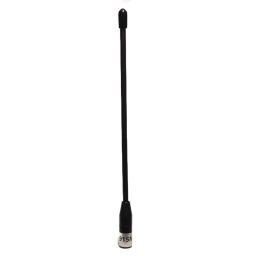
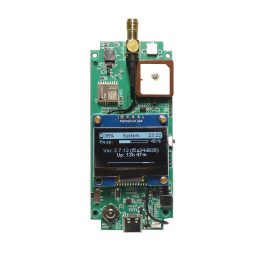
 Price range: $39.99 through $46.99
 Home
Home Reader








 Flipper
 Cardputer

 Software
 Windows
 PCSC Mifare Program
 Chameleon Ultra GUI
 iOS
iOS Android
 Web
Web
 Magic Card
 Ultimate Magic Card
 4B UID S70 4K KeyFob
 6-in-1 KeyFob
 NTAG 213 215 216
 ISO15693 TAG – 64B
 Gen2 ISO15693 Coin
 RFID Reader
 PN532 BLE
 PcrReader(IC+ID)
 PN532Killer
 GroveNFC
 Proxmark3 RDV4
 iCopy-XS
 UHF Reader
 NFCKill Pro
 125KHz T5577 Cloner
 RFID Emulator
 Chameleon Ultra SE
 Chameleon Mini 2022
 Pixl.js OLED
 RFID Detector (LF HF UHF)
 RF Detector (LF HF)
 Lora
Lora Meshtiny
 GAT562 Pro
 GAT562 30s Kit
 Wio Tracker L1P
 WiFi Deauthor
 WiFi Killer Pro
 Plugin
 店小秘 PayPal 物流同步
 Product Category Banner
 YMM Car Bulb Size
 Attributes Separator
 OpenAI Reviewer
 Code
Code MTools Activation Code
 View All
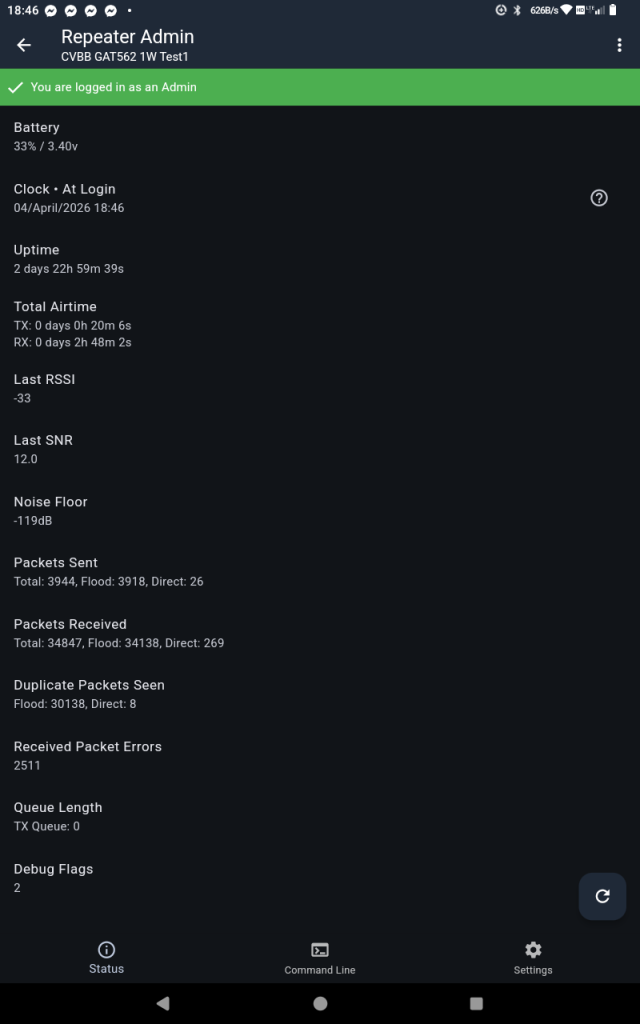
Works great on meshcore, best noise floor of any 1w or heltec v4 I’ve tried. Low power usage. Ran 3 days on a 1000mah test battery.
Ordered more units. So far my favorite 1w unit