UHF Reader Tag Clone
How to Clone a UHF Tag with Flipper Zero
UHF Reader Tag Clone


Match the app and reader to your platform before reading or writing a card.
Read data from MIFARE Classic tags using key files (dictionary).
Select Key Files:
Specify Sector Range:
Start Mapping Process:
View Data:

Write data to tags, including single block writing, dump file writing, factory formatting and increasing and decreasing value blocks.
Write Block
Write 16 bytes block data to specific sector number and block number.
Write Dump
Choose dump and select the blocks that write to the tag.
Factory Format
Set the data block to 00000000000000000000000000000000 . And Set the trailer block data to FFFFFFFFFFFFFF078069FFFFFFFFFFFF.
Incr./Decr. Value Block
Increase or decrease the value of a standard value block.

View saved dump file and show in sectors. You can also send the data to built-in tools.
Data as ASCII
Decode Access Conditions
Compare Dump
Export Dump
Save Keys
Write Dump

The built-in Tools in MCT are useful for the data analysis or operation.
Display Tag Info
Clone UID
Diff Tool
Access Condition Decoder & Encode
It can convert the access control byte in trailer block for the permissions, which includes Read Key, Write Key, Read ACS, Write ACS to the Sector Trailer. And the permissions for Data Blocks include READ, WRITE, INCR, DECR, Transit and REST.
BCC Calculator
It can calculate the fifth byte in block 0, which is the XOR value of the 4 bytes UID.



MIFARE Classic Tool

MTools

MIFARE Ultralight Tool
MTools BLE
Each MIFARE Classic sector is protected by Key A and/or Key B. MCT can only read a sector after finding a valid key in the selected key files. Add authorized keys to your dictionary, reduce the sector range for faster testing, and confirm that the tag is actually MIFARE Classic rather than MIFARE Ultralight, DESFire or another protocol.
The original MCT application is designed for Android. iPhone and iPad workflows depend on the app, iOS NFC limitations and the hardware being used. See our iOS and Android MIFARE Classic guide for compatible options.
Standard cards allow data blocks to be rewritten only when the correct keys and access conditions are available. Changing the UID requires a compatible UID-changeable research card; normal genuine cards do not allow block 0 to be rewritten.
Save and verify the original dump, confirm the memory size, compare sector trailers and select only the blocks you intend to change. Writing an incompatible dump or invalid access bits can make the card unusable.
A Proxmark3 X is useful when you need broader protocol support, repeatable desktop analysis, advanced diagnostics or a reader that works across Android, Windows, macOS and Linux.

Used in this tutorial
Proxmark3 X — All-in-One RFID Research ToolBLE + USB-C, independent copy mode, built-in battery. Works on Android, Windows, Kali and macOS. Use code RFIDUP for $10 OFF.
Buy $79.99 — Free Shipping

 Home
Home Reader








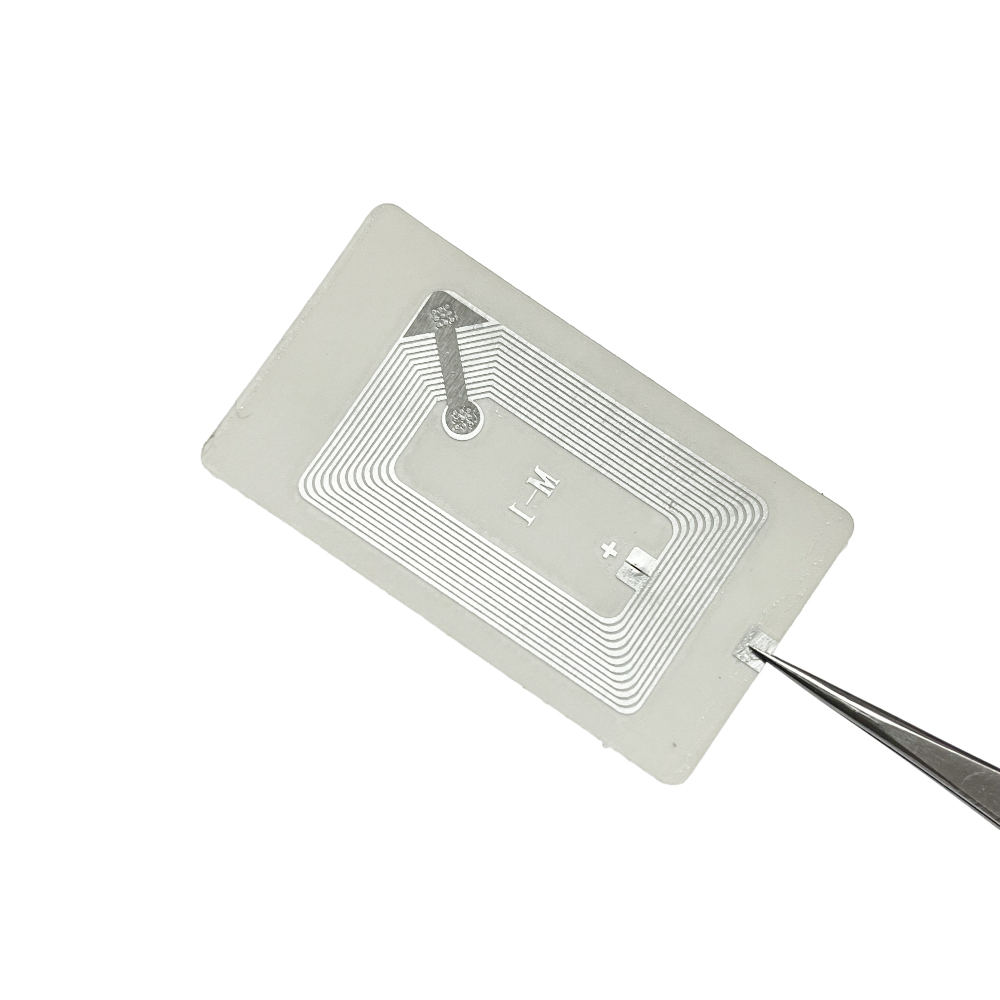

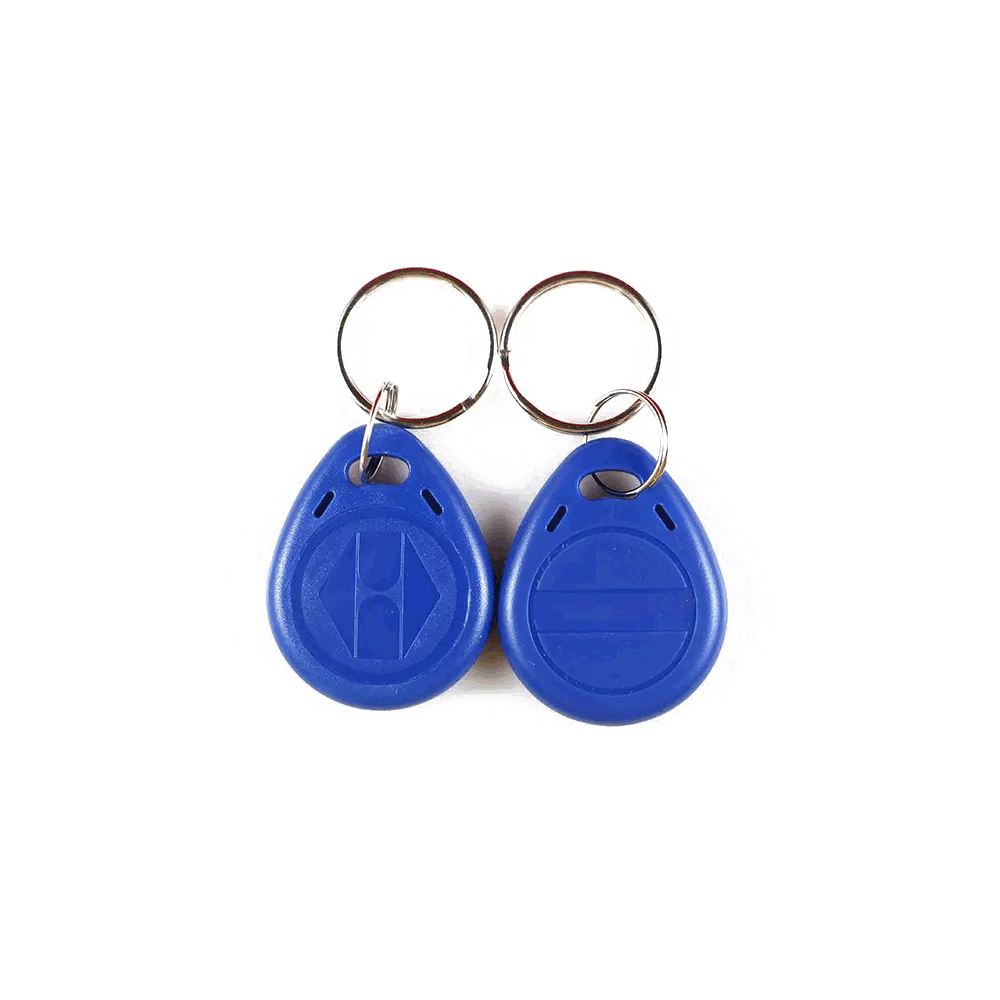
 Flipper


 Cardputer


 Software
 Windows
 Chameleon Ultra GUI
 iOS
iOS Android
 Web
Web
 Magic Card
 Ultimate Magic Card
 4B UID S70 4K KeyFob
 6-in-1 KeyFob
 NTAG 213 215 216
 ISO15693 TAG – 64B
 RFID Reader
 PN532 BLE
 PcrReader(IC+ID)
 PN532Killer

 iCopy-XS
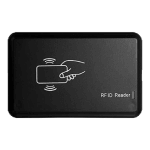 UHF Reader
 NFCKill Pro
 125KHz T5577 Cloner
 RFID Emulator
 Chameleon Ultra SE
 Chameleon Mini 2022
 Pixl.js OLED
 RF Detector (LF HF)
 Lora
Lora Meshtiny


 WiFi Deauthor
 WiFi Killer Pro
 Plugin

 YMM Car Bulb Size
 OpenAI Reviewer
 Code
Code MTools Activation Code
 View All