


 Home
Home Reader










 Software
 Windows
 Chameleon Ultra GUI
 iOS
iOS Android
 Web
Web Tutorial
 Apps
Apps Tips
Tips Documents
 Instructions
 Chameleon Ultra
 UHF Reader to change TID
Meshtastic, Tips
Enhanced nRF52 Bootloader with OLED

Aug
Features
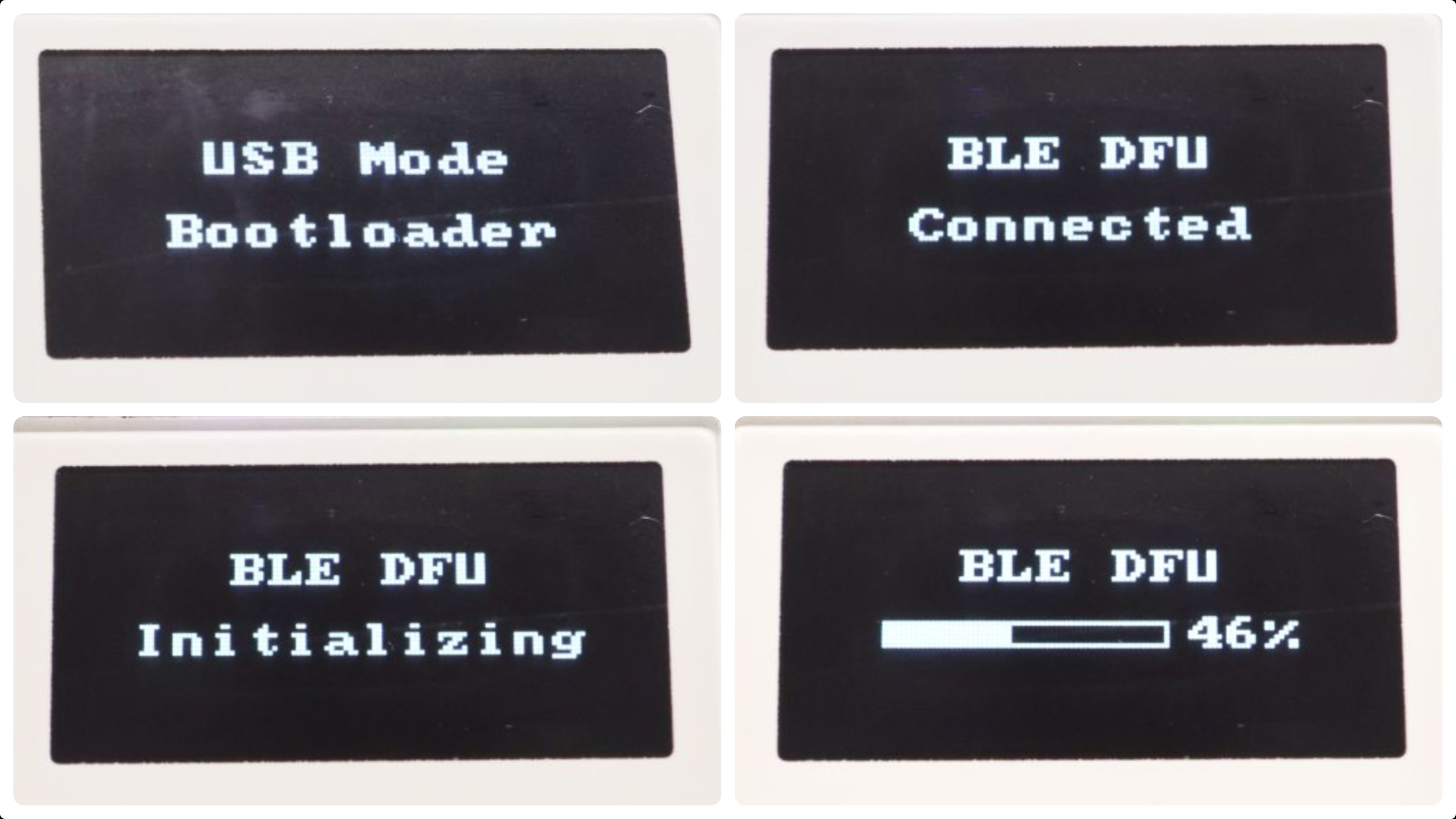
- Brand Splash Screen – OEM for your barnd
- Dual-Stage USB Boot – Easy to trigger bootloader
- State-Aware Display – Show OTA connection status
- BLE Update Status – Show process bar and percent
- Fail-Safe Recovery – Stay in BLE when BLE OTA failed
- High-Speed Engine – Finish DFU in 100s
Screenshots
Repository
https://github.com/whywilson/adafruit_nRF52_Bootloader_OTAFIX
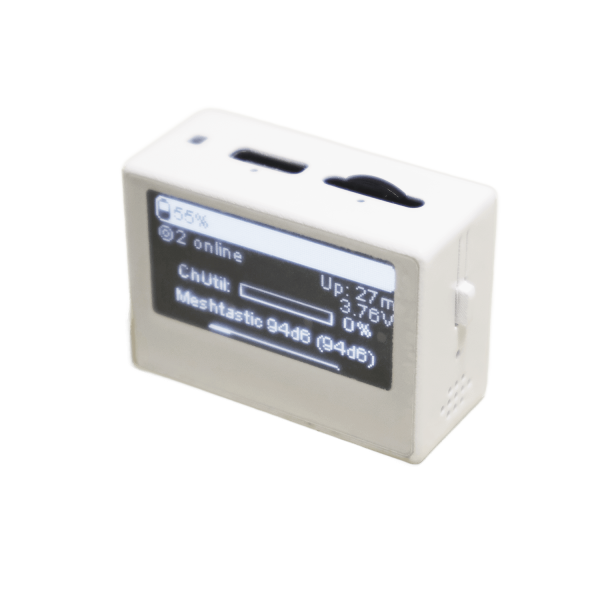
Supported Devices

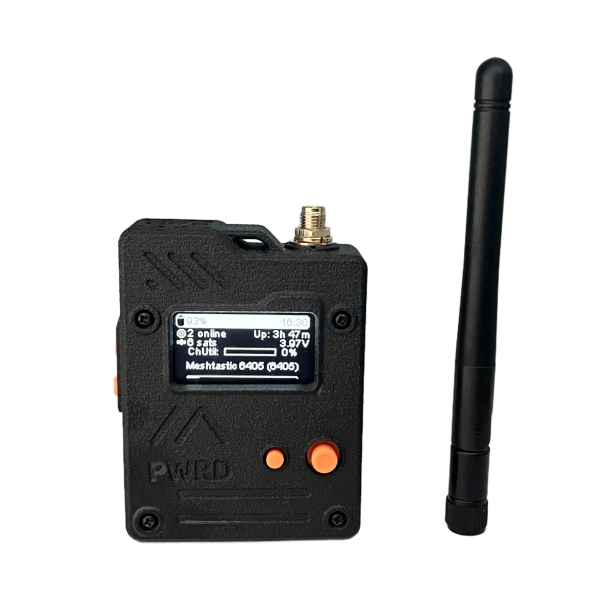
Key Macro Definition
- OLED SDA, SCL pin number
- OLED Driver type – SSD1306 or SH1106 supported
- OLED IIC Address
- Brand Name
How to Compile
Run the command below
make BOARD=board_name
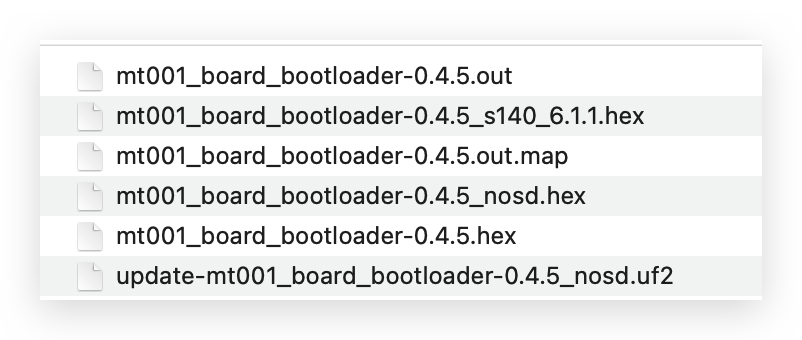
And the new boatloader file will be created under _build folder. The full Bootloader file type will be uf2, zip and hex.
How to Upgrade Bootloader
Drag and Drop with UF2
- Connect your device to PC, MacOS or even Android which supports external storage management.
- Double click reset button to enter the Bootloader mode, normally the Green LED will keep glowing slow and a disk label will be show on PC.
- Drag the Bootloader UF2 file to the disk.
- The Booloader will be upgraded super easy.
If the Bootloader is not updated, that means the Bootloader upgrade by UF2 feature has been disabled. You can try the next 2 ways.
BLE OTA with ZIP
Upload the Bootloader Zip file with MTools BLE or DFU App by Nordic.
Please make sure that the number of packages needs to be 5 to 8 before you’re on old Bootloader.
The process will take around 3 minutes.
Flash with JLINK
This requires an extra AMR Emualtor for JLINK flash. It can even recover the dead Bootloader or system firmware even the nRF52840 chip is soft-bricked.
nrfjprog --eraseall -f nrf52
nrfjprog --program new_bootloader.hex --verify -f nrf52
nrfjprog --reset -f nrf52
How to enable UF2 upgrade Bootloader
Make sure that J-Link is properly connected to nRF52 (SWDIO/SWCLK/GND).
nrfjprog --memwr 0x10001014 --val 0x00000000 -f nrf52 
 Magic Card
 Ultimate Magic Card
 4B UID S70 4K KeyFob
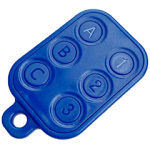 6-in-1 KeyFob
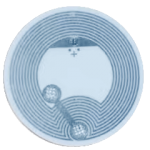 NTAG 213 215 216
 NTAG ISO15693
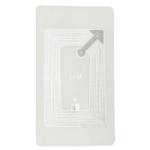 ISO15693 TAG – 64B
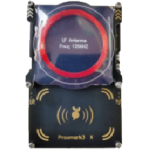 RFID Reader
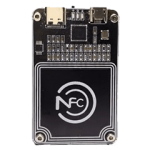 PN532 BLE
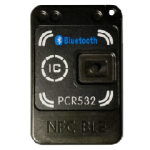 PcrReader(IC+ID)
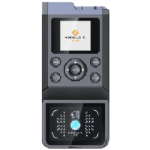 iCopy-XS
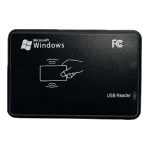 ISO15693 Reader
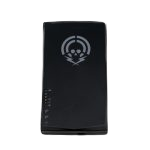 NFCKill Pro
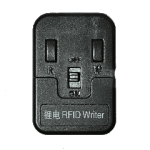 125KHz T5577 Cloner
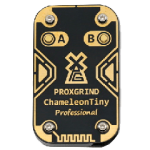 RFID Emulator
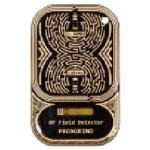 RF Detector
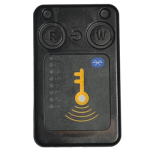 Chameleon Ultra SE
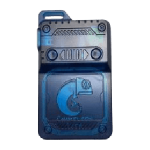 Chameleon Lite
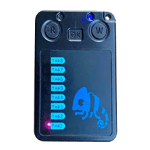 Chameleon Mini 2022
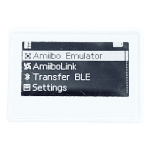 Pixl Amiibo
 Lora
Lora Meshtiny

 WiFi Deauthor
 WiFi Killer Pro
 USB Hack
 Plugin

 YMM Car Bulb Size
 OpenAI Reviewer
 Code
Code MTools Activation Code
 View All
i am trying to make this. Which compiler should I install on windows to make this succesfully?
You can do more search on adafruit-nrfutil.