
 Home
Home Reader








 Flipper
 Cardputer

 Software
 Windows
 PCSC Mifare Program
 Chameleon Ultra GUI
 iOS
iOS Android
 Web
Web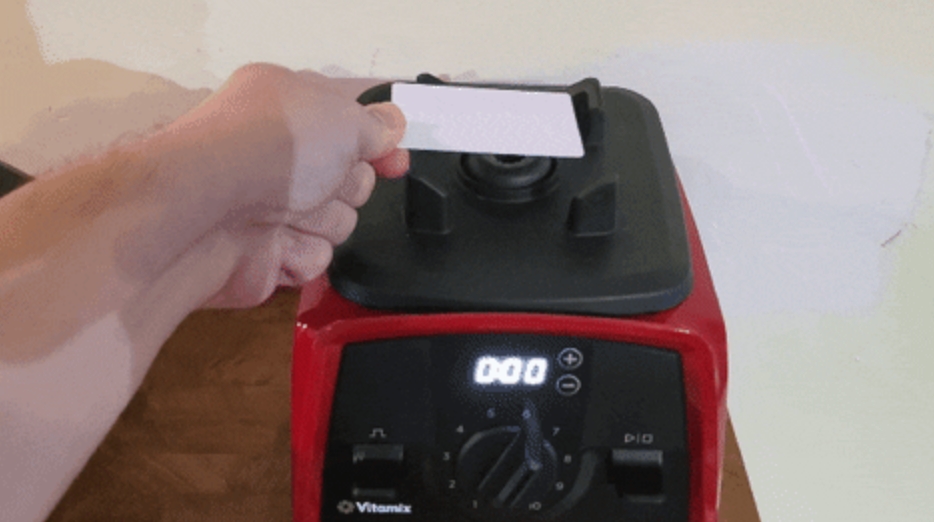
Aug
Are you tired of being locked into using only Vitamix-branded containers with your SmartDetect blender? Many Vitamix owners don’t realize that the SmartDetect technology uses NFC tags to identify approved containers. With the right tools and knowledge, you can bypass this restriction and use any container you prefer.
Understanding Vitamix SmartDetect Technology
Vitamix’s SmartDetect system uses NFC (Near Field Communication) technology embedded in their official containers. When you place a container on the base, the blender reads the NFC tag to verify it’s an authentic Vitamix product. This system typically includes:
- NFC tags with specific manufacturer data
- Unique identifier codes
- Authentication protocols
Step-by-Step Guide to Bypass SmartDetect
Step 1: Read the Original NFC Tag
Visit a Vitamix retailer or use a friend’s authentic Vitamix container. Using an NFC reading app like Mifare++ Ultralight or Mifare Ultralight Tool on your Android device:
- Open the app and place the Vitamix container near your phone’s NFC reader
- Save the complete reading from the app
- Ensure the container lid is properly in place during reading for accurate data capture
Step 2: Acquire UID-Changeable NFC Tags
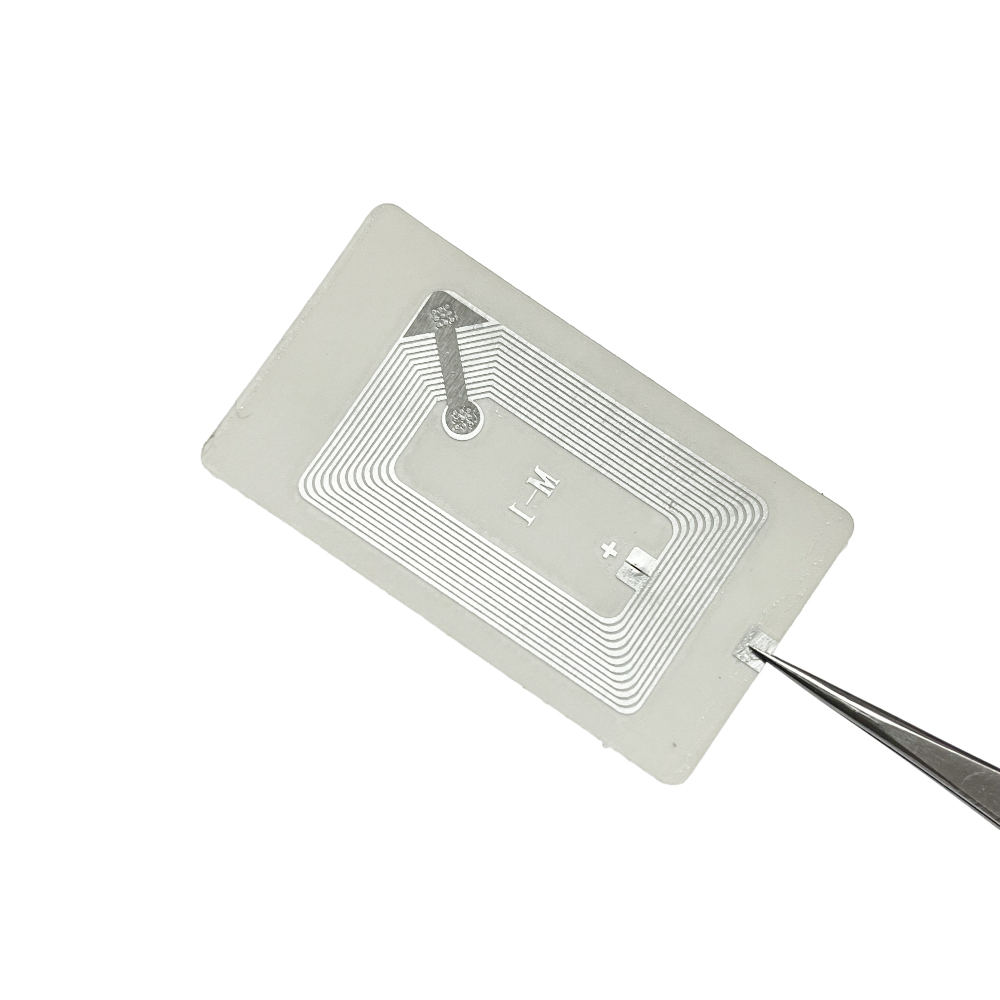
Purchase specialized NFC tags designed for UID modification. We recommend the UID Changeable NTAG N216 available at MTools Tec. These tags offer:
- Full UID modification capability
- Compatibility with Vitamix NFC protocols
- Reliable performance and durability
Step 3: Program Your New NFC Tag
After receiving your UID-changeable NFC tag:
- Open your saved Vitamix container data in your NFC app
- Locate the third line of data in the reading
- Change the value from “FFFF” to “0000”
- Write this modified data to your new NFC tag
- Test the tag with your Vitamix blender
User feedback on Reddit: https://www.reddit.com/r/Vitamix
Why Choose UID-Changeable NTAG?
The UID of common NTAG216 cannot changed, if so the full dump data cannot be written to the common tag. The UID data is store in the page 0 to page 2.
Important Considerations
Please note that this guide is intended for educational and research purposes related to Magic NTAG technology. It should not be used for any illegal or unauthorized activities. We strongly recommend purchasing and using official Vitamix containers to ensure optimal performance, safety, and user experience. Using unofficial containers may involve potential risks; proceed with caution and at your own responsibility.
Ready to liberate your Vitamix from container restrictions? Our UID-changeable NFC tags provide the perfect solution for enthusiasts who want more flexibility without compromising performance.
Have questions about NFC tag programming or need assistance with your Vitamix modification? Contact our technical support team at [email protected] for personalized guidance.

 Magic Card
 Ultimate Magic Card
 4B UID S70 4K KeyFob
 6-in-1 KeyFob
 NTAG 213 215 216
 ISO15693 TAG – 64B
 Gen2 ISO15693 Coin
 RFID Reader
 PN532 BLE
 PcrReader(IC+ID)
 PN532Killer
 GroveNFC
 Proxmark3 RDV4
 iCopy-XS
 UHF Reader
 NFCKill Pro
 125KHz T5577 Cloner
 RFID Emulator
 Chameleon Ultra SE
 Chameleon Mini 2022
 Pixl.js OLED
 RFID Detector (LF HF UHF)
 RF Detector (LF HF)
 Lora
Lora Meshtiny
 GAT562 Pro
 GAT562 30s Kit
 Wio Tracker L1P
 WiFi Deauthor
 WiFi Killer Pro
 Plugin
 店小秘 PayPal 物流同步
 Product Category Banner
 YMM Car Bulb Size
 Attributes Separator
 OpenAI Reviewer
 Code
Code MTools Activation Code
 View All
Thanks for this tutorial. I have Mifare Ultalight installed on my Android phone, and have successfully scanned the tag on my Vitamix blender and saved the Dump List. However, there are no options in my Android App to edit the file. I know there are other routes to editing the file, but I have spent hours trying to find the dump files on my phone – and I have activated hidden files. There is just no files that contain Mifare, com.mifare, or evern any files ending in.bin or .dump. I’m stumped. Can you throw any light on this issue? Thanks
Your changeable NTAG 216 chips and Mtec Ultralite app worked like a charm. Now I have a right-sized container for my Venturist Vitamix and congratulate you for a very beneficial hack.