
 Home
Home Reader



 Flipper
 Cardputer
 Software
 Windows
 PCSC Mifare Program
 Chameleon Ultra GUI
 iOS
iOS Android
 Web
WebMeshtastic, MTools BLE, Tips
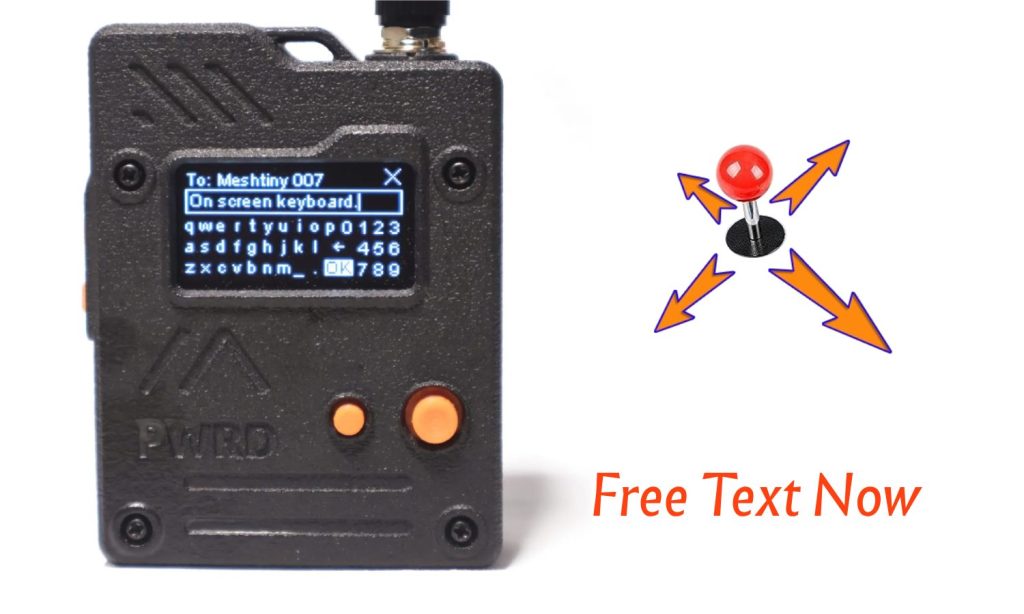
Experience On-screen Keyboard with Joystick on Wio Tracker L1 Pro
Aug
Meshtastic devices before the BaseUI, the free text input needs the full I2C keyboard or full size touch screen, such as T-Deck devices or SenseCap indicator. And when Seeed Wio Tracker L1 Pro comes with the Joystick on in 4 ways, UP/DOWN/LEFT/RIGHT. The navigation will be more easy to control on one button position. But the current firmware can only use for BaseUI navigation or canned message up or down.
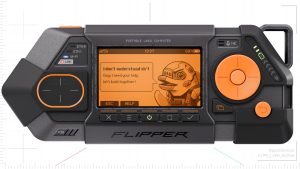
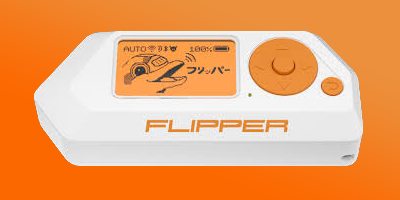
So why not bring a screen keyboard to the OLED on L1 Pro? Just like the Flipper Zero On-Screen Keyboard.
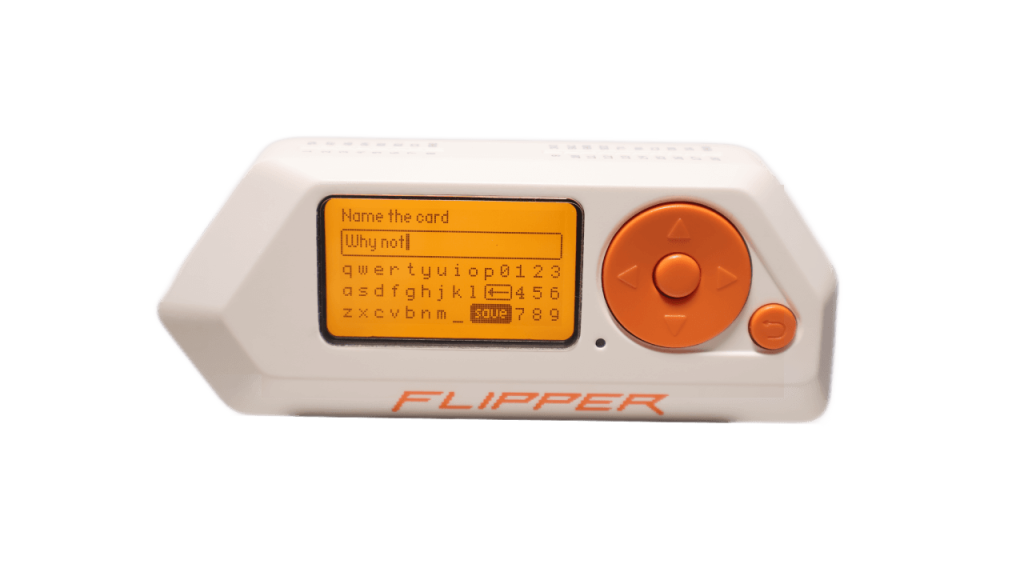
Now we did it in Custom Meshtastic Beta Firmware.
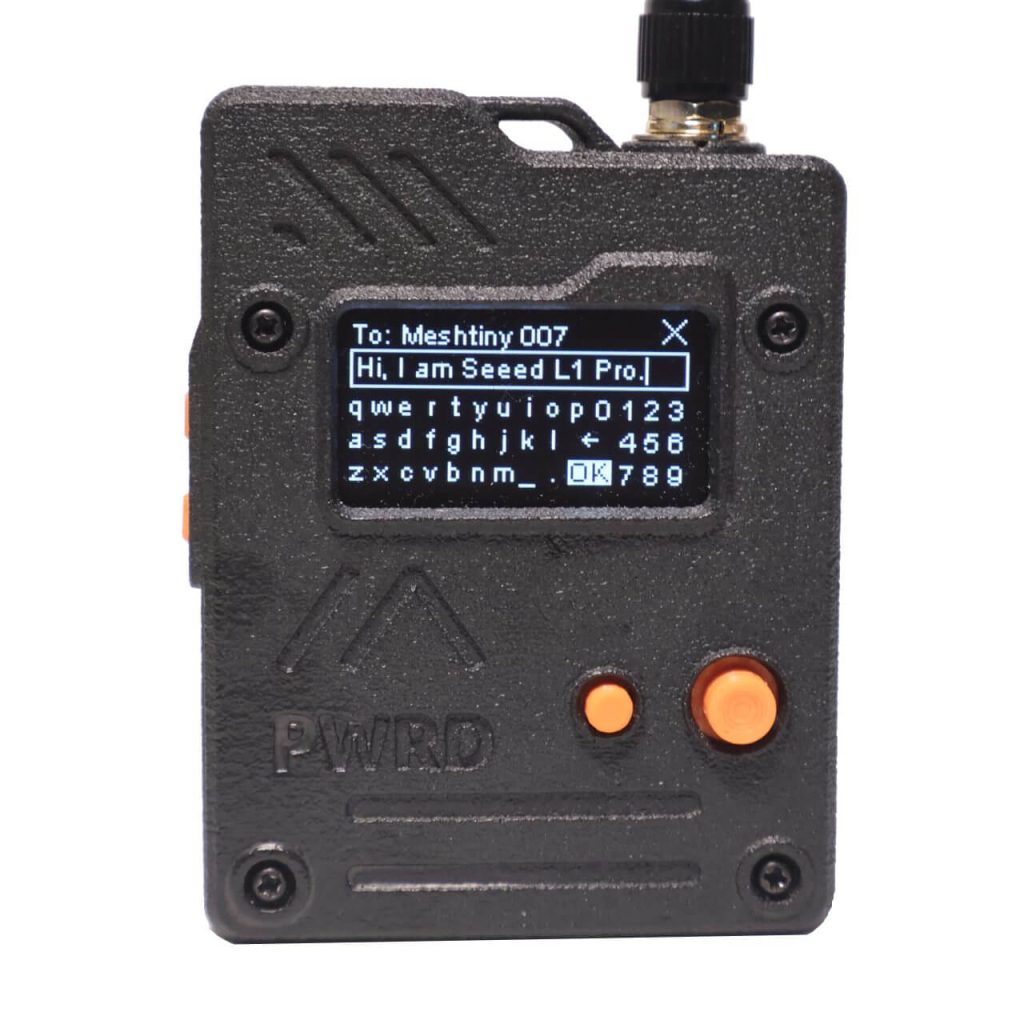
How to Upgrade to Beta FW
BLE OTA via MTools BLE
- Tools > Meshtastic > Settings And change the Repository to
github.com/mtoolstec/mt-firmwareand save - Enter again and select
Seeed Wio Tracker L1 - Connect device and start DFU
Notice
If you’re still factory bootloaer, please make sure set the Number of Packets to 8, the OTA will take around 10 minutes.
If you’re new bootloader, the Number of Packets can be 100, the OTA process will take around 2 minutes.
File OTA with UF2 File
-
- Download the firmware-nrf52840-xxxxxx.zip, unzip it and find the file firmware-seeed_wio_tracker_L1-xxxx.uf2.
The last PR of On-Screen Keyboard on github.com/meshtstic/firmware.
https://github.com/meshtastic/firmware/pull/7625
- Download the firmware-nrf52840-xxxxxx.zip, unzip it and find the file firmware-seeed_wio_tracker_L1-xxxx.uf2.
- Double click on the RESET button on Wio Tracker L1 Pro after USB connected to your PC.
- Drag and drop the UF2 file to the new appeared drive on PC.
Canned Message with Fee Text
Now we have Free Text menu on the top of Canned Message List.
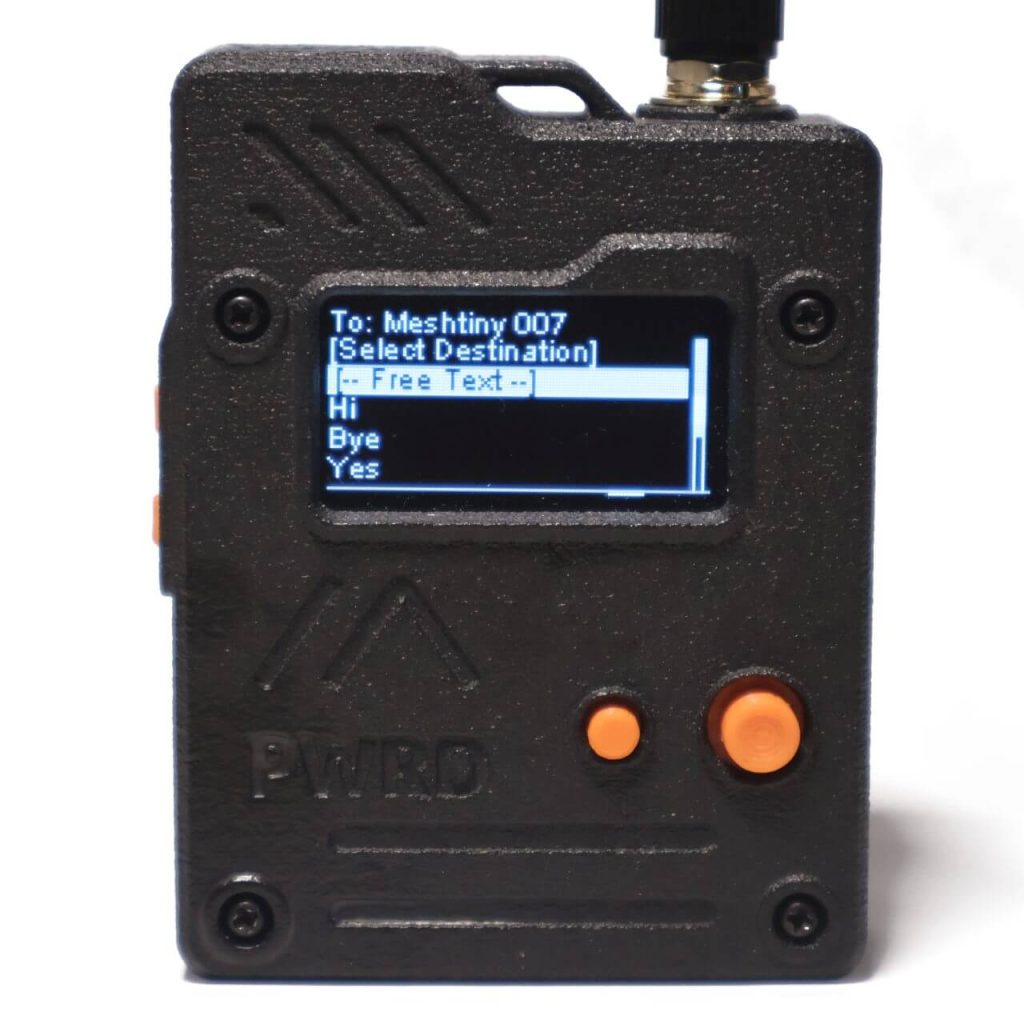
How to text with Joystick
- Now when you are on the BaseUI, you can click UP/Down to enter Canned Message list. Under the Select Destination menu, there will be [– Free Text –] menu.
- Press to enter the on-screen keyboard.
Tips on the Free Text Input
- The cursor can be moved from the left boarder to right border by move LEFT. It works the same way on the other edge.
- Long Press will trigger the Upper caser when the cursor is on the letter.
- Long Press on _ will turn to a space.
- Long Press on . will be turned to a comma.
Demo Videos

 Magic Card
 Ultimate Magic Card
 4B UID S70 4K KeyFob
 6-in-1 KeyFob
 NTAG 213 215 216
 ISO15693 TAG – 64B
 Gen2 ISO15693 Coin
 RFID Reader
 PN532 BLE
 PcrReader(IC+ID)
 PN532Killer
 GroveNFC
 Proxmark3 RDV4
 iCopy-XS
 UHF Reader
 NFCKill Pro
 125KHz T5577 Cloner
 RFID Emulator
 Chameleon Ultra SE
 Chameleon Mini 2022
 Pixl.js OLED
 RFID Detector (LF HF UHF)
 RF Detector (LF HF)
 Lora
Lora Meshtiny
 GAT562 Pro
 GAT562 30s Kit
 Wio Tracker L1P
 WiFi Deauthor
 WiFi Killer Pro
 Plugin
 店小秘 PayPal 物流同步
 Product Category Banner
 YMM Car Bulb Size
 Attributes Separator
 OpenAI Reviewer
 Code
Code MTools Activation Code
 View All
How to select user to message from the “last heard” list? joystick down automatically takes me to @Broadcast
Funciona igual con el e-Ink?
Seems not. The e-Ink refreshing is not working on this.
Works pretty well!! It’s a really practical idea. Tested on Wio Tracker L1 Pro 2.7.9 PR#7625