NTAG Tips PN532
Fix Invalid BCC0 or BCC1 with PN532 CLI

UHF Reader Tag Clone
How to Clone a UHF Tag with Flipper Zero
UHF Reader Tag Clone


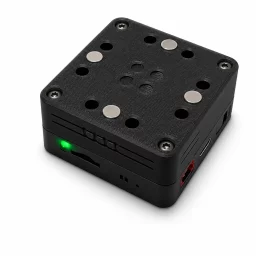
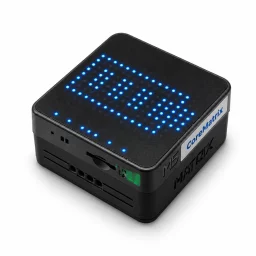
Original price was: $59.99.$49.99Current price is: $49.99.
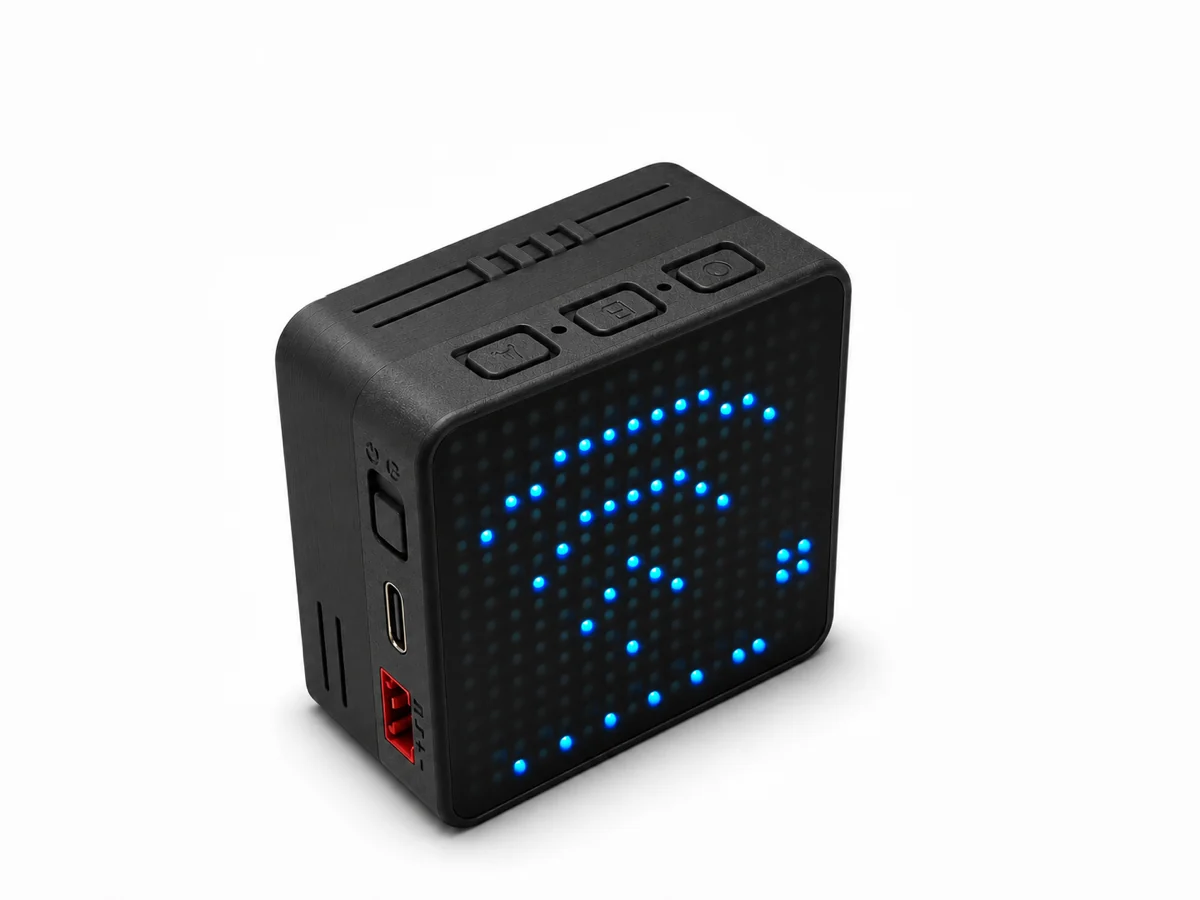
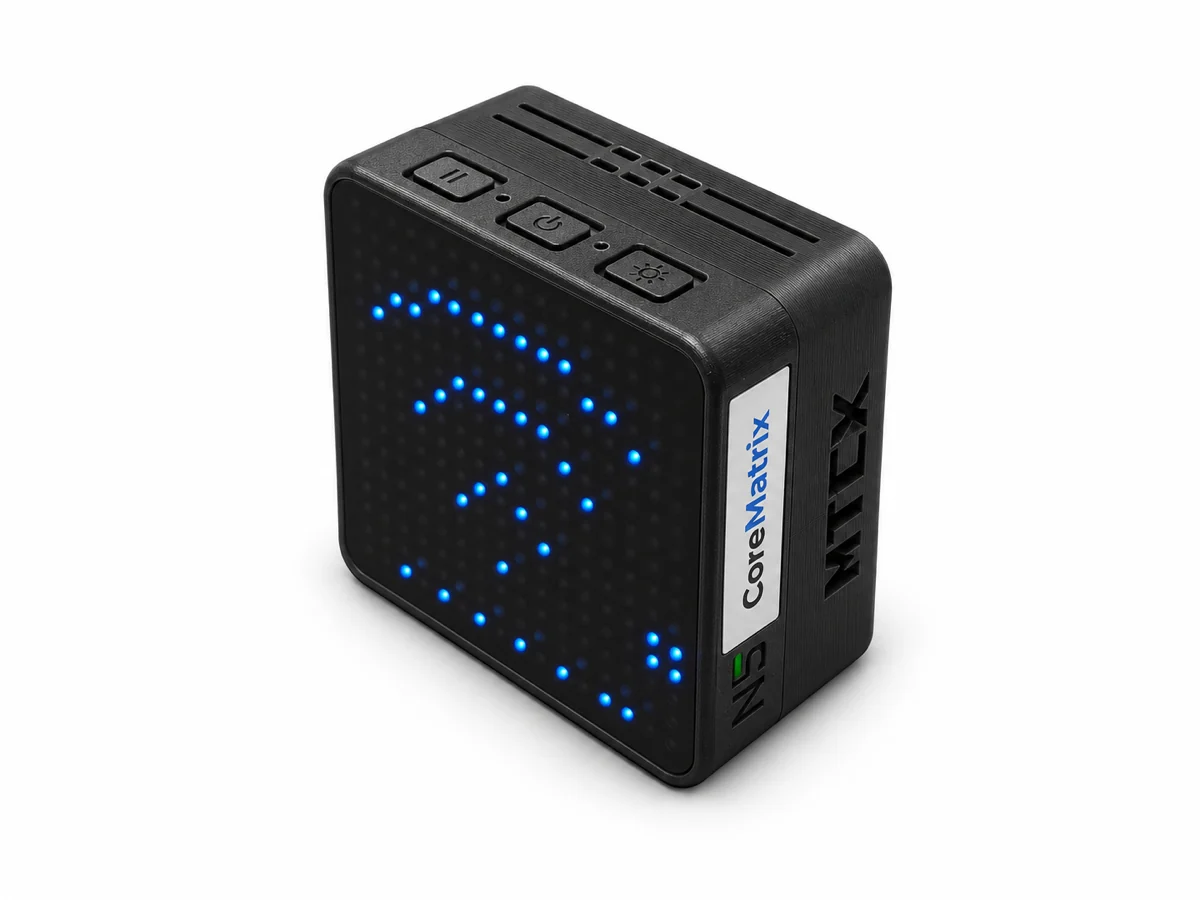
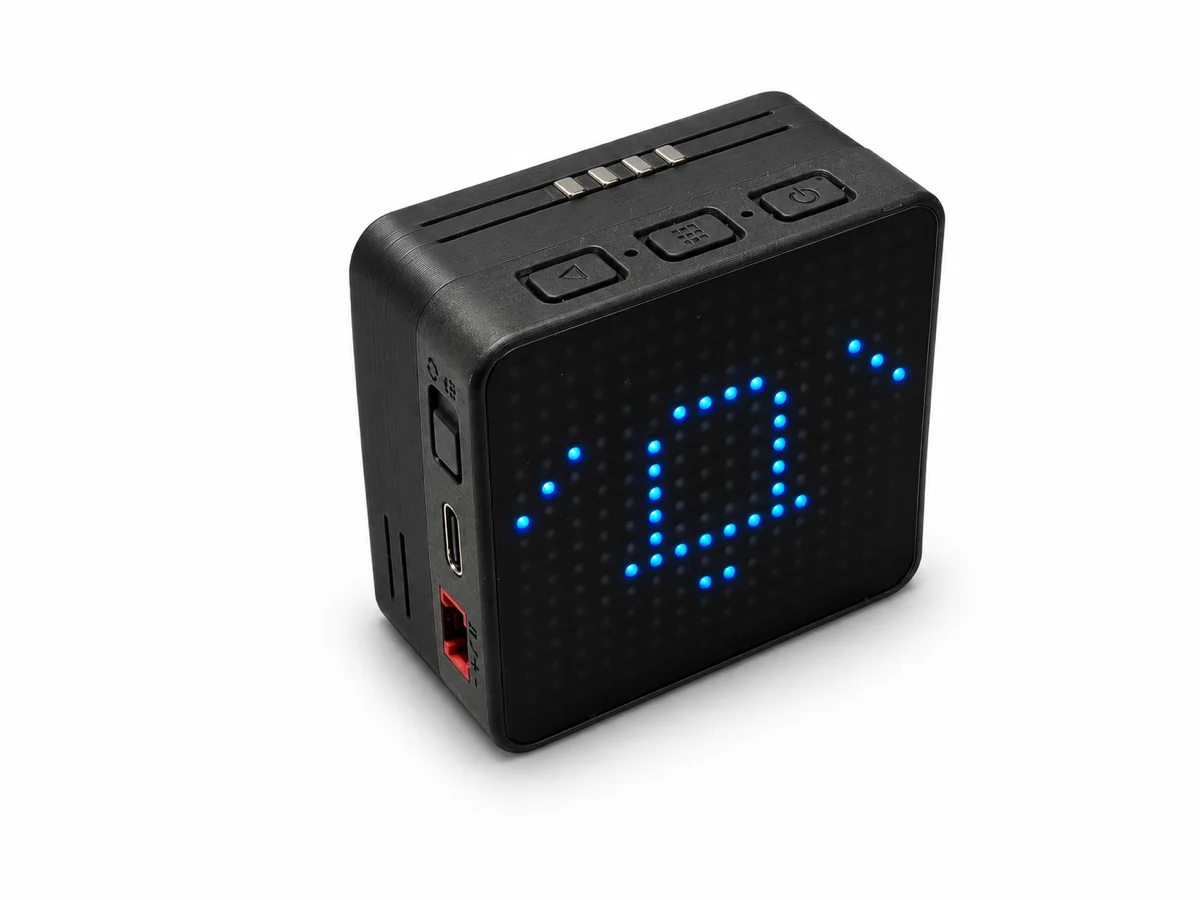
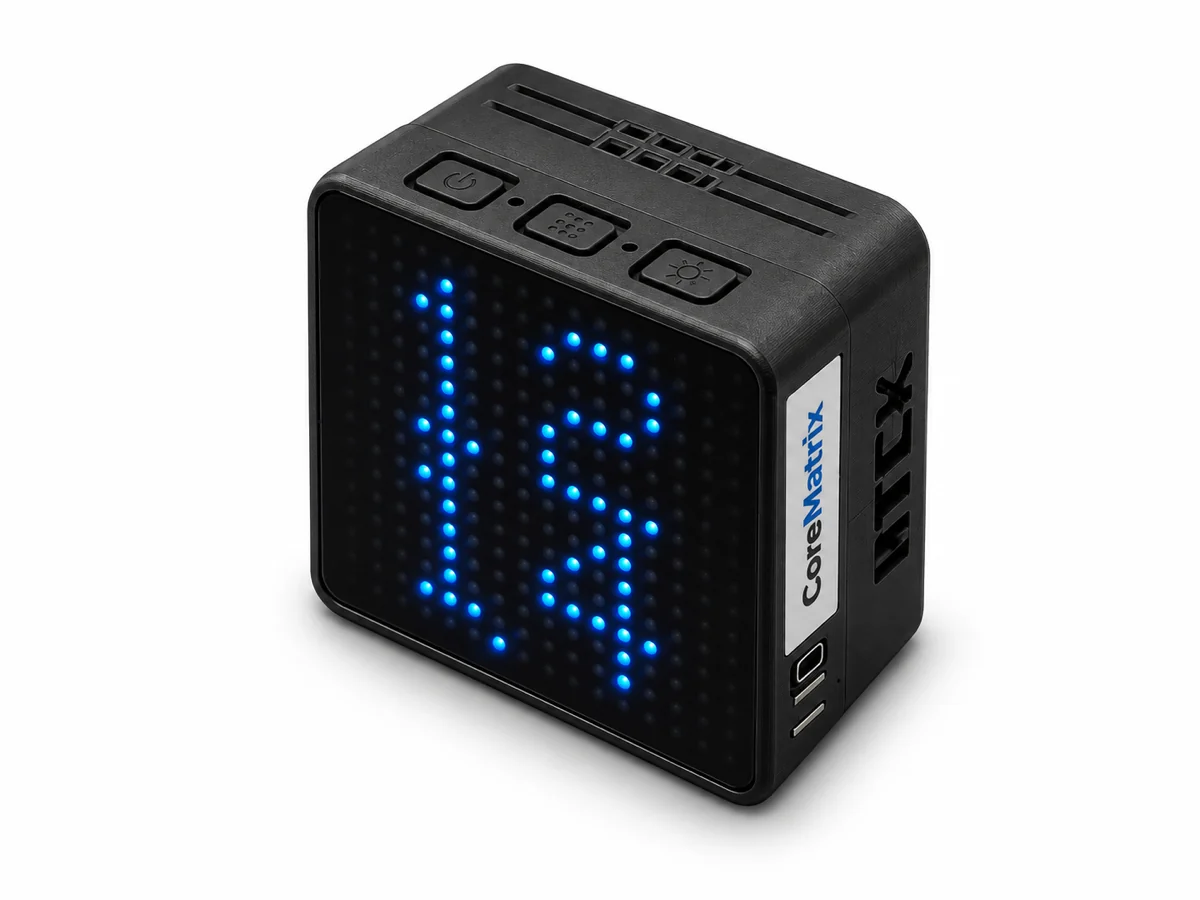
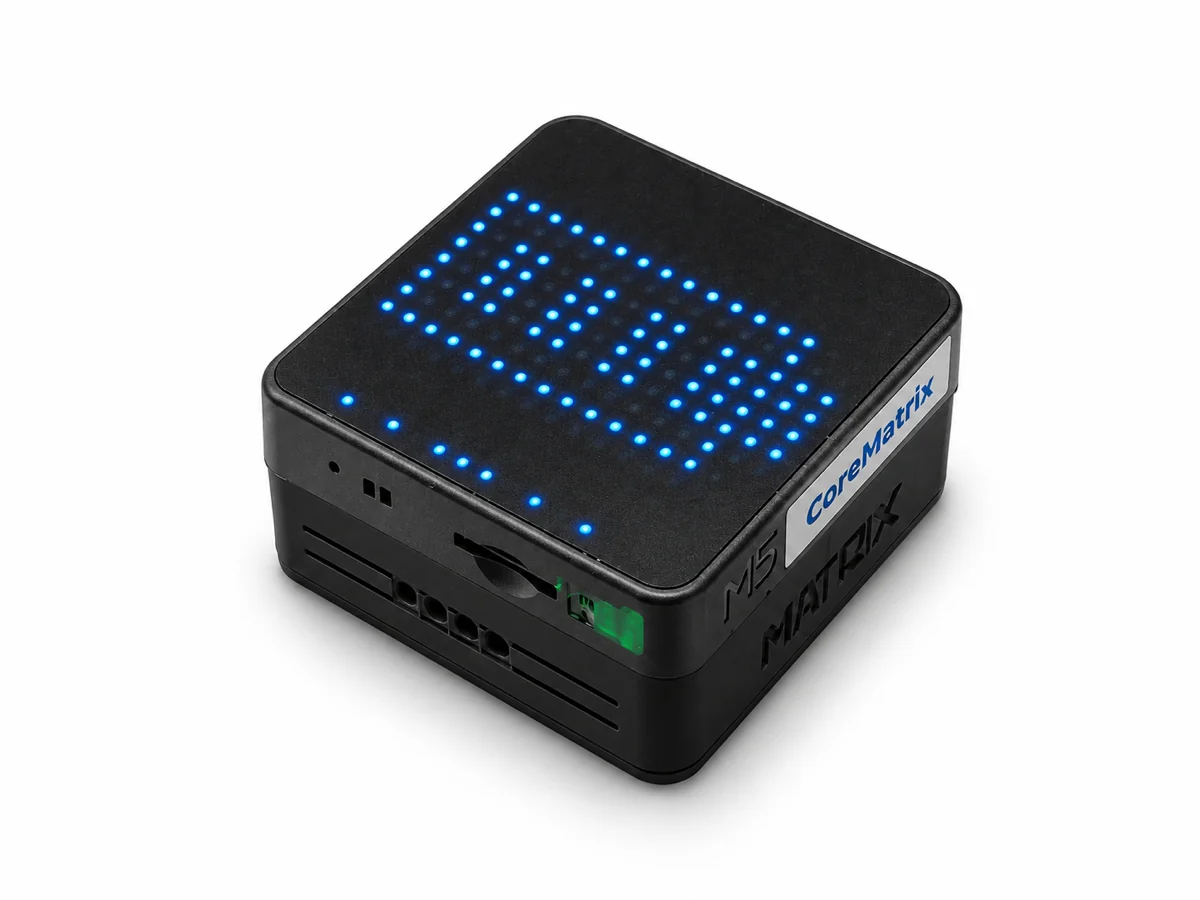
Matrix Cube is a ready-to-use pixel timer with six countdown presets, audible alerts, clock, battery display and Wi-Fi message panel. Built with M5Stack CoreMatrix, a 1200mAh battery and a black magnetic, LEGO-compatible base.
MATRIX CUBE · READY TO USE
A compact pixel timer for a desk, kitchen or workshop. Matrix Timer firmware is preinstalled, so the 16 × 16 display becomes a useful everyday tool straight away.
Powered by M5Stack CoreMatrix with a 1200mAh battery, in a black case with a magnetic, LEGO-compatible base.
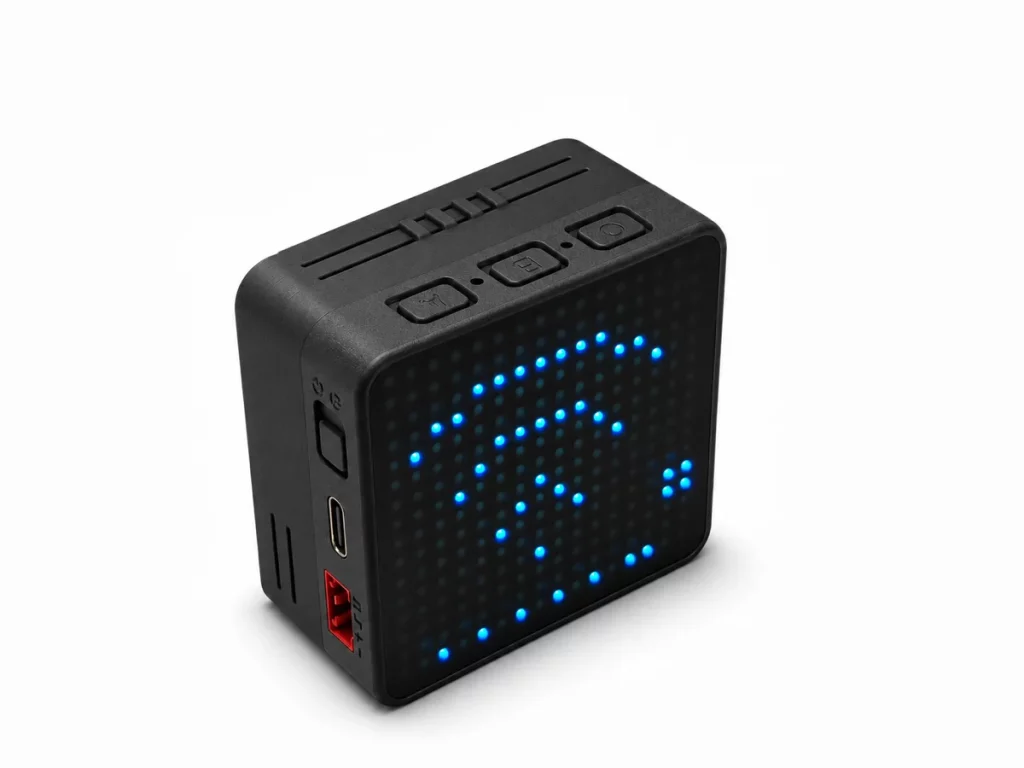
Choose 10 seconds, 1, 5, 15, 25 or 45 minutes. Press B to start, pause or resume; C switches preset or, when held, cancels. A returns to the menu while the timer continues in the background.
The display shows remaining time and progress. When time is up, Matrix Cube lights up with a bell and plays an alert. Press any button to acknowledge; a shake or quick double tap can silence the sound.
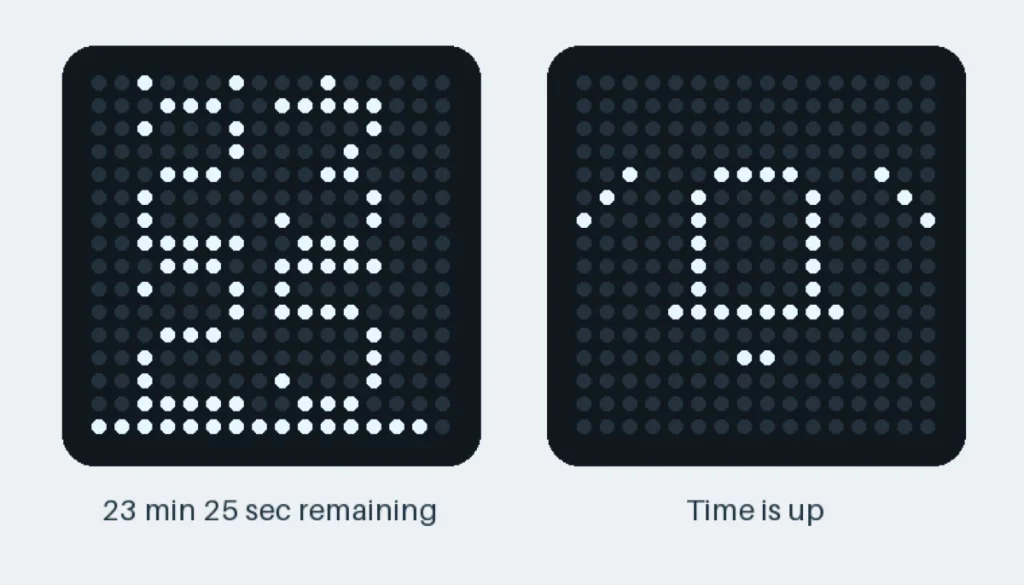
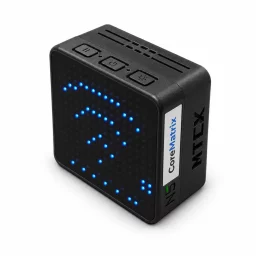
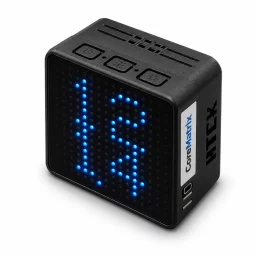
Simulated LED frames rendered from the Matrix Timer firmware.
The clock shows hours and minutes with a moving seconds indicator. It can synchronize over Wi-Fi; you can also set local time and UTC offset in the device web panel. An idle clock dims to save power and wakes with a tap.
Check the battery as an icon or percentage, and adjust the LED brightness through eight levels. The display can sleep during idle time while a background timer continues.
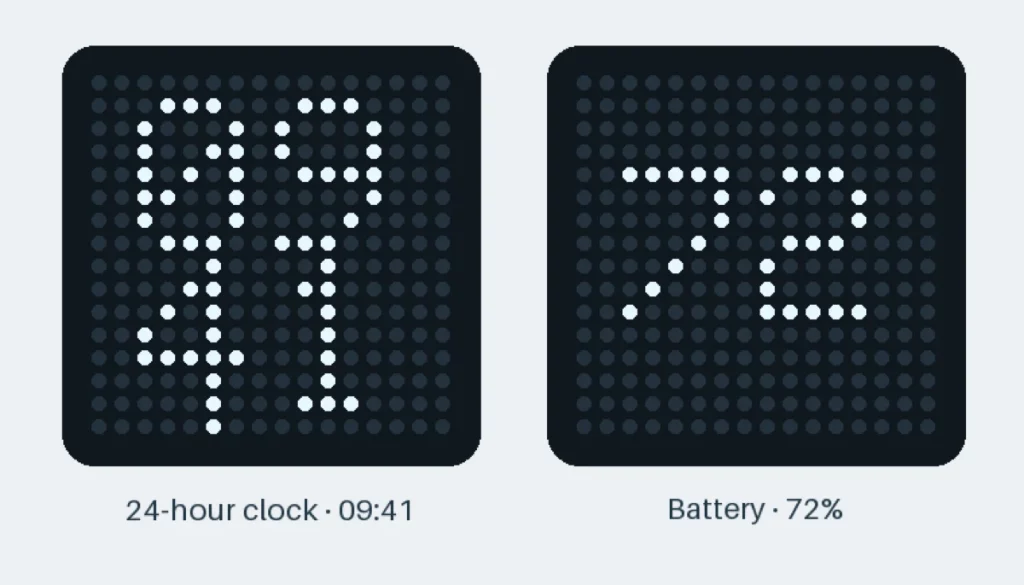
Example clock and battery readings rendered from the firmware.
Connect Matrix Cube to a 2.4GHz Wi-Fi network using its setup hotspot. On the cube, open Wi-Fi and hold C to enable setup. Join the MatrixTimer hotspot, open 192.168.4.1, then enter your 2.4GHz network name and password. After setup, rejoin that network and open the cube’s LAN IP to reach the control panel. The panel can control countdowns and alert sounds, set the clock, and send scrolling messages to the LED display.
Messages can include common Chinese and English characters, numbers and supported emoji icons. A running countdown keeps going while a message scrolls; timer alerts take priority.
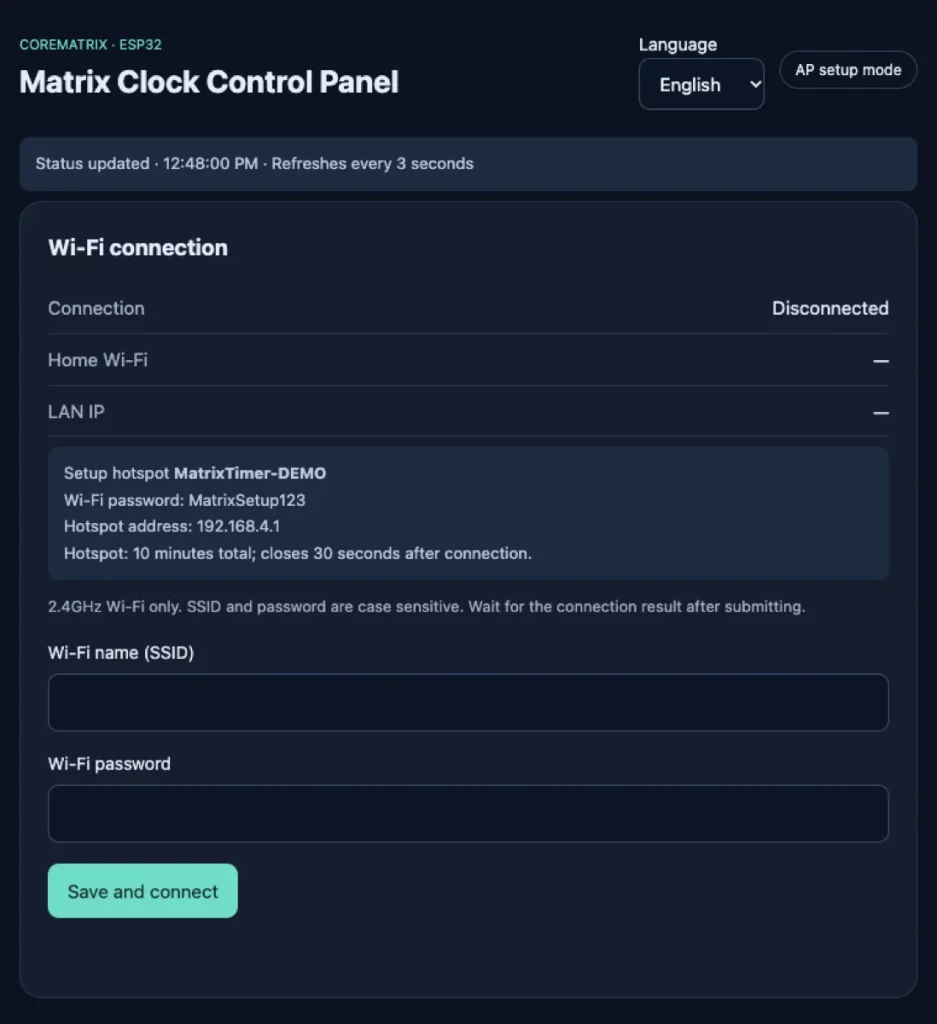
Built-in Wi-Fi setup page shown with demo device status.
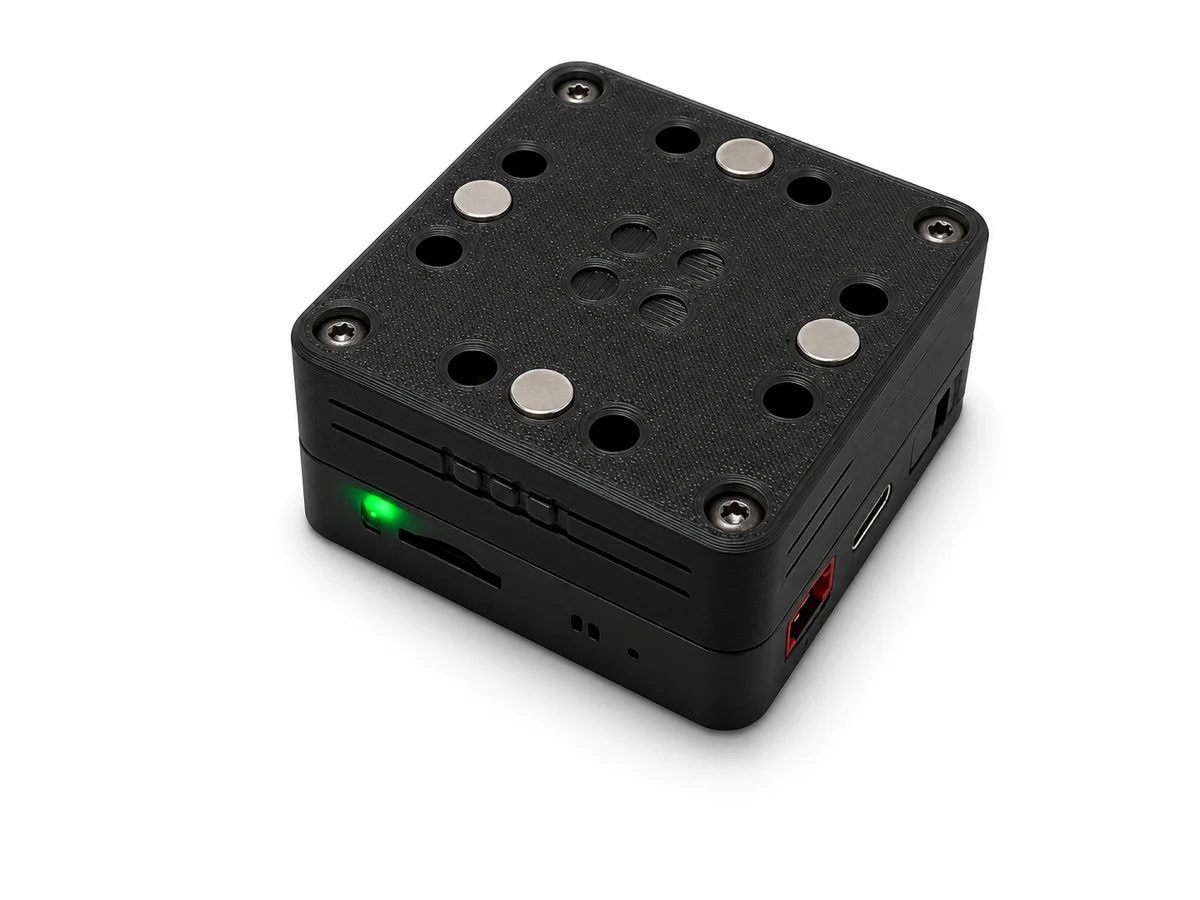
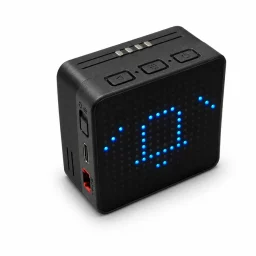
Four cylindrical magnets installed on the underside hold Matrix Cube on suitable ferromagnetic surfaces, such as many fridge doors or metal panels. LEGO-compatible holes offer a second way to mount or integrate it into a build.
The finished product uses a black case. The gallery shows the black finish; the original prototypes were photographed with a dark green 3D printed shell.
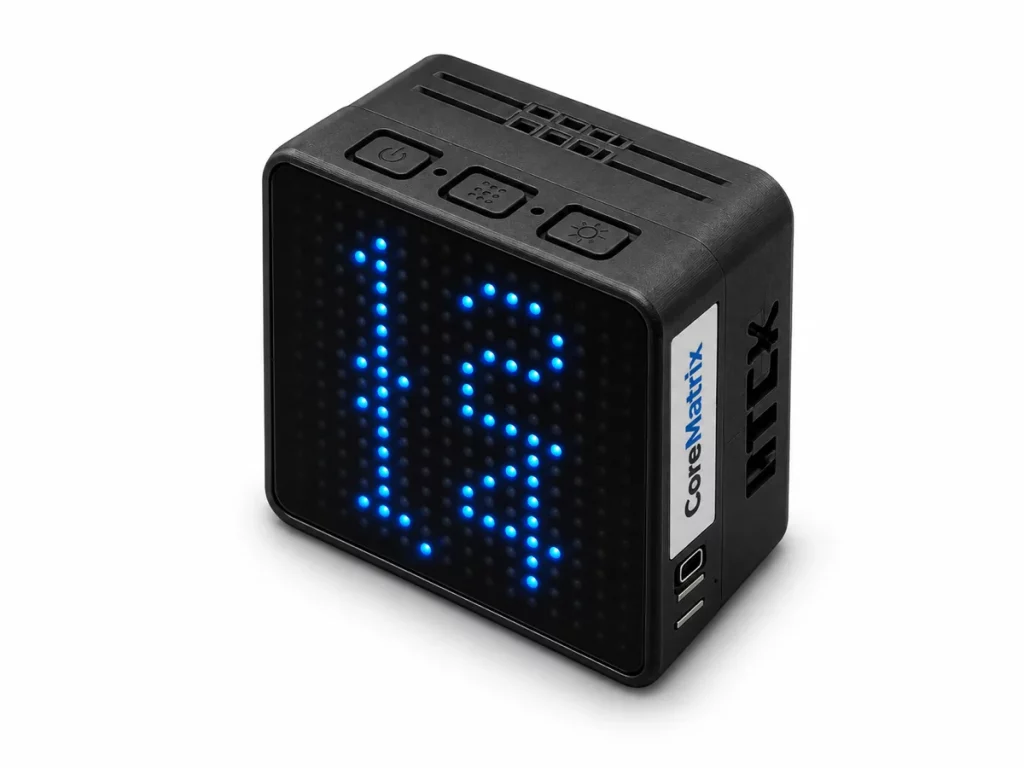
| Color | Black |
||
|---|---|---|---|
| Battery | 1200mAh |
||
| Controller | M5Stack CoreMatrix |
||
| Color | Black |
Battery | 1200mAh |
| Controller | M5Stack CoreMatrix |
| Color | Black |
|---|---|
| Battery | 1200mAh |
| Controller | M5Stack CoreMatrix |
 Matrix Cube – Magnetic Pixel Timer
The virtual products are delivered by email in time when order with only virtual products.
We offer both standard and expedited shipping options for our customers. The delivery times may vary depending on the shipping address.
Yes, once your order has been dispatched, we will send you a shipping confirmation email with your tracking number. You can use this number to track your shipment’s progress.
The delivery time varies depending on your location and the chosen shipping option. Typically, it takes about 5-10 business days for standard shipping and 2-5 business days for expedited shipping.
Shipping is usually available to all parts of the world. However, restrictions may apply to certain countries or regions due to international laws or shipping carrier limitations.
If you haven’t received your order within the expected delivery timeframe, please contact our customer support team. We will help to track your shipment and provide updates.
If your order arrives damaged, please contact our customer support immediately. We will initiate the return process and take necessary steps to rectify the situation.
Depending on the status of your order, it may be possible to change the shipping address before the package dispatched oversea. Please contact our customer support as soon as possible to request changes.

M5Stick Accessories

IoT Devices

IoT Devices
E-Ink Displays


 Home
 Reader










 Flipper

 Cardputer



 Software
 Windows
 PCSC Mifare Program
 Chameleon Ultra GUI
 iOS
 Android
 Web



 Magic Card
 Ultimate Magic Card
 4B UID S70 4K KeyFob
 6-in-1 KeyFob
 NTAG 213 215 216
 ISO15693 TAG – 64B
 Gen2 ISO15693 Coin
 RFID Reader
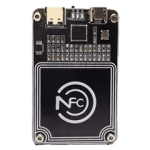 PN532 BLE
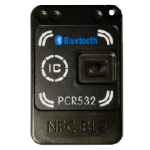 PcrReader(IC+ID)
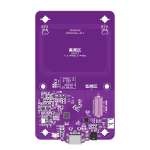 PN532Killer
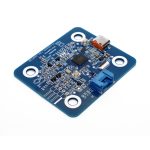 GroveNFC
 Proxmark3 RDV4
 iCopy-XS
 UHF Reader
 NFCKill Pro
 125KHz T5577 Cloner
 RFID Emulator
 Chameleon Ultra SE
 Chameleon Mini 2022
 Pixl.js OLED
 RFID Detector (LF HF UHF)
 RF Detector (LF HF)
 Lora
 Meshtiny
 GAT562 Pro
 GAT562 30s Kit
 Wio Tracker L1P
 WiFi Deauthor
 WiFi Killer Pro
 Plugin
 店小秘 PayPal 物流同步
 Product Category Banner
 YMM Car Bulb Size
 Attributes Separator
 OpenAI Reviewer
 Code
 MTools Activation Code
 View All
Reviews
There are no reviews yet