


 Home
Home Reader











 Flipper
 Cardputer

 Software
 Windows
 PCSC Mifare Program
 Chameleon Ultra GUI
 iOS
iOS Android
 Web
WebMeshtastic, Tips
Bootloader Update on Meshtiny
27
Sep
Sep
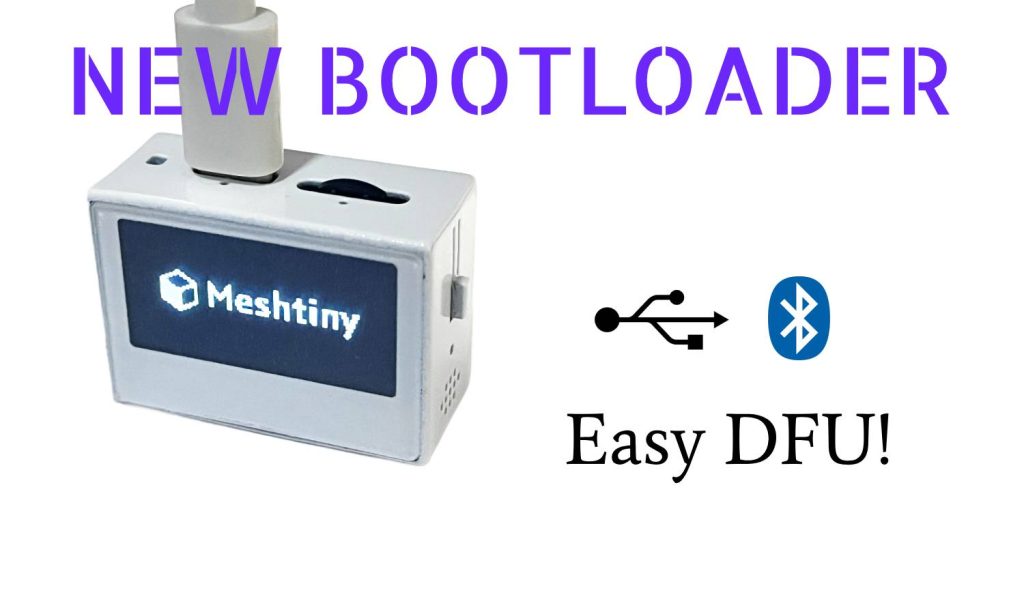
We bring some new features on Bootloader for Meshtiny and it will be much easier to enter DFU or OTA mode manually.
Button and switch on Meshtiny
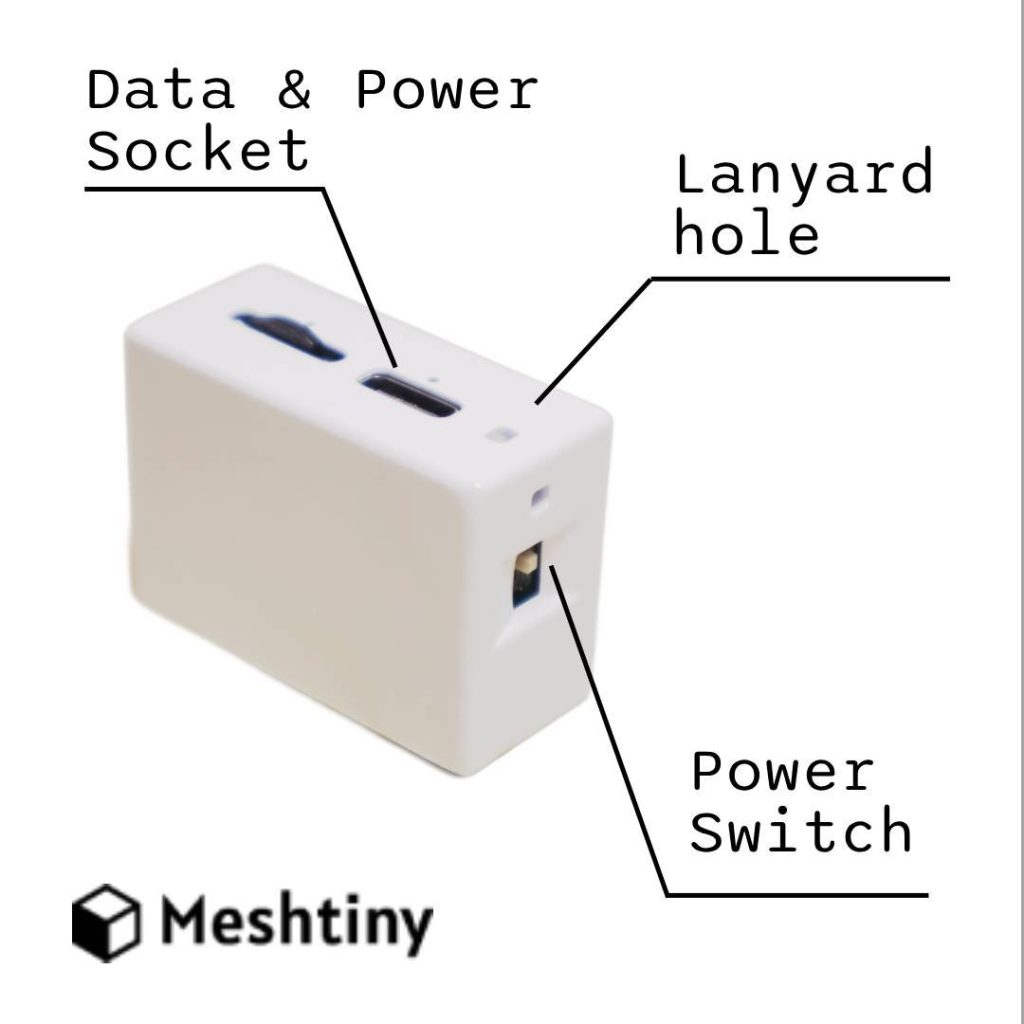
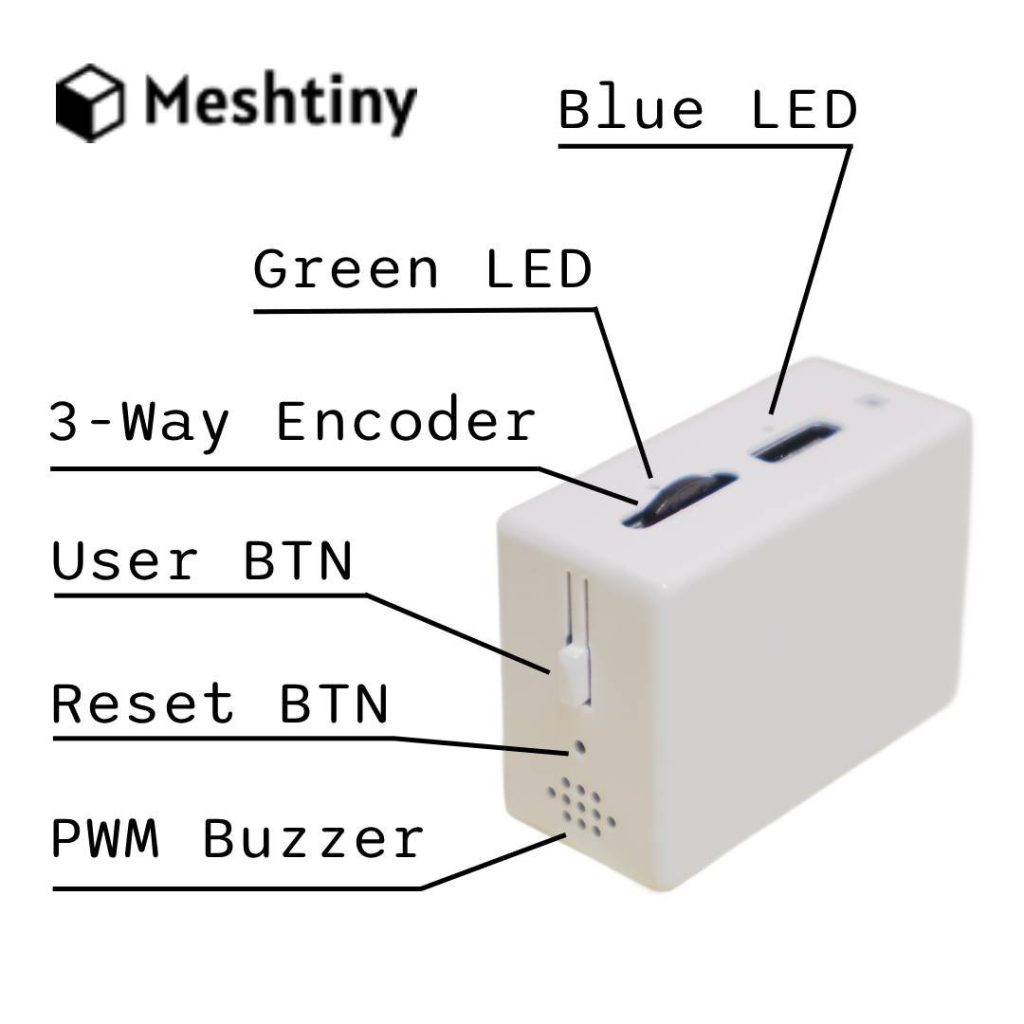
How to enter DFU Mode on Meshtiny
- Switch Power on and plug in USB cable
- Hold User Btn
- Use paper clip to press Reset Btn
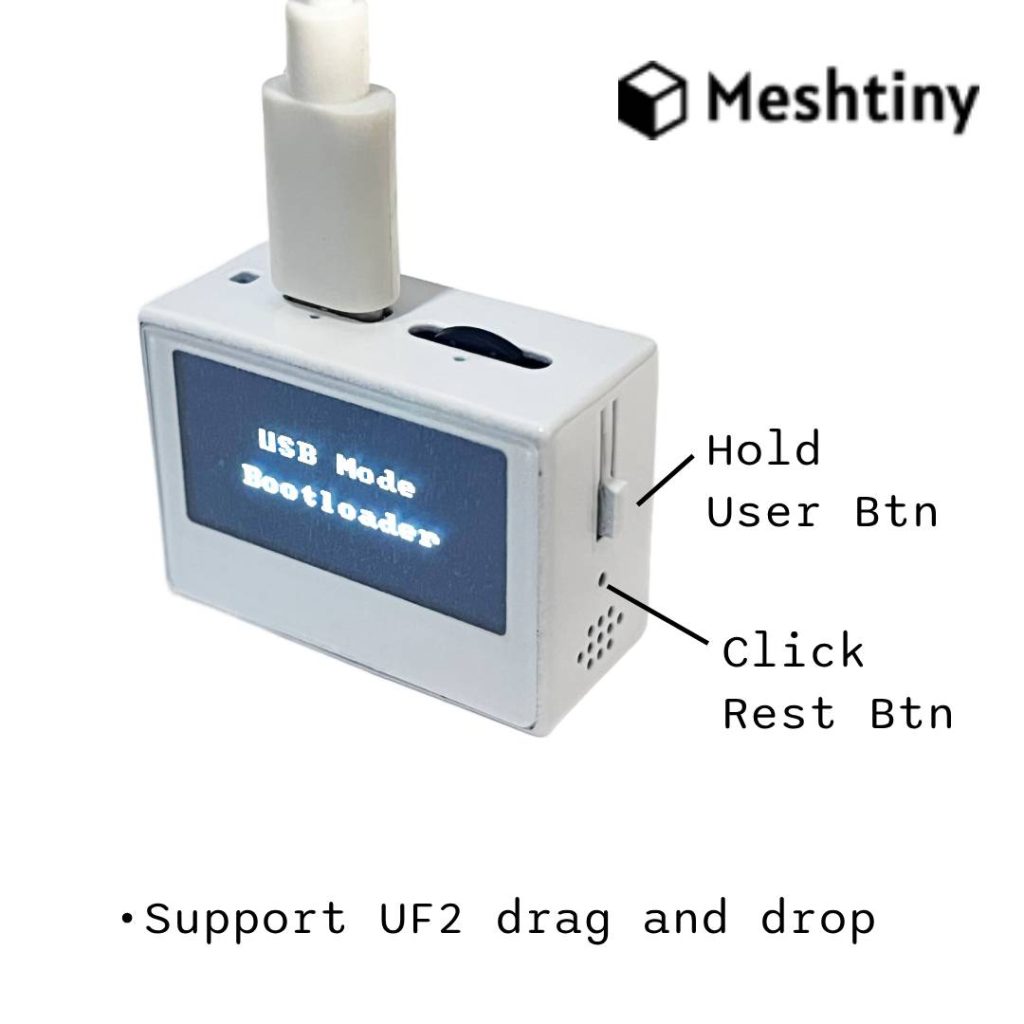
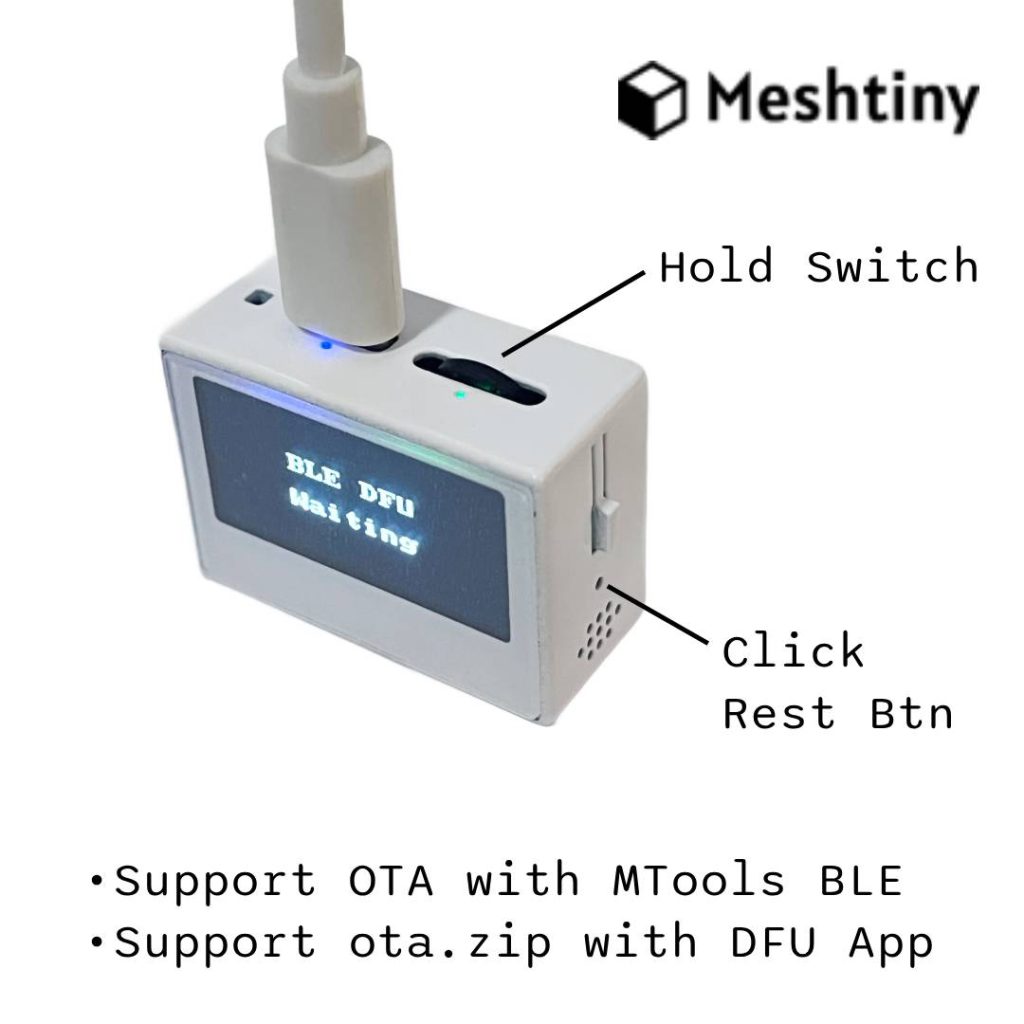
How to enter BLE OTA Mode on Meshtiny
- Power on and plug in USB cable
- Hold switch on down direction.
- Use paper clip to press Reset Btn
Download Link
You can upgrade the Bootloader of Meshtiny by drag and drop UF2 file like the firmware. Download the latest bootloader with button below.
More Features
Check previous post about the full bootloader features.

 Magic Card
 Ultimate Magic Card
 4B UID S70 4K KeyFob
 6-in-1 KeyFob
 NTAG 213 215 216
 ISO15693 TAG – 64B
 Gen2 ISO15693 Coin
 RFID Reader
 PN532 BLE
 PcrReader(IC+ID)
 PN532Killer
 GroveNFC
 Proxmark3 RDV4
 iCopy-XS
 UHF Reader
 NFCKill Pro
 125KHz T5577 Cloner
 RFID Emulator
 Chameleon Ultra SE
 Chameleon Mini 2022
 Pixl.js OLED
 RFID Detector (LF HF UHF)
 RF Detector (LF HF)
 Lora
Lora Meshtiny
 GAT562 Pro
 GAT562 30s Kit
 Wio Tracker L1P
 WiFi Deauthor
 WiFi Killer Pro
 Plugin
 店小秘 PayPal 物流同步
 Product Category Banner
 YMM Car Bulb Size
 Attributes Separator
 OpenAI Reviewer
 Code
Code MTools Activation Code
 View All
Bei meshtiny funktioniert der Menü Knopf nicht richtig, was kann da machen
If you’re running with Meshtastic, you can set the encoder PIN for CW and CCW. For more details please join in our Discord.