UHF Reader Tag Clone
How to Clone a UHF Tag with Flipper Zero
UHF Reader Tag Clone
How to Duplicate a UHF Tag on Cardputer ADV
Meshtastic Tips

Price range: $69.99 through $75.99
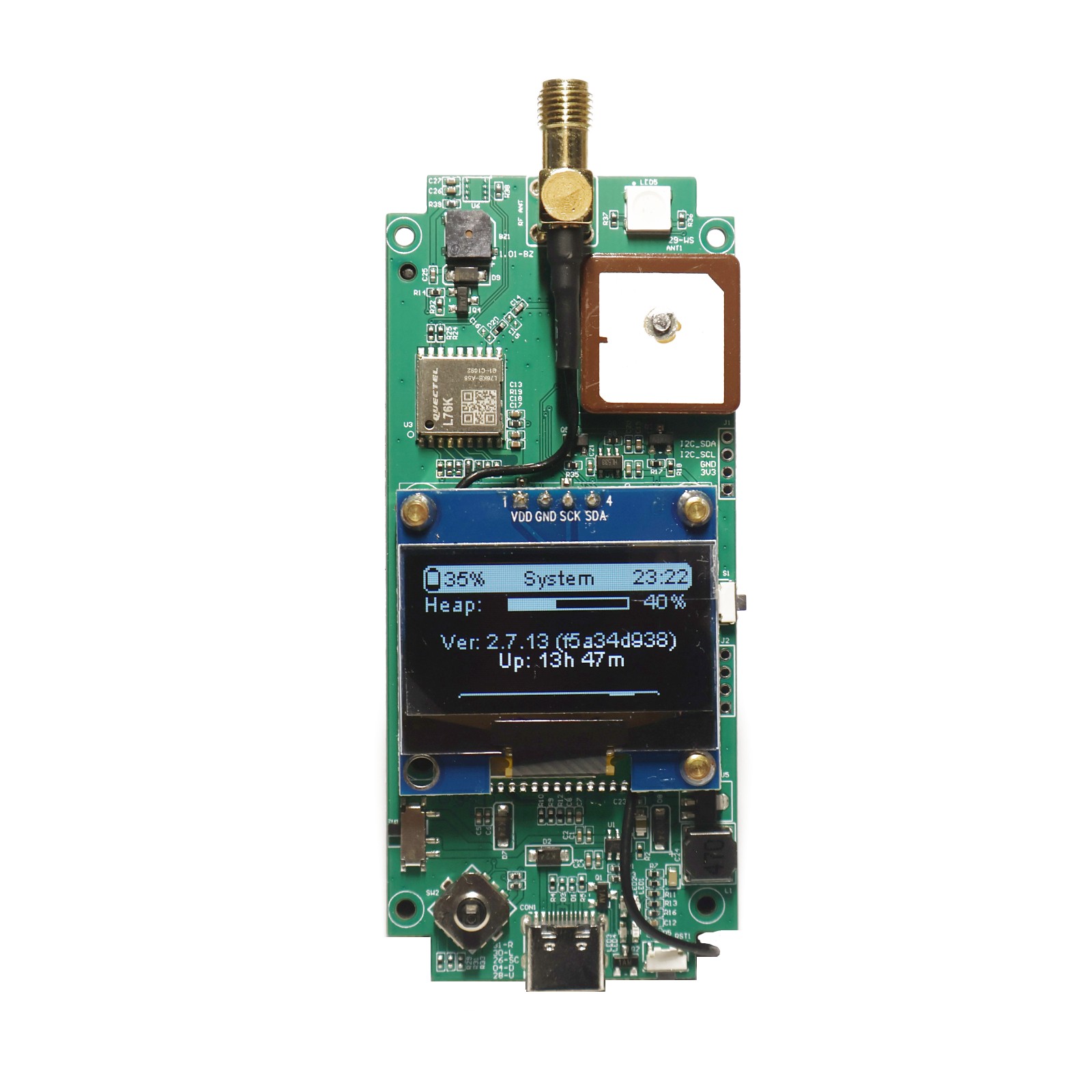
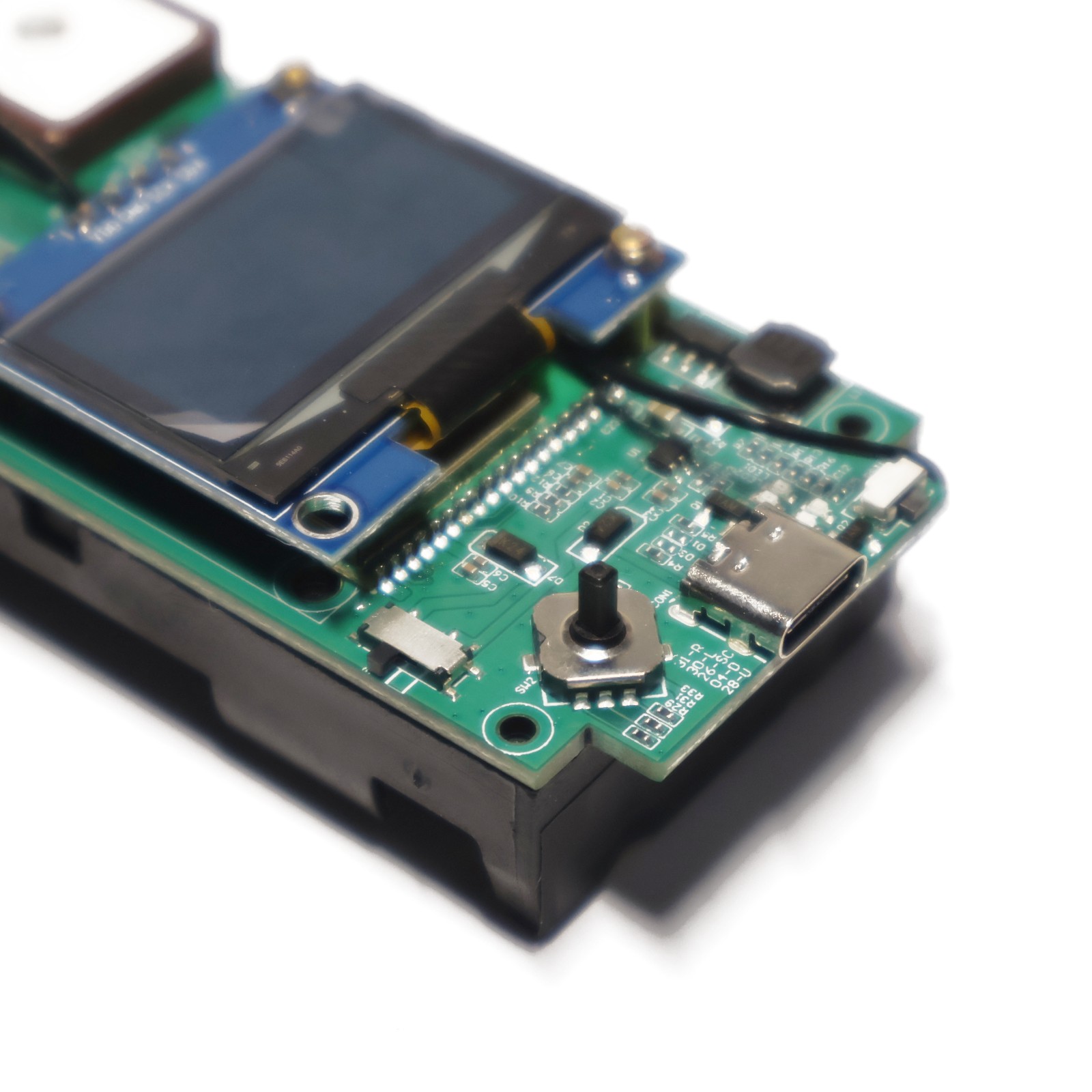
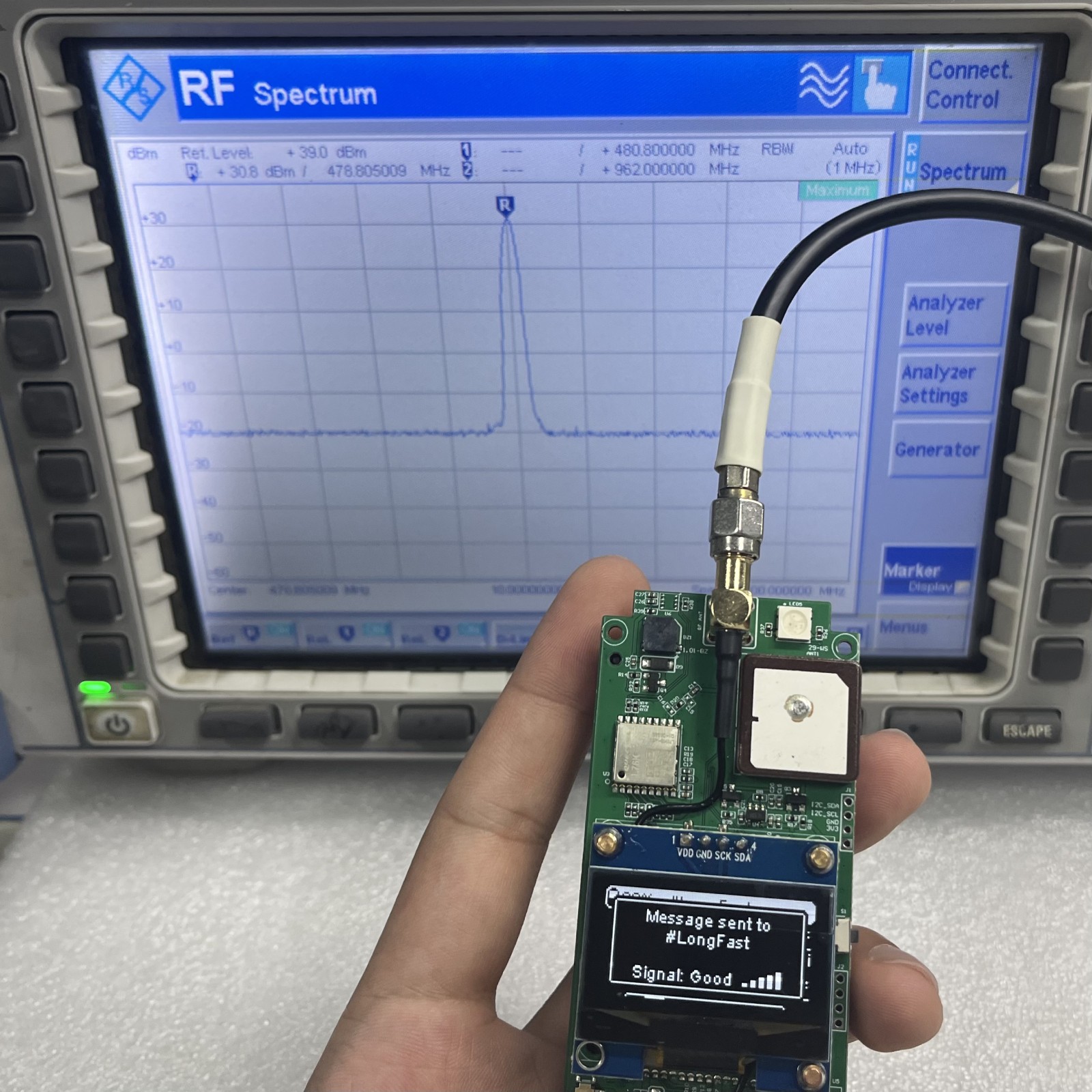
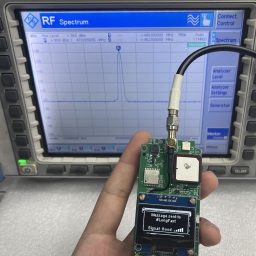
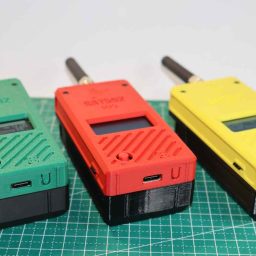
The nRF52840 Off-Grid tracker with Buzzer, RGB LEDs, GPS and BME280 Pad. 30dBm 1W Power.
New version comes with Filter, please choose the frequency accordingly.
GAT562 30s · FILTERED LoRa MESH
A compact mesh tracker with nRF52840, SX1262 LoRa and a replaceable 18650 battery housing. Built for outdoor adventures, remote connectivity and IoT development.
30 dBm / 1 W · 1.3-inch TFT
HARDWARE & POWER
Bluetooth 5.0 connectivity and long-range LoRa communication, with a clear display and configurable message alerts.
| Processor | nRF52840 · Bluetooth 5.0 |
| LoRa radio | SX1262 |
| Output power | 30 dBm / 1 W |
| Display | 1.3-inch TFT |
| Power | 2500 mAh Li-ion battery |
| Range | 107+ km (terrain dependent) |
Range depends on terrain and operating conditions.
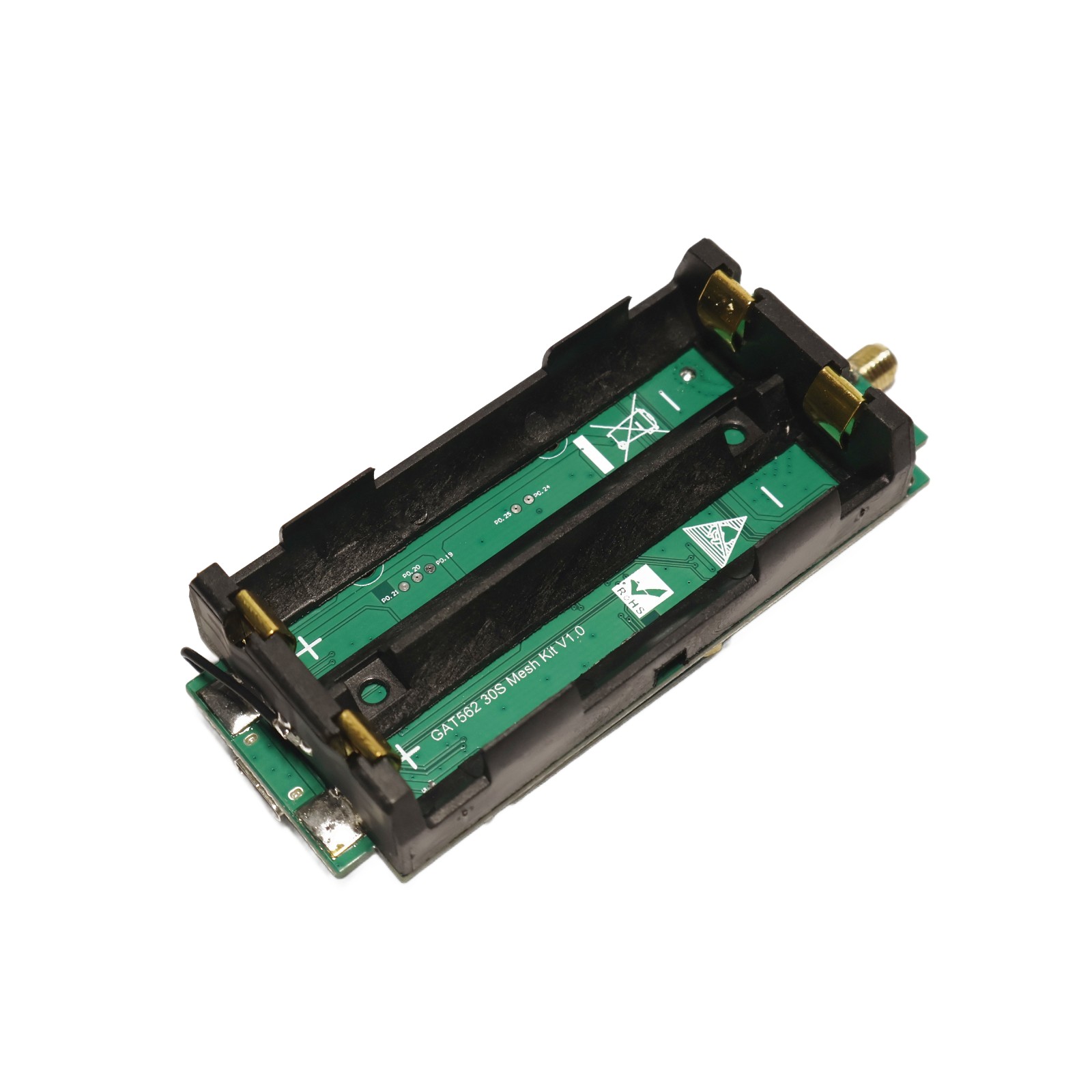
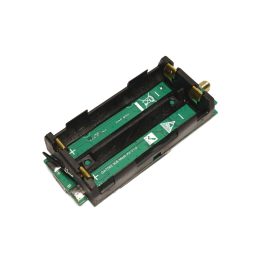
Check the positive (+) and negative (−) terminals of each 18650 battery against the markings on the battery holder before insertion. Reversed polarity will burn out the charging IC and voltage regulator IC.
Circuit board faults or damage caused by reversed battery installation are not covered by our free warranty service.
FIRMWARE & SETUP
Run Meshtastic or MeshCore-powered firmware on the same hardware. One firmware runs at a time.
Download the latest release ZIP, unzip it and locate firmware-gat562_mesh_tracker_pro-xxxxxxx.uf2.
Visit the WhisperOS website and follow its USB installation instructions.
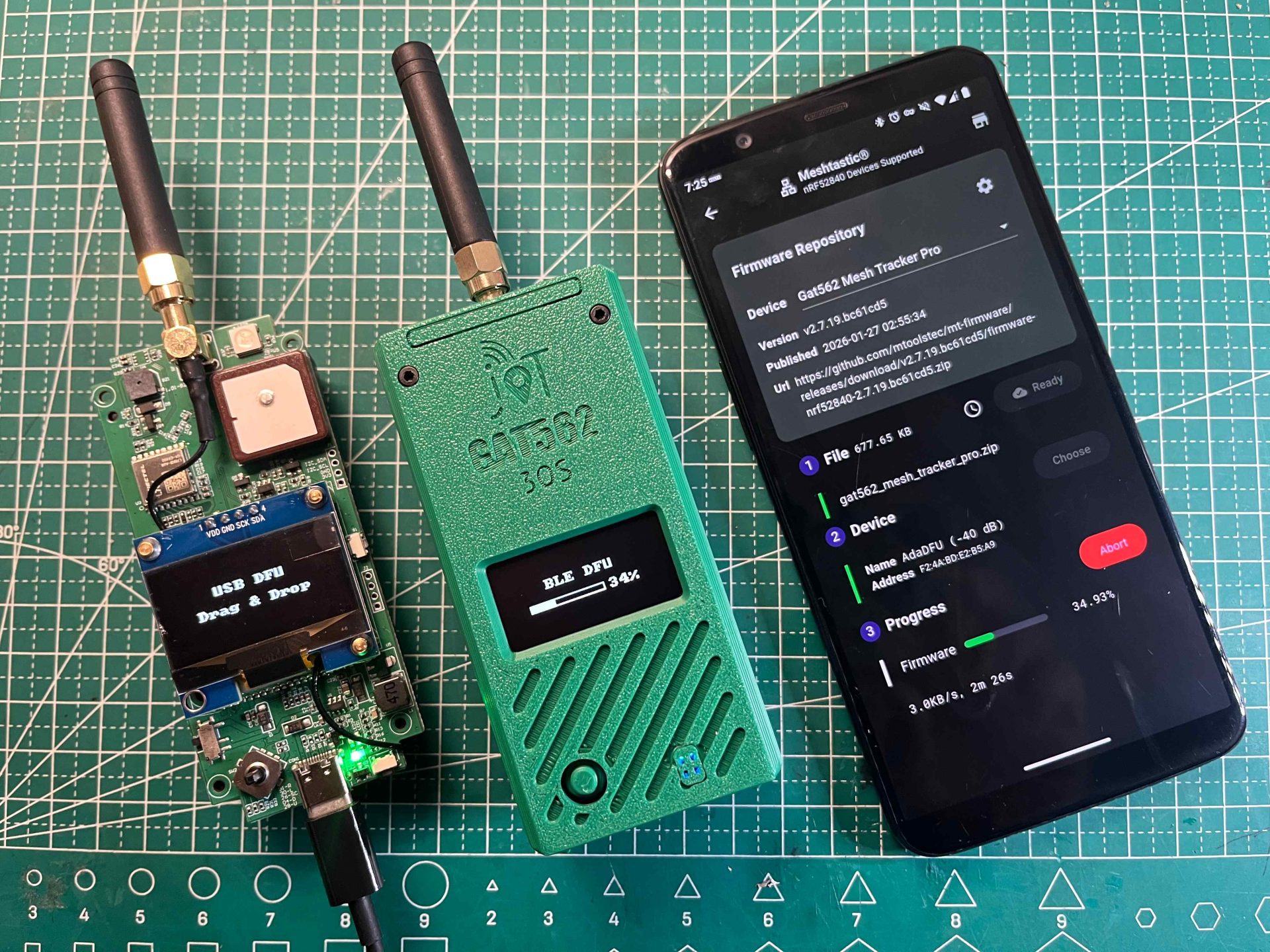
Use the web flasher for the nRF52840-based GAT562 30s series in desktop Chrome or Edge with Web Serial support. No separate software installation is required.
MAKE IT YOURS
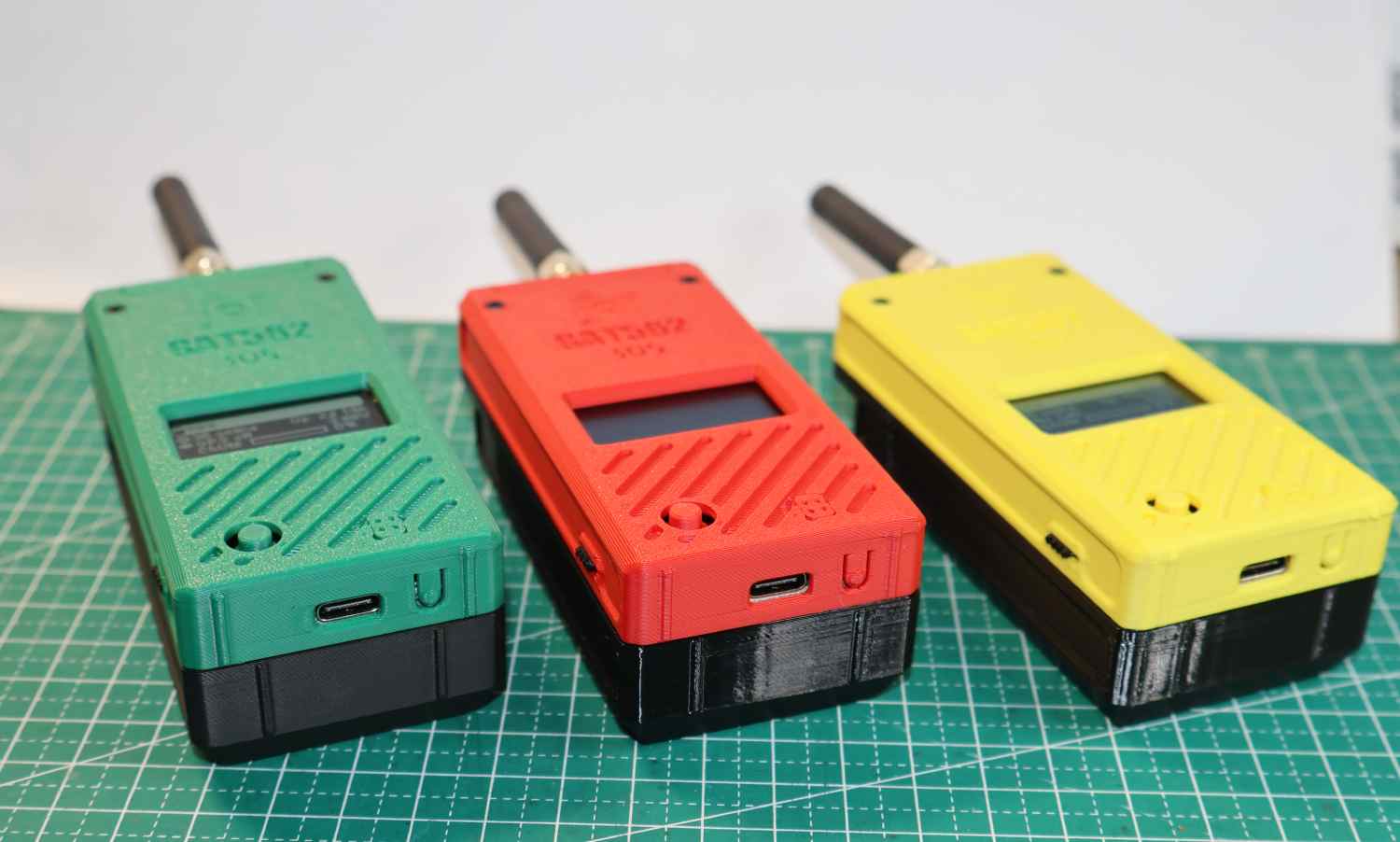
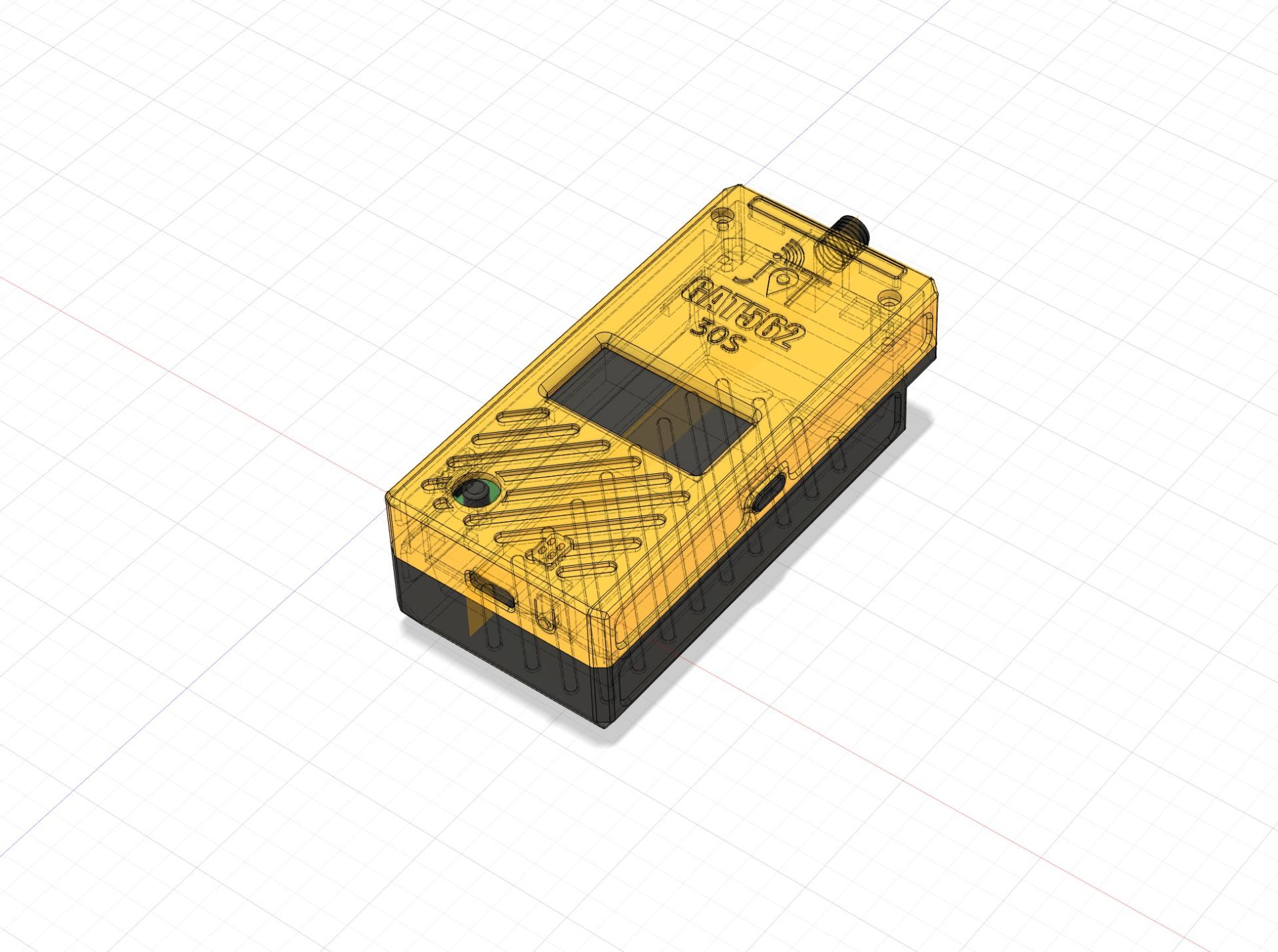
Explore the GAT562 30s housing model and 3D-print an enclosure for your device.
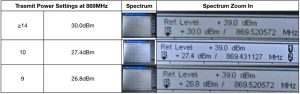
See the complete settings and actual output power reference at 869 MHz.
SUPPORT
No. The device can only run one firmware at a time.
Yes. Use the MTools BLE app with a GAT562 30s running the Advanced Bootloader to switch between Meshtastic and MeshCore-powered firmware.
A PC USB port may not supply enough current for 1 W transmission. Install 18650 batteries with the correct polarity, or use a sufficiently powerful, stable 5 V supply.
| Weight | 0.06 kg |
|---|---|
| Weight | 0.06 kg |
| Working Frequency | |||
|---|---|---|---|
| Type | 30s Kit, 30s Kit in Green Case, 30s Kit in Red Case, 30s Kit in Yellow Case |
||
| Working Frequency | Type | 30s Kit, 30s Kit in Green Case, 30s Kit in Red Case, 30s Kit in Yellow Case |
| Color | Green, Yellow, Red |
|---|---|
| Color | Green, Yellow, Red |
| Weight | 0.06 kg |
|---|---|
| Working Frequency | |
| Type | 30s Kit, 30s Kit in Green Case, 30s Kit in Red Case, 30s Kit in Yellow Case |
| Color | Green, Yellow, Red |
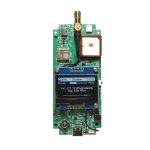 GAT562 30s Kit - 30dBm Mesh Device with Filter
The virtual products are delivered by email in time when order with only virtual products.
We offer both standard and expedited shipping options for our customers. The delivery times may vary depending on the shipping address.
Yes, once your order has been dispatched, we will send you a shipping confirmation email with your tracking number. You can use this number to track your shipment’s progress.
The delivery time varies depending on your location and the chosen shipping option. Typically, it takes about 5-10 business days for standard shipping and 2-5 business days for expedited shipping.
Shipping is usually available to all parts of the world. However, restrictions may apply to certain countries or regions due to international laws or shipping carrier limitations.
If you haven’t received your order within the expected delivery timeframe, please contact our customer support team. We will help to track your shipment and provide updates.
If your order arrives damaged, please contact our customer support immediately. We will initiate the return process and take necessary steps to rectify the situation.
Depending on the status of your order, it may be possible to change the shipping address before the package dispatched oversea. Please contact our customer support as soon as possible to request changes.
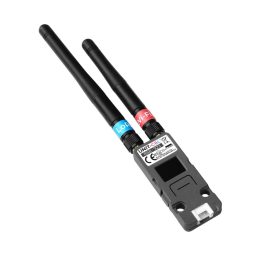
Lora Node
 Price range: $69.99 through $75.99
 Home
Home Reader



 Flipper
 Cardputer
 Software
 Windows
 PCSC Mifare Program
 Chameleon Ultra GUI
 iOS
iOS Android
 Web
Web
 Magic Card
 Ultimate Magic Card
 4B UID S70 4K KeyFob
 6-in-1 KeyFob
 NTAG 213 215 216
 ISO15693 TAG – 64B
 Gen2 ISO15693 Coin
 RFID Reader
 PN532 BLE
 PcrReader(IC+ID)
 PN532Killer
 GroveNFC
 Proxmark3 RDV4
 iCopy-XS
 UHF Reader
 NFCKill Pro
 125KHz T5577 Cloner
 RFID Emulator
 Chameleon Ultra SE
 Chameleon Mini 2022
 Pixl.js OLED
 RFID Detector (LF HF UHF)
 RF Detector (LF HF)
 Lora
Lora Meshtiny
 GAT562 Pro
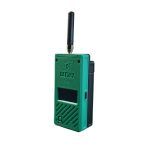 GAT562 30s Kit
 Wio Tracker L1P
 WiFi Deauthor
 WiFi Killer Pro
 Plugin
 店小秘 PayPal 物流同步
 Product Category Banner
 YMM Car Bulb Size
 Attributes Separator
 OpenAI Reviewer
 Code
Code MTools Activation Code
 View All
Out of about 25 companion nodes, this is my current EDC. With 2 x 18650 flat top cells, charging often is a thing of the past, the UI is great, & then there’s +28dBm (1W) for that extra punch into the 1/4 wave vertical Antenna.
On a different note – aftersales service from Mtools via WhatsApp is absolutely fantastic & cannot be beaten.
Highly recommended. ⭐️⭐️⭐️⭐️⭐️
This is a very nice board, I ordered 4 of them, I run whisperOS for meshcore companions.
Range is great even with the included stubby antenna, and battery life is incredible, lasting over a week. The on off switch is a nice addition.
Printed a case from their link to stl. But not that much more to get one included. If you would like to see our current MeshCore network in real time look here. https://mdt.meshmapper.net/
I received the item and unfortunately the screen connections came loose in shipment which I wasn’t able to reconnect, but the device still works. The case is pretty robust, and the customer service on whatsapp is awesome. Very fast response, helpful, and offered to send me a new device. Thanks Wilson!