
 Home
Home Reader




 Flipper
 Cardputer

 Software
 Windows
 PCSC Mifare Program
 Chameleon Ultra GUI
 iOS
iOS Android
 Web
WebTips
NFC Protocol Analyzer in Action: Troubleshooting TagInfo App Reads with GroveNFC
Oct
The UID looked right. The card data had been imported. Yet TagInfo still could not finish reading the emulated tag. This ISO 15693 debugging session started with an ICODE SLIX2 compatibility report and ended with a clearer view of what the phone was actually asking the card to do.
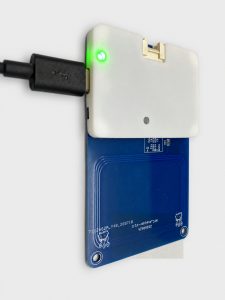
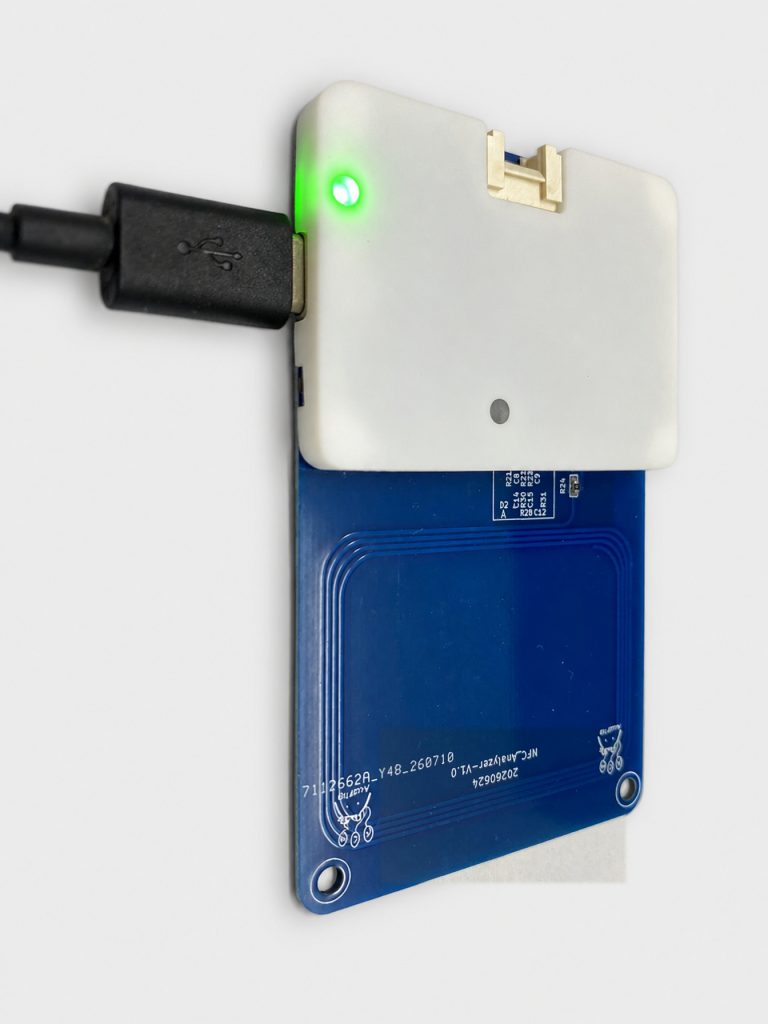
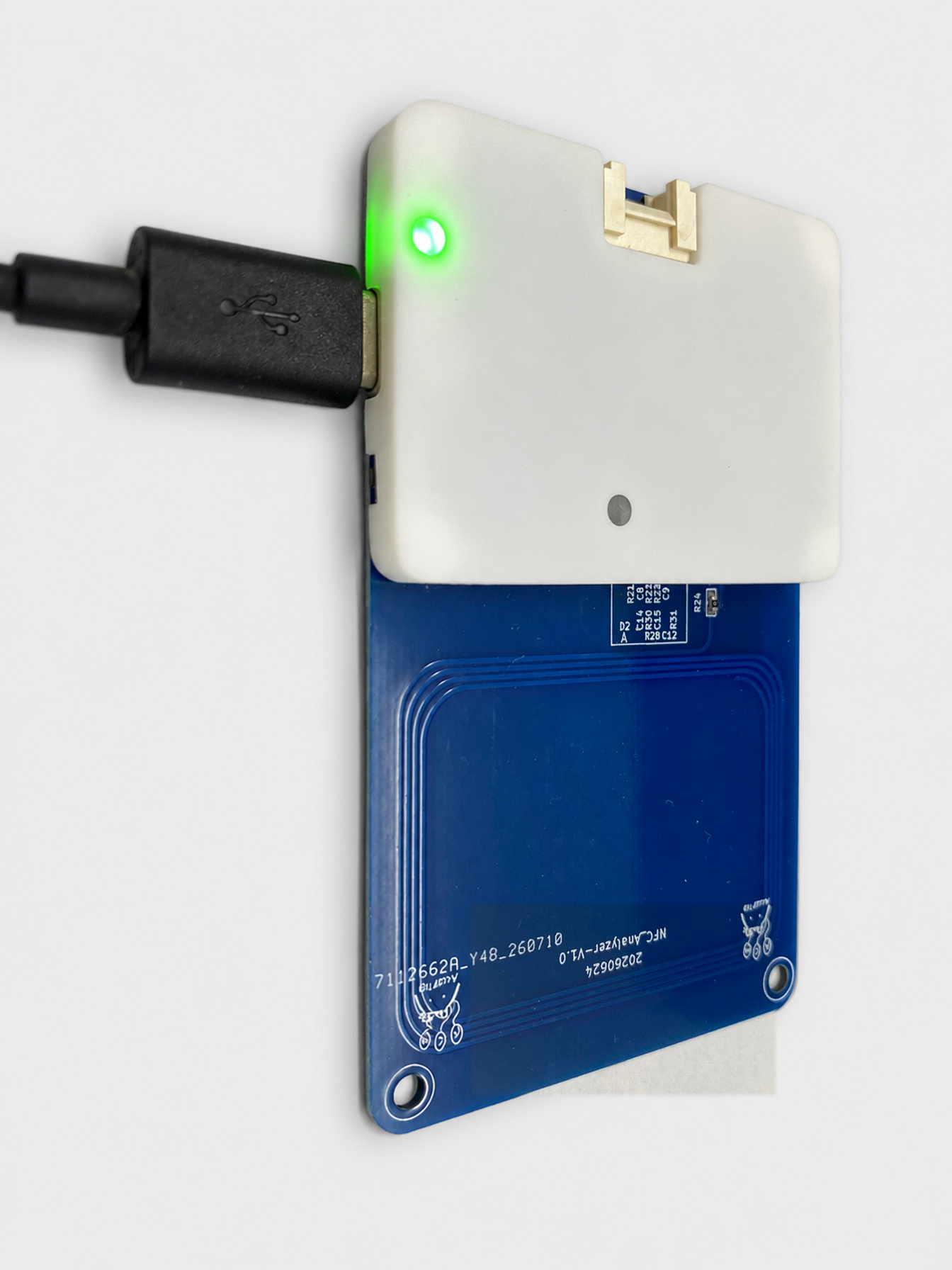
The turning point was a GroveNFC-based NFC protocol analyzer: GroveNFC hardware running dedicated capture firmware, paired with an ISO 15693 desktop parser. Instead of guessing from the application’s error message, we could inspect the conversation that led to it.
The problem: one emulated card, two different failures
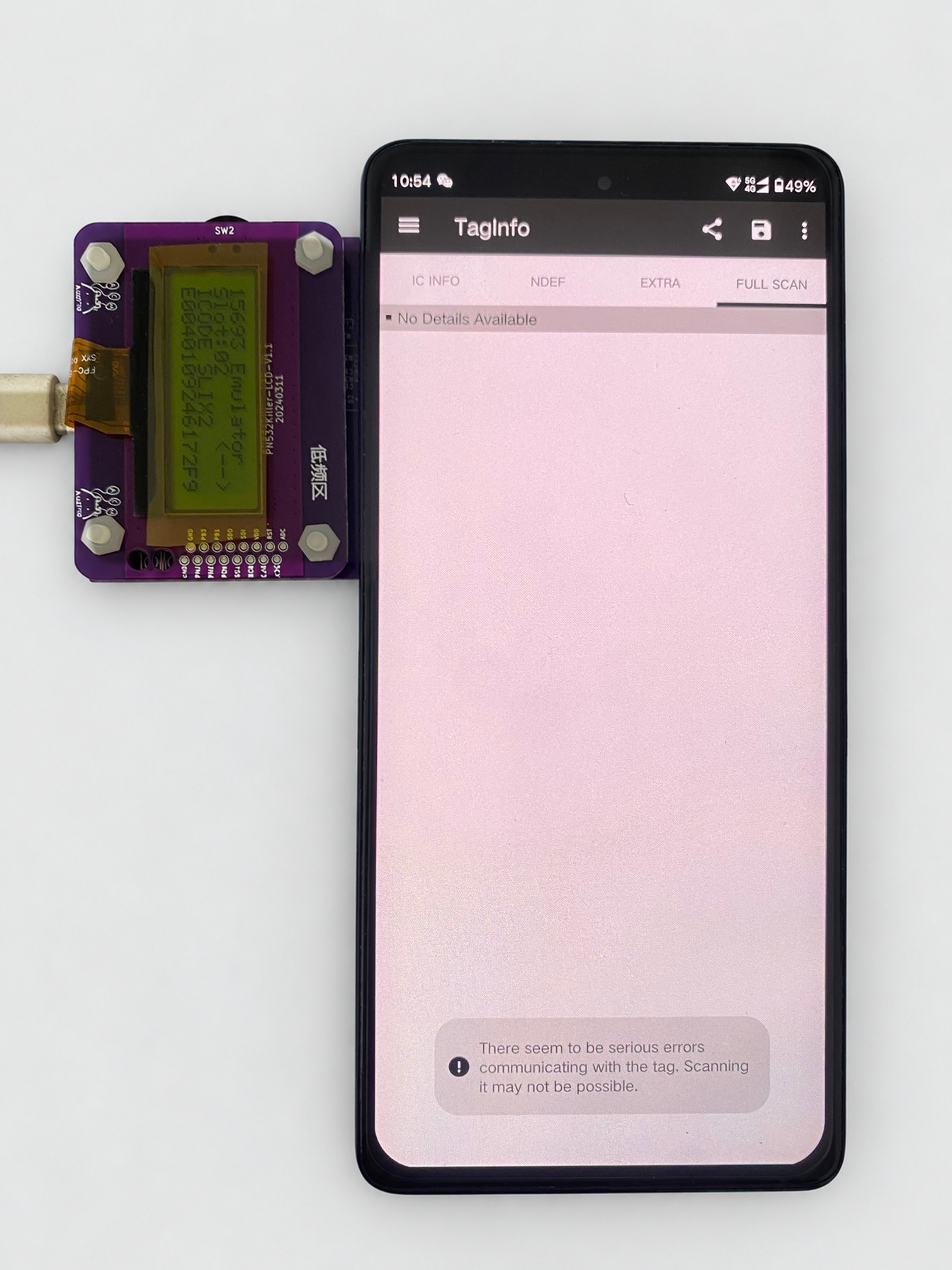
A PN532Killer user reported that TagInfo could not properly read an emulated ICODE SLIX2 card. The supplied card configuration was imported to reproduce the problem. The two app versions exposed it differently:
- TagInfo 6.2.0: communication was interrupted and the read did not complete normally.
- TagInfo 4.24.6: the model and UID appeared, but block data could not be read normally.
That distinction mattered. Recognizing an identifier does not prove that an emulator implements the complete command sequence a reader expects.
A firmware log gives us the first clue
We added a diagnostic message to the unhandled-command branch:
default:
{
    resplen = 0;
    printf("15 unknown cmd: %02X", u8TagRecvCmd[1]);
}
break;
The output showed AB, followed by no further command output in that test. The supplied parser identifies 0xAB, in the NXP command context, as GET_NXP_SYSTEM_INFO. The original emulator firmware did not support this vendor-specific command.
That was a useful lead, but it was not the full conversation. Which requests preceded it? What did a real card return? Would TagInfo ask for other vendor commands after this point?
The setup: listen to a working physical card
For the reference capture, we used a physical card, a phone running TagInfo, the GroveNFC-based analyzer with its dedicated firmware, and the companion desktop parsing software. PN532Killer was the device being debugged; GroveNFC was the observation tool.
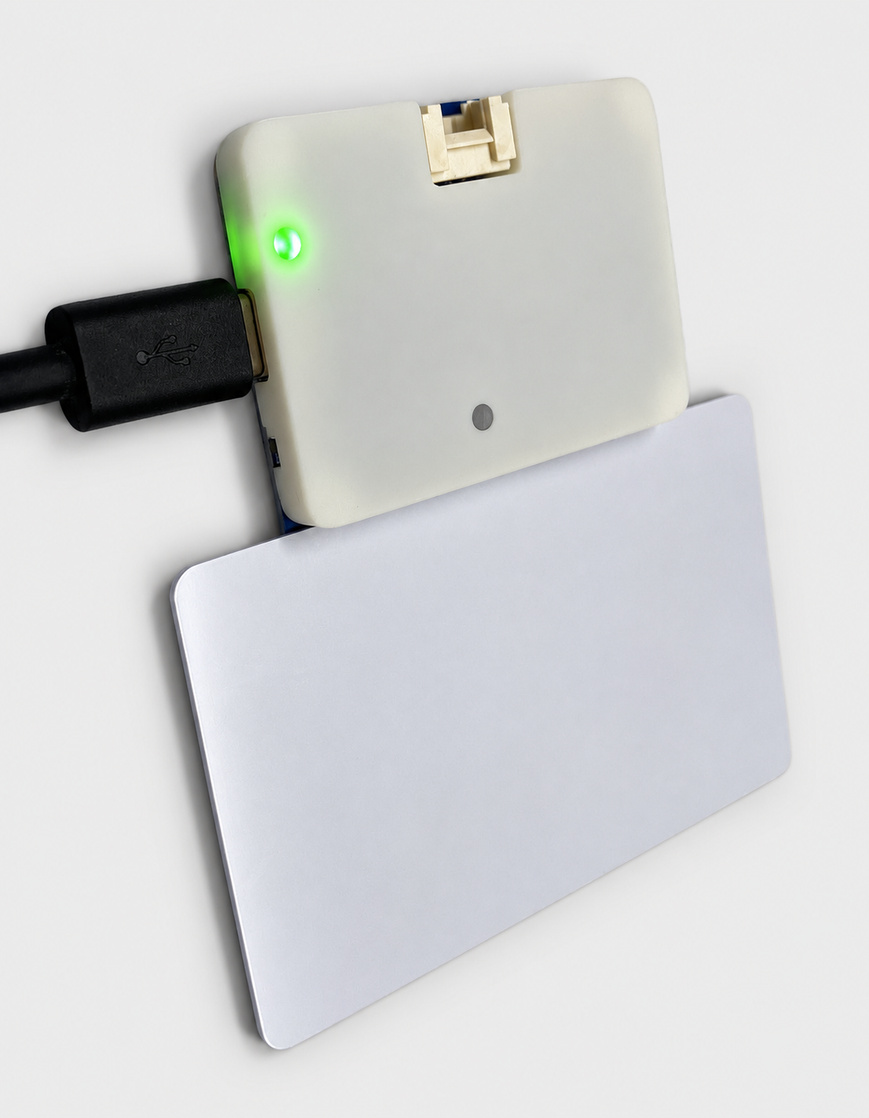
- Connect the analyzer to the computer and open its serial connection in the desktop software.
- Position the reference card and phone so TagInfo can read the card while the analyzer captures the exchange.
- Run the same read workflow that failed against the emulator.
- Inspect requests and responses together, then save the capture for comparison.
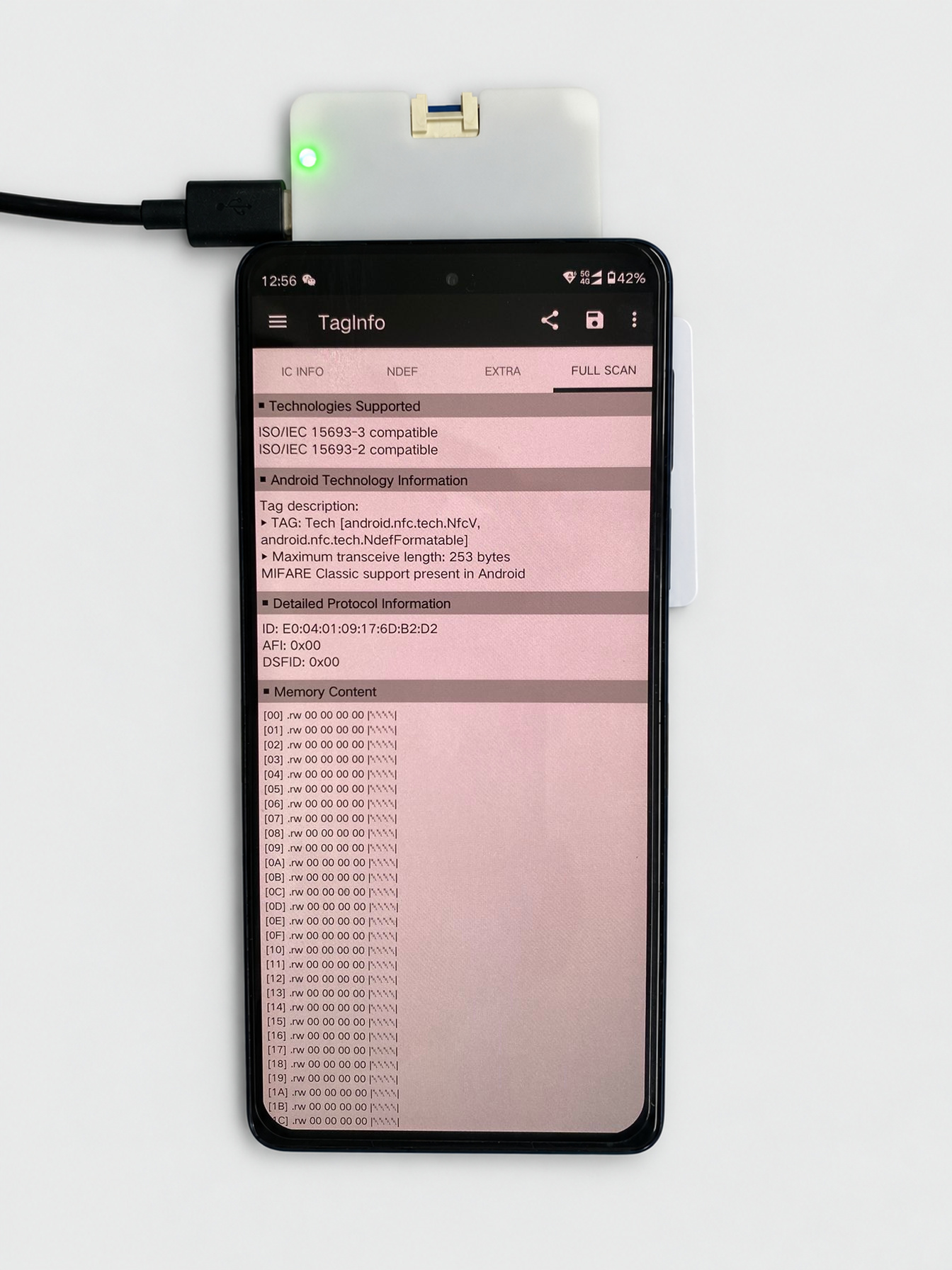
Placement matters: first establish that the phone can complete a reference read. If the capture is incomplete or malformed, reposition the setup and repeat before drawing conclusions.
From raw bytes to a readable exchange
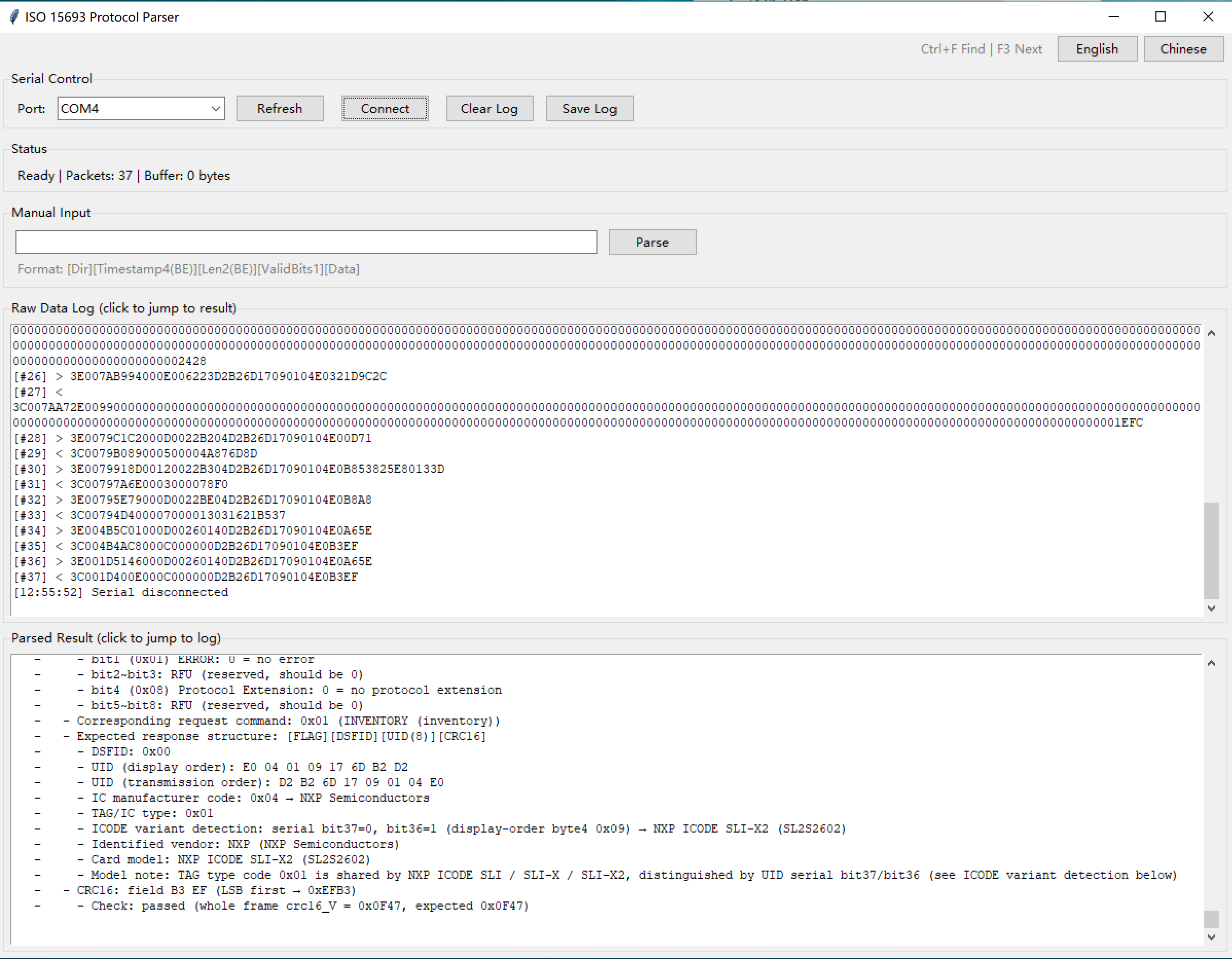
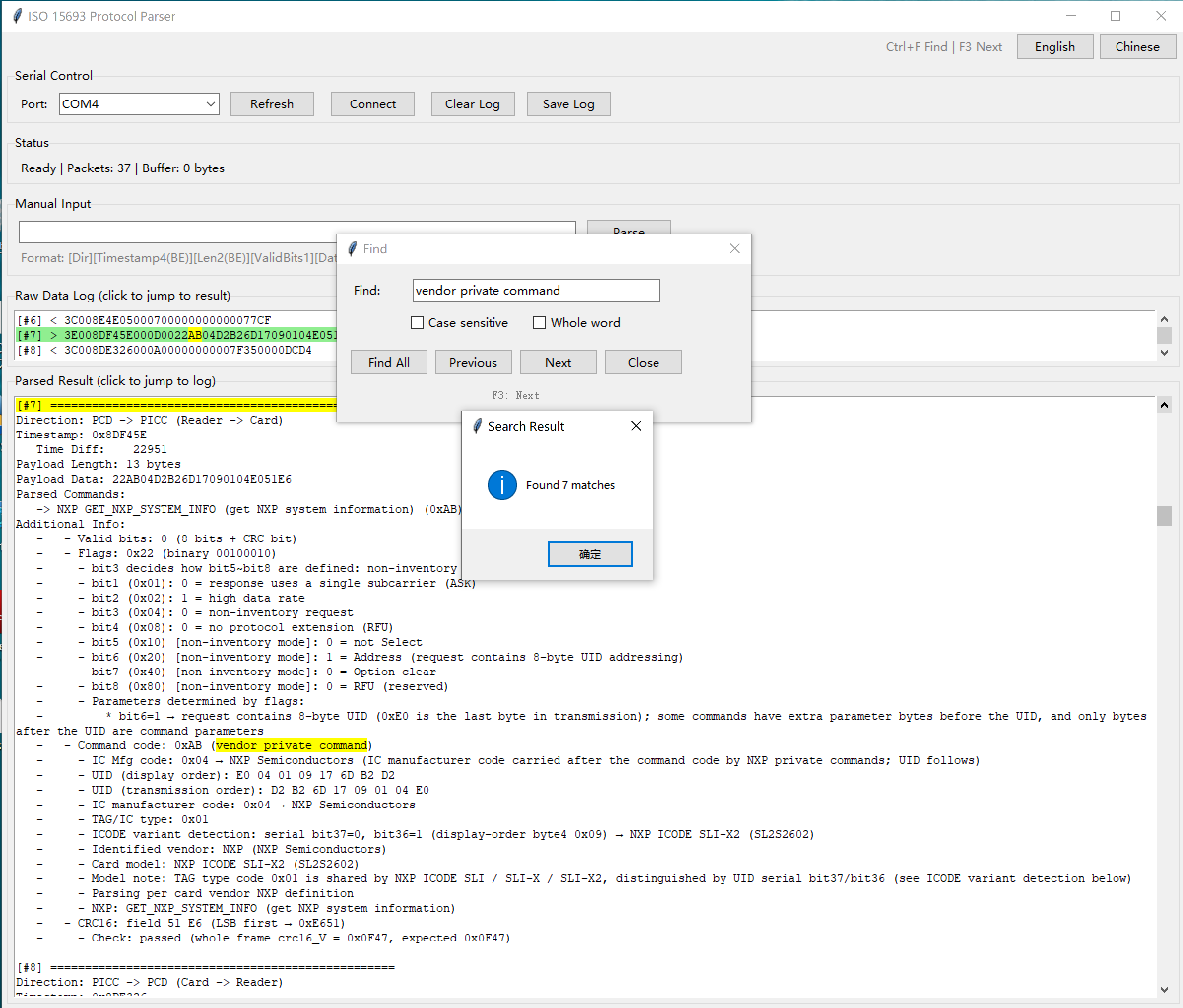
The supplied software provides raw traffic alongside parsed results. Its source includes ISO 15693 flags, UID and command decoding, CRC reporting, vendor-command lookup, text search, and log export. These features let us move from “the app stopped” to “this request needs this response.”
This is an NFC protocol-analysis workflow rather than a general-purpose digital logic-analyzer demonstration. The hardware, capture firmware and parser work as a set; the result should not be read as a claim that stock GroveNFC firmware provides these capture features.
The important frame: 0xAB is part of a larger sequence
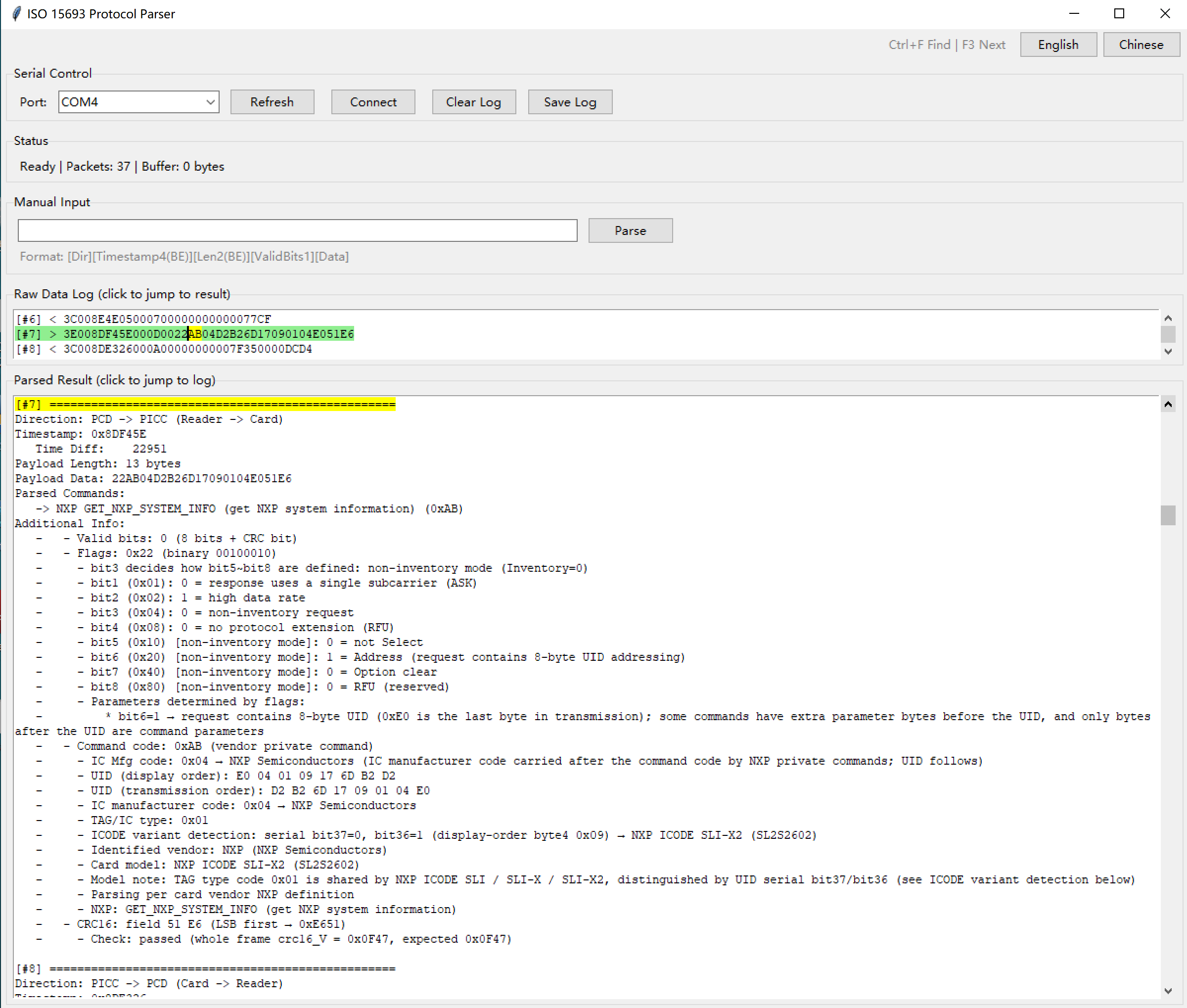
One request in the supplied 37-packet export has this ISO 15693 payload:
22 AB 04 D2 B2 6D 17 09 01 04 E0 51 E6
│  │  │  └──────── UID ─────────┘ └CRC┘
│  │  └ NXP manufacturer identifier
│  └ GET_NXP_SYSTEM_INFO
└ Request flags
The addressed request carries the UID in transmission byte order. Its following captured response supplies a concrete reference for the emulator’s behavior. The firmware fix must implement the appropriate response structure and meaningful fields for the emulated model, rather than merely recognizing the opcode.
The export also shows repeated 0xAB exchanges, standard system-information and block-read operations, and additional NXP requests. The parser names 0xBD as READ_SIGNATURE, 0xA5 as EAS_ALARM, 0xB2 as GET_RANDOM_NUMBER and 0xB3 as SET_PASSWORD. Seeing these requests does not, on its own, establish that every operation succeeded or that a security mechanism was bypassed.
Capture quality still needs judgment. The first exported packet contains a long, mostly zero payload, and the shown 0xA5 request has no immediately following card response. Those entries should be treated as observations to investigate, not automatically as valid transactions or proof of a card fault. Preserve packet boundaries, direction, raw bytes and CRC results when comparing sessions.
Update the emulator, then repeat the original test
After the firmware was improved to handle the missing behavior, the supplied follow-up screenshots show successful TagInfo read results with both 6.2.0 and 4.24.6, alongside card-information and block-data evidence in the project materials.
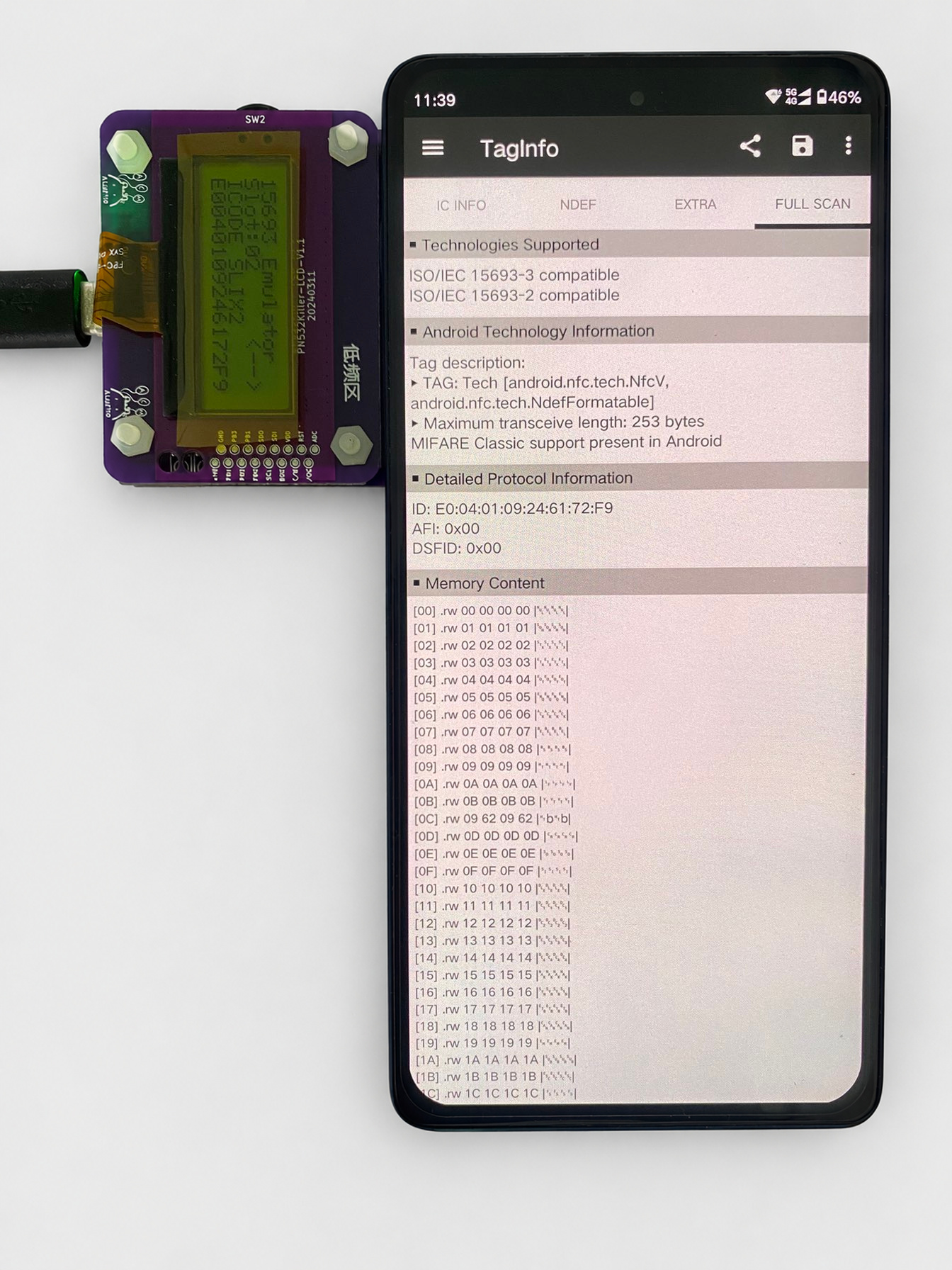
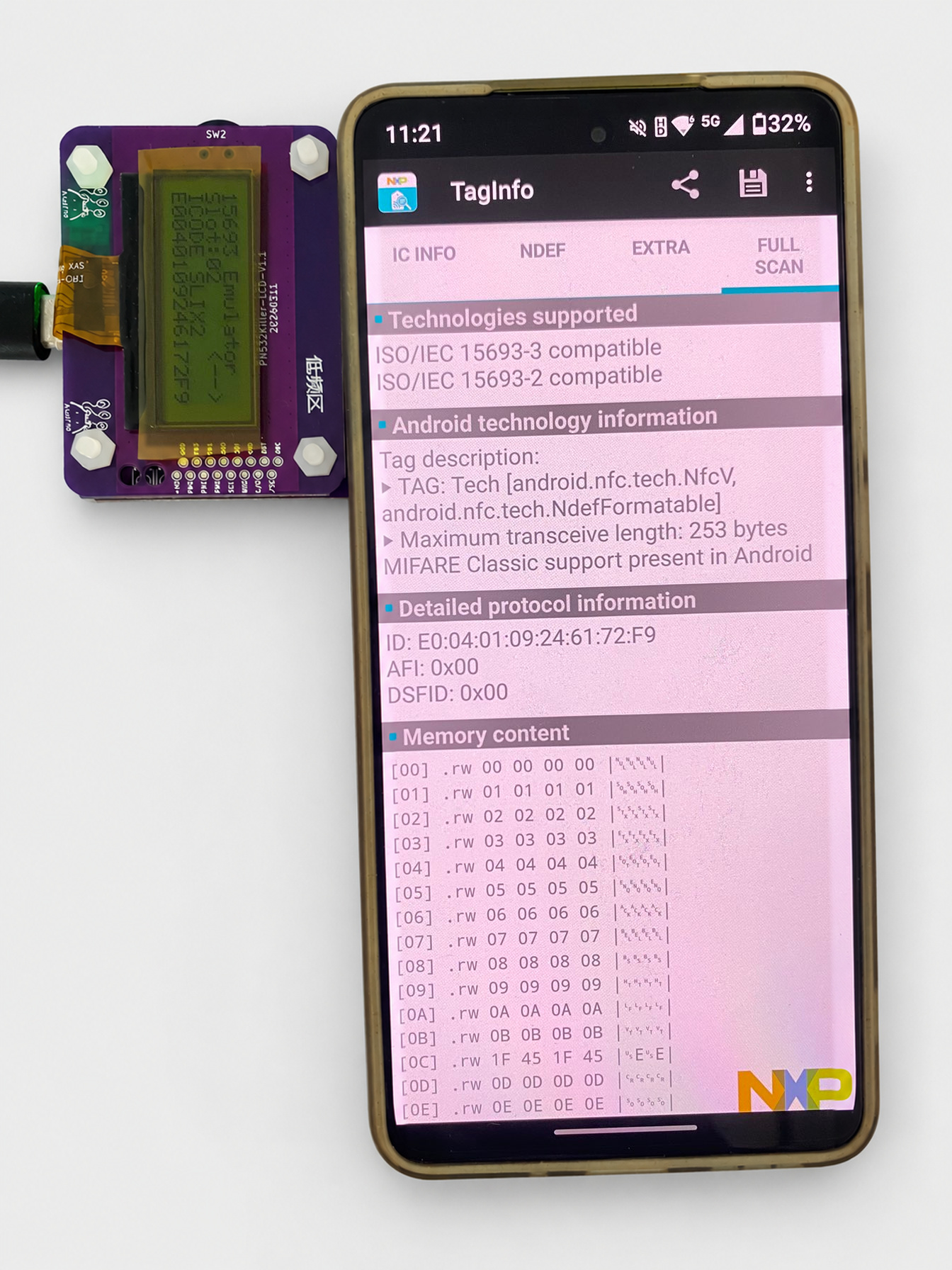
This is a result for the tested configuration and app versions. It is not a blanket compatibility claim for every ISO 15693 card, reader, password mode or protected operation. The materials do not include a firmware patch or an exhaustive before-and-after protocol comparison, so the screenshots support the observed regression result rather than a claim that every vendor command is fully implemented.
A repeatable method for your next NFC debugging session
- Reproduce the failure. Keep the card configuration and app version fixed.
- Find the first divergence. Use emulator logs for a lead, then capture a working physical-card exchange.
- Read requests in context. Check flags, manufacturer identifier, UID, response format and CRC—not just the command name.
- Implement the behavior. A matching UID and memory image are only part of compatibility.
- Retest the original workflow. Repeat across the app versions that exposed the problem and retain the evidence.
Build a clearer view of your NFC traffic
The most useful moment in this session was not seeing another hexadecimal dump. It was being able to connect an app failure to a specific step in a real exchange.
If you are developing NFC firmware, testing an emulator or investigating ISO 15693 compatibility, explore the GroveNFC hardware here. For this analyzer workflow, confirm the compatible dedicated capture firmware, companion parser and connection requirements before choosing your setup. The standard product alone should not be assumed to include the complete analyzer bundle.
The screen said the conversation had failed.
The capture showed where it fell silent.
One command at a time, the card found its voice.

 Magic Card
 Ultimate Magic Card
 4B UID S70 4K KeyFob
 6-in-1 KeyFob
 NTAG 213 215 216
 ISO15693 TAG – 64B
 Gen2 ISO15693 Coin
 RFID Reader
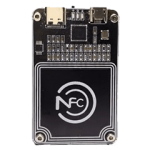 PN532 BLE
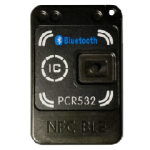 PcrReader(IC+ID)
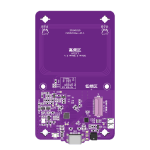 PN532Killer
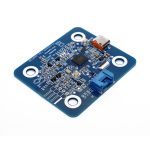 GroveNFC
 Proxmark3 RDV4
 iCopy-XS
 UHF Reader
 NFCKill Pro
 125KHz T5577 Cloner
 RFID Emulator
 Chameleon Ultra SE
 Chameleon Mini 2022
 Pixl.js OLED
 RFID Detector (LF HF UHF)
 RF Detector (LF HF)
 Lora
Lora Meshtiny
 GAT562 Pro
 GAT562 30s Kit
 Wio Tracker L1P
 WiFi Deauthor
 WiFi Killer Pro
 Plugin
 店小秘 PayPal 物流同步
 Product Category Banner
 YMM Car Bulb Size
 Attributes Separator
 OpenAI Reviewer
 Code
Code MTools Activation Code
 View All